Webcam Privacy and Security Tips for Remote Workers
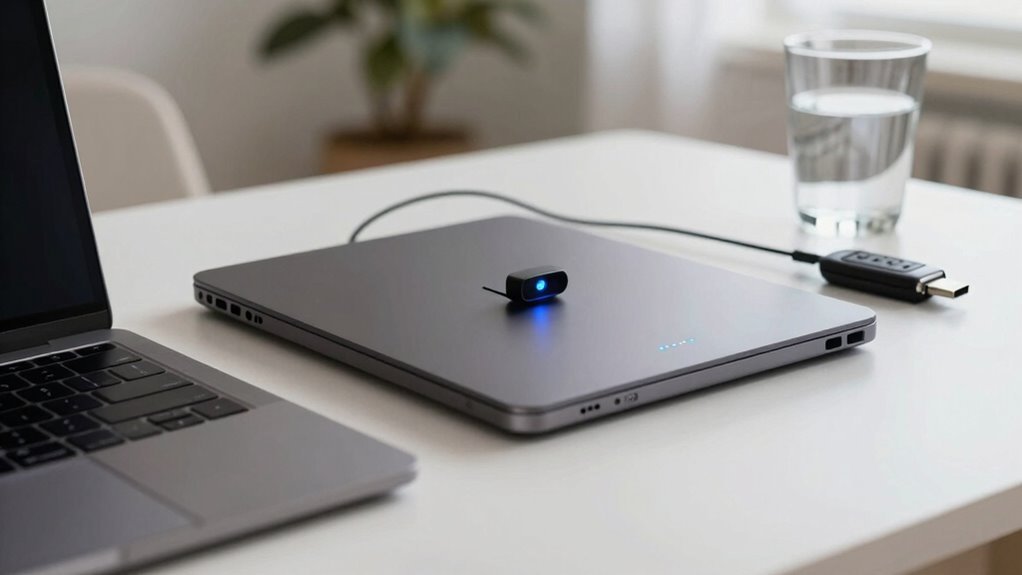
Keep your webcam safe by slapping on a physical cover—think tiny sunglasses for your camera. Turn it off when not in use, update your software, and only let trusted apps access it. Avoid sketchy links, use strong passwords with MFA, and lock your screen like you’re hiding snacks from roommates. Hackers and overzealous monitoring can’t spy if you stay sharp—curious what else you’ve been missing?
Understanding the Risks of Webcam Surveillance
While you’re sipping coffee in your home office, thinking no one’s watching, there’s a good chance your employer might be peeking through your webcam—yep, really. You’re not imagining it—78% of companies use monitoring tools, and nearly half have ramped it up recently. Some even snap random screenshots or turn on mics without telling you. Ouch.
One in seven workers noticed more spying since the pandemic, and 94% faced at least one creepy privacy moment.
It’s awkward, sure, but also risky—cameras can catch personal stuff at home, crossing serious boundaries. You probably feel uneasy, maybe even stressed, especially when cameras must stay on all day.
No wonder 59% of remote workers report anxiety, and over half would quit if surveillance got worse.
Watching isn’t always protecting—it can backfire, killing trust and morale 78% of employers monitor staff.
Recognizing Common Cyber Threats to Remote Workers
Hackers love a good work-from-home story—especially when you’re the star and they’re the uninvited guest.
You’re scrolling through emails, and bam—phishing bait pops up, disguised as a legit invoice or boss request.
These scams, like BEC or smishing, are sneaky and sharp, especially when tailored using your social media posts.
Skipping security training? That’s like leaving your front door wide open with a “Please Rob Me” sign.
Malware rides in through sketchy links or downloads, turning your laptop into a hacker’s playground with ransomware or remote-access trojans.
And if your home Wi-Fi’s using “password123,” you’re basically rolling out the welcome mat.
Public hotspots? Even riskier—MitM attacks love that chaos.
Reused passwords? No MFA? That’s an open invitation.
But hey, stay alert, stay updated, and you’ll keep those digital pests out of your workspace—no costume required.
Remote workers often use personal devices for work, increasing exposure to threats due to inconsistent security controls on BYOD devices.
Securing Your Webcam Against Unauthorized Access

You’ve already learned how sneaky cyber threats can sneak into your workday, but let’s talk about one that feels straight out of a spy movie—someone spying on you through your webcam. Yikes!
The good news? You’ve got full control. Here’s how to lock it down like a pro:
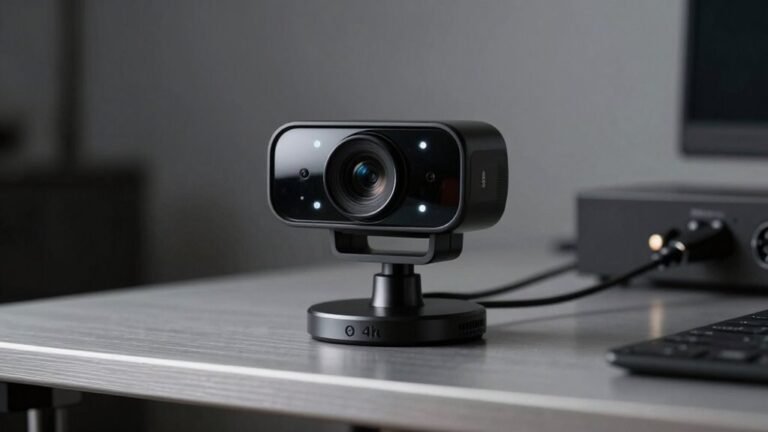
- Slap on a physical cover—it’s like sunglasses for your camera, and way more effective when you’re not on a call.
- Turn off or disable the camera in settings when it’s not in use, so no app can sneak a peek without your say-so.
- Keep everything updated—yes, even that boring webcam driver update you’ve been ignoring.
- Let only trusted apps access your camera—because your calculator app really doesn’t need to see your face.
Webcam hacking often happens through Remote Access Trojans, which can secretly activate your camera without consent.
Stay sharp, stay private, and keep the spies guessing.
Minimizing Audio and Video Privacy Invasions
Since your camera might be watching more than just your productivity, it’s time to take back control of your privacy—without turning your workspace into a spy thriller set.
You’re not alone—78% of employers monitor remote workers, and over a third require live video feeds.
If your webcam feels like a tiny voyeur, you’re right: 93% of those feeds are actively watched for hours daily.
Constant camera-on rules? Yeah, they’re super invasive and make 65% of us squirm.
But don’t panic—turn off your mic and camera when possible, even if it feels rebellious.
Most companies won’t notice, and rules are often bendable.
Skip personal chats on work apps, and set boundaries like a pro.
Remember, you’ve got rights in states like NY, where bosses must warn you.
Stay smart, stay sane, and keep your living room off the corporate reel.
Using Technology to Enhance Remote Work Security

Lock down your digital front door and turn your home office into a cyber fortress—without needing a degree in rocket science.
You’ve got tools that make securing remote work smart, simple, and seriously effective.
Think of it like putting your data in a VIP lounge—only the right people and devices get in.
- Use Zero Trust—it checks who you’re and if your device is safe every single time.
- Turn on MFA everywhere—because passwords alone are about as secure as screen doors on submarines.
- Run EDR and MDM tools—they guard your device like a robo-guard dog that never sleeps.
- Jump on secure tunnels (like SASE or VPN)—so your work traffic breezes through private, encrypted highways.
Boom! You’re not just remote—you’re rock-solid.
Adopting Proactive Privacy Protection Habits
Even if you’re not starring in a spy movie, your webcam might still be the sneakiest thing in your home office. Stay safe by building simple, smart habits now.
| Habit | Why It Helps | Quick Tip |
|---|---|---|
| Cover your webcam | Stops sneaky video access | Use a sticky note or slider |
| Update software | Fixes security holes | Turn on auto-updates |
| Lock your screen | Prevents accidental exposure | Ctrl+L in seconds |
| Audit app permissions | Blocks sneaky camera use | Remove camera access for games or old tools |
| Use audio-only when you can | Keeps your space private | Your cat’s dramatic zoomies stay secret |
Treat your camera like a front door—keep it shut when you’re not expecting guests. Small steps now save big headaches later. Stay sharp and stay covered!
Balancing Productivity and Privacy in Employer Monitoring

- Know what your company monitors—it’s usually in the policy you skimmed three times before signing.
- Keep work and personal browsing strictly separate—no in-depth explorations into cat memes on the clock.
- Speak up if tracking feels invasive. Many employers don’t realize how stressed it makes people.
- Use privacy tools wisely, but skip fake activity—hiding Netflix won’t fool AI, and it might backfire!
Balance is key—trust goes both ways.
Frequently Asked Questions
Can My Employer Legally Require My Webcam to Be on at All Times?
Nope, your employer can’t legally require your webcam to be on all the time.
They can ask for it during meetings, sure, but 24/7? That’s crossing into Big Brother territory.
Constant monitoring, especially off-hours or at home, invades your privacy and could break state laws.
Plus, imagine them seeing your midnight snack runs—awkward!
Always check your local rules, but in most places, you’ve got the right to keep that camera off when you’re not actively working.
What Are My Rights if My Boss Suspects Webcam Misuse?
You’ve got rights if your boss suspects webcam misuse—don’t panic!
They can’t just spy on you without warning or solid proof.
Check your company’s policy, save any messages or screenshots, and ask for clarity in writing.
If things feel off, talk to a lawyer quick—better safe than sorry!
You’re not a reality show; your privacy matters.
Do Privacy Laws Apply if I Work Remotely From Another Country?
Yes, privacy laws still apply when you work remotely from another country—you’re not off the legal map!
Where you log in from matters, and local laws might jump in to protect you, even if your boss is miles away.
Think of it like streaming a show: your location changes the rules.
Cool, right?
You’ve got rights, and they’re way more global than you think!
Can I Be Fired for Covering My Webcam During Work Hours?
Yep, you *could* get canned for covering your webcam—if your boss says it’s mandatory and you flat-out refuse.
But hold up: if you’re on a personal device, raising legit privacy concerns, or your state has strict protections, they might be overstepping.
Pro tip: snap a pic of your messy room? Use a virtual background instead.
Keep it friendly, communicate, and dodge drama—nobody wins in a cam war.
Is It Legal for Employers to Record Video Meetings Without Consent?
Yeah, your employer can usually record video meetings without asking you first, especially if you’re in a one-party consent state.
They’ve got to follow local laws, though—some places need everyone’s okay.
As long as it’s for work stuff and not sneaky surveillance, they’re typically in the clear.
Just imagine your boss yelling, “Smile, you’re on camera!”—it’s kind of like that!
Conclusion
So, you’ve finally made your home office fortress hacker-proof, yet your cat still walks across the keyboard during meetings—true enemy of productivity. You’ve covered your webcam, updated your software, and outsmarted snoops, all while pretending to take work seriously. How ironic: the biggest threat to your privacy isn’t a spy, but your own sneaky pet craving screen time. Stay sharp, stay safe, and maybe keep the webcam covered—just in case Mittens applies for your job.