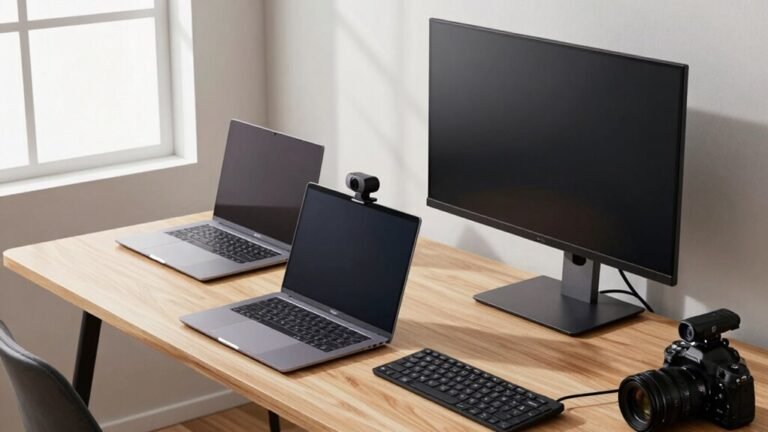
Optimal Webcam Placement for Eye Contact
You’ve got this! Place your webcam at eye level, right above or on your screen, and look just a tiny bit below the lens—think halfway between the camera and your forehead. That sweet spot makes it feel like you’re making real eye contact. Keep your screen centered, light your face evenly, and avoid staring at your own face. It’s like magic—small tweaks, big impact. Stick around, and you’ll uncover even more tricks to nail that confident, connected vibe every time.
The Science Behind Perceived Eye Contact
When you lock eyes with someone, even through a screen, your brain lights up like a fireworks show—and no, you’re not imagining that little spark of connection.
Direct eye contact flips on brain regions tied to language, social thinking, and intention reading, like your inferior frontal gyrus and medial prefrontal cortex.
Your amygdala kicks in too, spiking emotional arousal—cue the butterflies! Pupils dilate, heart rate dips, and boom: you’re physiologically hooked.
Real-time eye contact even syncs brainwaves between you and your chat partner, especially in the right hemisphere’s gamma waves. It’s like neural teamwork on fast forward.
Plus, pupillary synchrony peaks the moment eyes meet, signaling shared attention.
And let’s be real—it feels magical, not just scientific.
Whether flirting or bonding, that look says, “I see you,” loud and clear.
So yes, eye contact’s got chops—and your brain’s totally fangirling over it.
Don’t mess up the magic with a poorly placed webcam—even a live gaze enhances arousal and social engagement far more than recorded or degraded signals.
Finding the Optimal Fixation Point
You’ve felt the magic—locking eyes through a screen and suddenly it’s like the rest of the world blinks out.
The secret? You’re not staring straight into the camera. Nope, you’re aiming just *below* it—about 2° under the lens center—for that sweet spot of real-seeming eye contact.
Studies show this tiny tweak, roughly half an inch down at arm’s length, beats dead-center every time.
It works whether you’re 20 or 24 inches away, and heatmaps confirm it’s your brain’s favorite spot.
Skip the robot stare; targeting slightly under creates a natural gaze people actually enjoy.
Funny how such a small move—less “lens sniper,” more “friendly focus”—makes you look warmer, more engaged.
So stop aiming for the camera like you’re defusing a bomb.
Just relax, glance a hair beneath, and let the connection spark.
Your eyes? They’ll thank you.
Gaze skewed downward was rated significantly less favorable than camera-facing in simulated job interviews.
How Viewing Distance Affects Gaze Perception

Ever wonder why your gaze lands just right on a laptop but feels off on your tablet? That’s because viewing distance changes how your eyes connect with the camera.
When you’re closer, like on a phone, even tiny eye movements shift where you appear to look—by several inches on screen!
At typical desk distances (20–24″), looking just below the camera feels like eye contact, thanks to a sweet spot of about 2° visual angle.
But if you lean in or hold a tablet close, that angle changes fast, and so does the connection.
You’re also more sensitive to eyes looking above the camera than below—so aim slightly down.
And don’t forget: webcams aren’t perfect. They can be off by 2–6°, so small distance tweaks? They matter way more than you’d think! This is especially true because Structure from Motion helps estimate depth and head position using just a 2D webcam.
Ideal Monitor Position for Video Calls
Where should you place your monitor so you look alert, engaged, and not like a potato staring up from the couch?
Right at eye level, buddy!
Adjust your screen so the center hits your gaze when you’re sitting naturally—use a stand or stack some books if you must.
Raise your laptop, tilt the screen down slightly, and boom: instant professionalism.
You’ll avoid that unflattering up-the-nose camera angle and actually look like you care (even if you’re in pajama pants).
Keep the monitor close enough to stay in frame but far enough—about 162 cm—that your face doesn’t warp like a funhouse mirror.
Position it facing a light source, not a window behind you, so you don’t turn into a shadowy mystery.
And hey, pro tip: center the speaker tile on-screen to nail that “I’m totally listening” vibe.
Easy tweaks, huge payoff—your future self will thank you.
Camera Height and Its Psychological Impact

Now that your monitor’s sitting pretty at eye level, let’s talk about where your camera fits into the picture—literally.
Your camera’s height isn’t just about framing—it shapes how people see you.
Place it slightly above eye level, and you’ll come across as more confident, competent, and in control—like a pro who’s got this.
Too low, and you might look unsure or less capable, even if you’re crushing your presentation.
Believe it or not, tilting that webcam just a little up or down can shift how trustworthy or authoritative you seem.
It’s kind of like posture for your video call.
Plus, a slight lift in camera angle can actually calm your nerves—your brain buys the “high status” illusion.
Avoiding the Looking-Up or Looking-Down Effect
When you angle your gaze just right, you’re not just on camera—you’re *in* the conversation, front and center.
To nail that, avoid looking up or down—your camera should hit eye level, plain and simple.
If it’s above or below, you’ll look like you’re gazing toward the ceiling or the floor, which screams “I’m not paying attention!” or worse, “I’m hiding something!”
Seriously, even a small tilt changes how people see you.
Eye-level filming builds trust, while off-angle shots can make you seem either too keen or weirdly dominant.
Your laptop’s webcam? Probably too low.
Prop it up with books, a stand, or a stack of old movie tickets—get creative!
Keep your screen close to the camera, sit up nice and easy, and boom: you’ll look like the confident, engaged pro you are—no drama, just real connection.
Why Screen Focus Doesn’t Equal Eye Contact

You’ve nailed the eye-level setup, propping up your laptop like a pro—now let’s talk about what happens when you actually look at the screen. Spoiler: staring at faces doesn’t mean they see eye contact. Your gaze lands below the camera, tricking viewers into thinking you’re looking down. Thanks to how eyes work, even tiny angles mess with perception—like showing up to a staring contest and aiming just south of the mark.
Here’s the real deal:
| Gaze Target | Looks Like | But Feels Like |
|---|---|---|
| Screen face | You’re focused | Distracted |
| Camera lens | Direct eye contact | Intense staring |
| Slightly below lens | Natural | Warm and engaged |
| Reading text | Helpful | Avoiding them |
| Quick glances | Attentive | Brief connection |
Your eyes wander, but cameras don’t forgive. That “downward glance” feels natural to you—on screen, it reads as hesitation. Keep that in mind!
Gaze Direction and Its Influence on Ratings
Think of your gaze as a spotlight—the way you aim it shapes how people see you, and wow, does it make a difference.
When you look straight into the camera, you’re hitting the sweet spot: people rate you higher, see you as more engaged, and feel like you’re really connecting.
Even a small shift—like glancing down at the screen—can make you seem distracted or disinterested, and suddenly, those ratings dip.
Funny how our brains notice such tiny changes!
Aim just slightly upward, with the camera at or below eye level, and you’ll maximize that “you’re looking right at me” magic.
Downward glances are forgiven a bit more than upward ones, but straying too far either way breaks the spell.
No video? Sometimes that’s still better than a clearly off-camera stare.
Lighting and Framing for Professional Appearance

What if your face could look its most awake, polished, and put-together—without makeup or a filter?
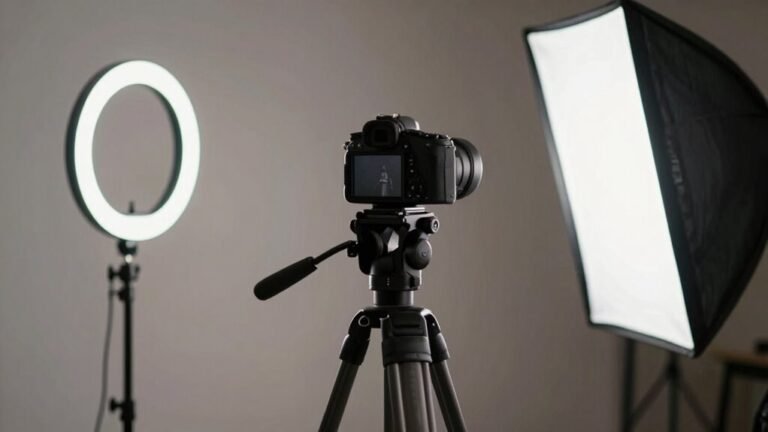
Place your key light at 10 or 2 o’clock, angled down at 45 degrees, so it kisses your face evenly without harsh glares.
Use a softbox or diffuser—harsh shadows? Nobody’s got time.
Keep the color temperature around 5000K for natural skin tones; nobody wants to look like a boiled lobster.
Add a fill light opposite to gently lift dark spots, and a subtle backlight to make your hair pop—yes, even the balding bits.
Tame that window glare with a curtain, and match its daylight tone so you’re not fighting color wars mid-call.
Ditch the overhead lights—they’re not your friend, sweetie.
Balance everything so the camera doesn’t dim you into a silhouette or bleach you into a ghost.
You’ve got this.
Now go glow.
Practical Tips for Webcam Placement at Home
Get this one thing right, and suddenly you’ll look like you actually *meant* to be on camera—no last-minute hair-fluffing required.
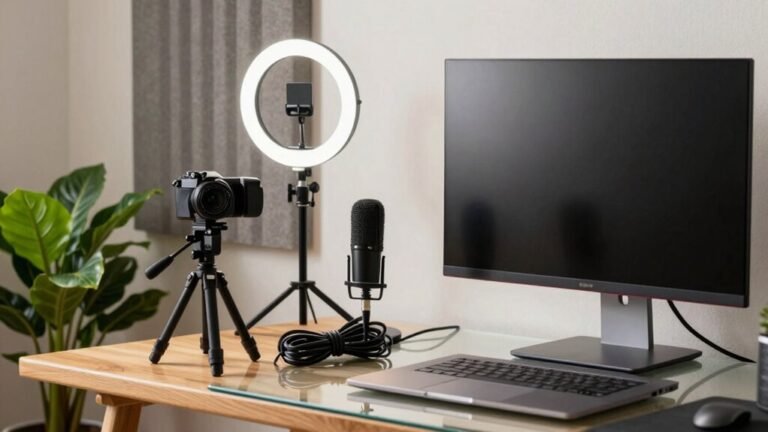
Position your webcam so the lens hits at chin level, ideally just above your eyes, for that sweet spot of natural eye contact.
Use books, a riser, or a shelf to lift your laptop—no more duck-face selfies from low angles!
Stay about four feet away so your head and shoulders fill 60% of the screen, giving you room to gesture like you’re actually excited to be there.
Use a tripod or clamp mount to keep things steady and centered, preferably dead-on with your monitor.
Pro tip: if you’ve got an external display, center the camera there—you’ll look people in the eye, not just at their forehead.
Check your frame: face square fits with a pinch at the top, no tilting.
Boom—conversations feel real, not like a haunted Zoom portrait.
Frequently Asked Questions
Does Wearing Glasses Affect Perceived Eye Contact?
Yeah, wearing glasses can totally change how people see your eye contact—you’re more likely to seem trustworthy and connected when they can clearly see your eyes.
Glasses help with that, but sunglasses? Not so much.
They block your gaze, add distance, and make you seem cooler—but in a “mysterious stranger” way, not a “let’s be besties” way.
Can Contact Lenses Influence Gaze Accuracy in Video Calls?
Yeah, contact lenses can tweak your gaze accuracy in video calls—sometimes in sneaky, barely-there ways.
If your lenses shift or change how your eye reflects light, the camera might see your gaze as slightly off, even if you’re staring straight ahead.
That tiny drift? It could make you look like you’re daydreaming when you’re actually focused.
But hey, unless you’re a robot, a little glance misfire won’t ruin your vibe!
Do Facial Expressions Change Eye Contact Perception?
Yes, your face’s little dance totally changes how eye contact feels.
When you smile with direct gaze, it’s like handing someone a warm cookie—inviting and kind.
But flash anger with the same stare? Suddenly, it’s a duel at high noon.
Your expressions team up with eye contact, amplifying emotions, shaping split-second judgments, and turning simple glances into whole conversations—without saying a word.
Neat trick, huh?
Is Optimal Fixation Different for Children?
Yeah, your sweetie’s sweet gaze works differently than yours!
Kids naturally look a bit higher, so their “perfect” fixation lands just below the webcam—about 2° lower, like aiming for the tip of your nose.
Their eyes bounce around more, especially up toward the ceiling or top of the screen, so don’t stress if they’re not laser-focused.
Giggles and wiggles are all part of the charm—just keep the camera at nose-level, and you’ll nail that cozy, connected look.
Do Multiple Monitors Alter Eye Contact Dynamics?
Yeah, multiple monitors totally alter eye contact—imagine presenting to your team while glancing at a spreadsheet on your second screen, and suddenly you’re staring at their chin, not their eyes.
It’s like winking at a potato. Each glance away breaks the connection, making you seem distracted. Even small head turns add up, so your warm, engaged vibe? Half the time, it’s lost in monitor limbo.
Conclusion
You’ve got your camera perched just right, your eyes aligned, and your smile ready—now tell me, why wouldn’t you want to look like the most confident, engaging version of yourself? When your webcam sits at eye level, slightly above your screen, and points straight ahead, you’re not just seen, you’re remembered. Add good light, a tidy frame, and boom—hello, star power! Ready to own every video call?