Setting Up a Gaming-Style Office for Work and Play
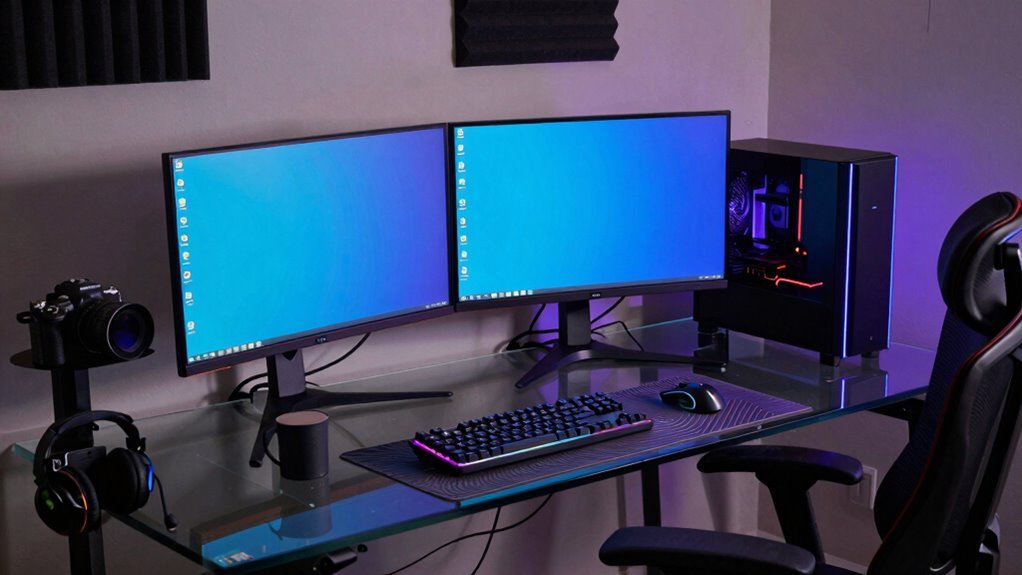
You’re building a battle station that crushes spreadsheets by day and headshots by night. Grab a 24–30-inch deep desk with cable grommets, pair it with a supportive chair, and set up dual monitors on arms for smooth shifts. Go for 1440p IPS panels at 144Hz—they’re sharp, smooth, and easy on the eyes. Toss in bias lighting and a pro audio setup with the HD 58X and a crisp mic, then zone your L-shaped layout like a workspace wizard. Oh, and there’s a sneaky trick with RGB that keeps things fun but still office-appropriate—you’ll want to see how it works.
Optimizing Your Desk and Chair for Comfort and Performance
Ever wonder why your back aches or your mouse arm feels like it’s been through a marathon after hours at your desk?
Chances are, your setup’s fighting you instead of helping.
Grab a desk 24–30 inches deep so your monitor sits 20–30 inches away—close enough to stay sharp, far enough to avoid squinting.
Go wide—48 inches or more—if you’re rocking multiple screens.
Pick a surface with a matte finish to kill glare and keep your mouse gliding smooth.
Don’t forget cable grommets; nobody’s got time for tripping over cords.
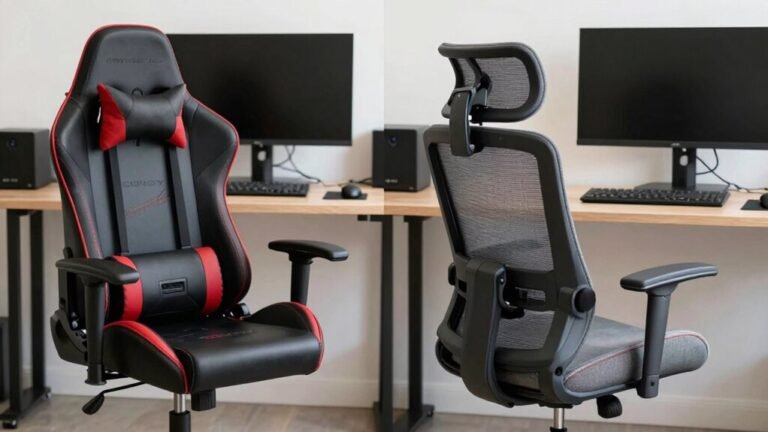
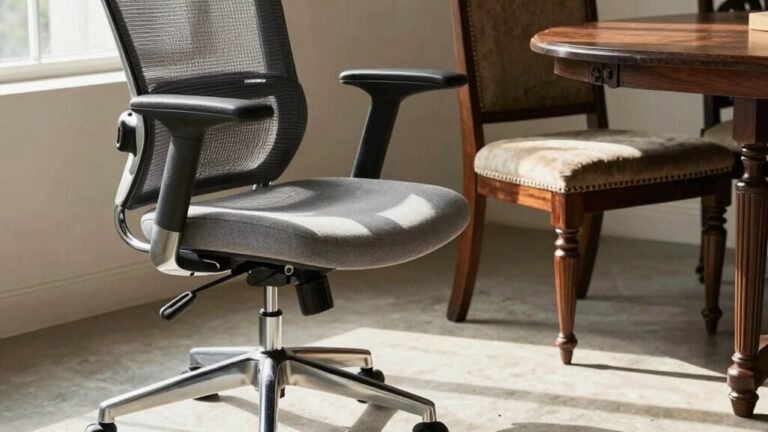
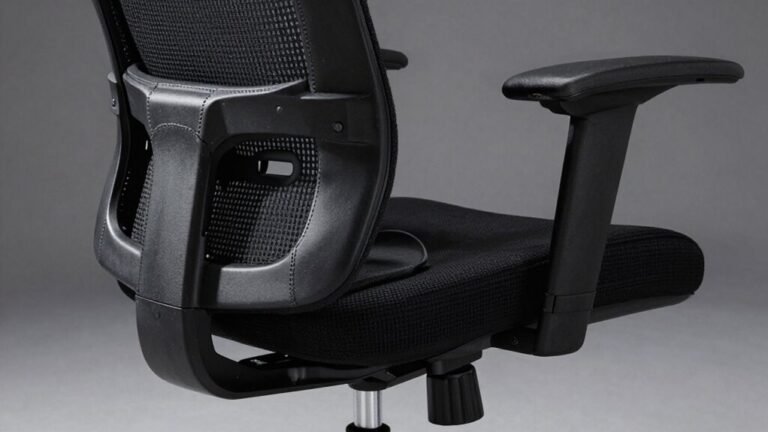
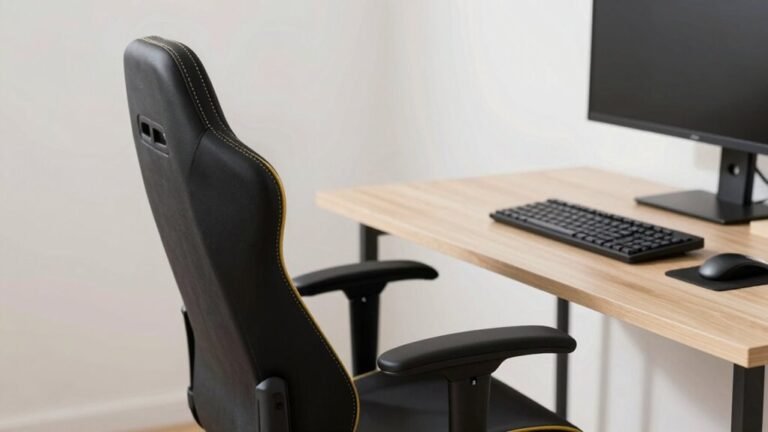
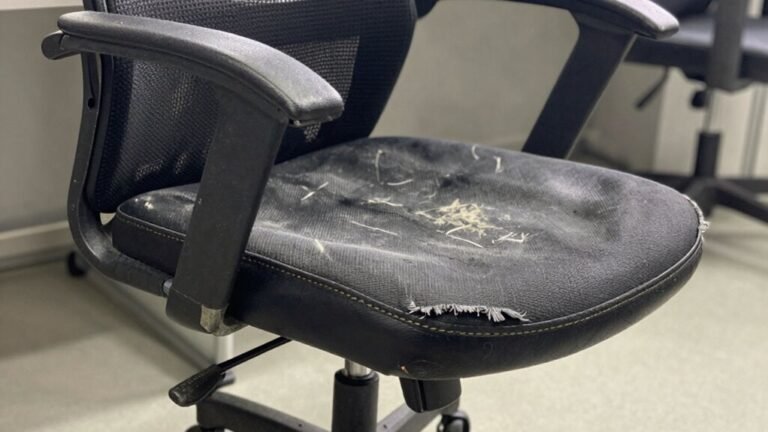
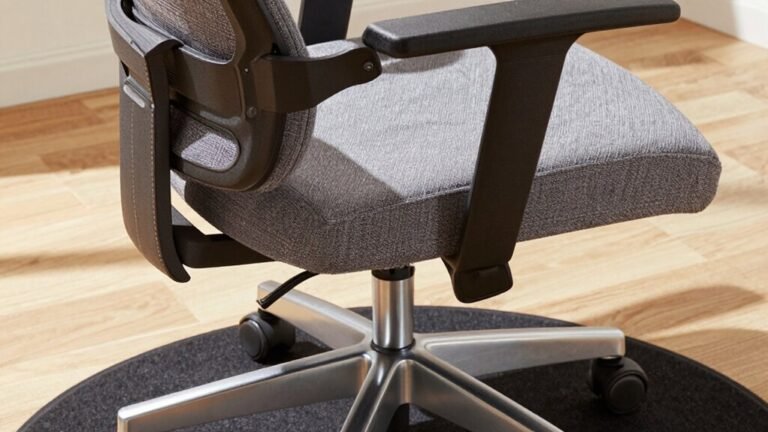
Match it with a chair that hugs your lower back, lets your feet plant flat, and lets your elbows chill at 90 degrees.
Adjust it right, and you’ll game or grind all day without feeling like you’ve wrestled a bear.
Comfort’s not lazy—it’s winning smart.
Adjustable desks can further enhance your setup by allowing seamless transitions between sitting and standing positions to reduce fatigue.
Designing a High-Performance Visual Setup
When you’re bouncing between crushing spreadsheets and chasing headshots in-game, your eyes deserve a setup that keeps up—so skip the blurry, laggy afterthought and build a visual powerhouse that flexes in both worlds. Go dual monitors for multitasking magic, or grab an ultrawide to stretch your work and play across one seamless screen. Crank up the refresh rate to 144Hz or higher—everything feels snappier, from scrolling emails to nailing that headshot. Stick with 1440p for crisp visuals without melting your GPU. Use matching monitors for consistent color and brightness across screens, ensuring a seamless transition between work and play. Here’s a quick cheat sheet:
| Feature | Why It Matters |
|---|---|
| High refresh rate | Smoother motion, faster response |
| Ultrawide screen | More space, less window juggling |
| IPS panel | True colors, great for editing |
| Adjustable mount | Comfort town—no neck pain allowed |
Position your screen at eye level, use a sturdy arm, and say goodbye to glare. Your eyeballs will thank you.
Enhancing Audio Quality and Communication Clarity

You’ve already locked in a razor-sharp visual setup that handles both your 9-to-5 grind and late-night frag fests, but let’s crank the immersion up a notch—your ears deserve some love too.
Plug your HD 58X Jubilee into a Fulla 3 and boom—crisp details, airy bass, and killer soundstage with zero hassle.
Need a mic? Grab a PC37X or GAME ONE, or pair your open-back cans with the HEL for clean audio and on-the-fly gain tweaks. The Fulla 3 delivers detailed, layered sound with a neutral balance and natural bass presence, making it ideal for critical listening and gaming alike.
Streaming from a shared space? A dynamic mic or GoXLR mixer keeps your side chats private and pro.
The Sound Blaster X3? It’s a noise-canceling beast with lush mic quality.
Set up bookshelf speakers to either side of your monitor, toss in a sub if you’re feeling dramatic, and tweak CS:GO’s snd commands to hear enemies breathe.
With smart software binds and EQ tweaks, you’ll hear every footstep—and dominate every match—without shouting into the void.
Balancing Lighting for Productivity and Immersion
While your epic battle setup might be 90% gamer rage and 10% caffeine, don’t let harsh lighting turn your command center into a headache factory.
Layer your lights—ambient, task, and accent—to keep your eyes happy and your focus sharp.
Add bias lighting behind your screen; it cuts glare, deepens blacks, and feels like a cheat code for eye comfort.
Use a dimmable desk lamp (300–1000 lumens) for reading and typing—just keep it off your monitor.
Cool white light (5000–6500K) wakes up your brain for work, but switch to warm tones (2700–4000K) at night so you don’t trick your body into thinking it’s noon.
Save the rainbow RGB for accents only—your documents shouldn’t look like a unicorn sneezed on them.
With smart, flicker-free LEDs and high color accuracy, you’ll crush deadlines by day and boss battles by night—all without squinting or melting down.
Organizing Space and Technology for Dual Roles

Taming the chaos of work and play in one sleek setup isn’t magic—it’s smart design with a dash of gamer flair.
You’ve got one space, but two lives: spreadsheets by day, headshots by night.
Make it work with zones, smarts, and a little RGB elegance.
- Carve out separate work and play zones on an L-shaped desk so your keyboard doesn’t double-book real estate.
- Swap modes fast using monitor arms and a KVM switch—no more cable spaghetti or frantic unplugging mid-Zoom call.
- Tame cords with grommets and Velcro, keep your rig cool with smart airflow, and never let your PC cook your calves during crunch time (or boss fights).
Your desk becomes a chameleon—professional front, gaming beast underneath.
And hey, if your chair spins smoother than your excuses for losing at Mario Kart, you’re doing it right.
Frequently Asked Questions
Can I Use Gaming Chairs for Long Work Hours Comfortably?
Yeah, you can totally crush long work hours in a gaming chair—no sweat.
With adjustable armrests, lumbar support, and breathable fabric, your back and wrists stay happy.
It keeps you aligned, cuts fatigue, and helps you focus harder without zoning out.
You’ll feel like a pro gamer even if you’re just nailing deadlines.
Trust me, your body’ll thank you after eight hours of binge-working!
Do RGB Lights Affect Productivity or Cause Eye Strain?
You’ve got a tiger by the tail if you think RGB lights don’t affect your focus or eyes!
Cool, flashy, or overly bright settings can strain your eyes and distract your brain.
But here’s the kicker: smart use—like blue-tinged light during work hours and warm glows as you wind down—can boost alertness and comfort.
Keep it dim, dynamic, and adjustable, and you’ll play and work like a pro—without paying the price later.
How Do I Hide Cables Without Losing Quick Access?
You hide cables without losing quick access by using smart, playful solutions like magnetic covers and snap-on trays under your desk.
Slide-out rails let you yank out power strips like a drawer—no crawling needed!
Color-code cords with fun clips, label both ends, and use Velcro ties so you’re not scissors-happy.
Pop-open raceways and quick-disconnects mean you’re fixing stuff fast, not fumbling in cable chaos.
Neat, huh?
Is a Standing Desk Compatible With Gaming Setups?
Yep, standing desks work great for gaming—you’re not just typing emails, you’re dodging headshots while burning extra calories.
Did you know 86% of gamers who switched to sit-stand desks reported better focus and fewer back woes?
With dual motors, you’ll glide up or down in seconds, and your rig stays secure with adjustable PC mounts.
Cable management keeps chaos hidden, so you stay comfy, cool, and in control—because who said epic wins can’t be healthy?
Can I Mix Professional and Gaming Aesthetics Subtly?
You bet you can blend professional and gaming vibes—it’s all about balance.
Keep walls light grey or white, toss in sleek black furniture, and sneak in a pop of orange or cool blue LED strips.
Use floating shelves for your game collection and a few classy frames.
Add a comfy gaming chair and some plants.
Ta-da!
You’ve got a space that impresses in Zoom calls and slays boss battles.
Conclusion
You’ve built a command center where productivity meets play—like a spaceship cockpit for both spreadsheets and headshots. Your chair cradles you like a cloud, your screens shine bright as fireworks, and your headset carries your voice like a megaphone tuned by elves. Lights glow just right, cables behave (mostly), and every tool’s in its place. Work feels like play, and play feels like victory. Game on, champ!