Setting Up a Wellness-Focused Home Office
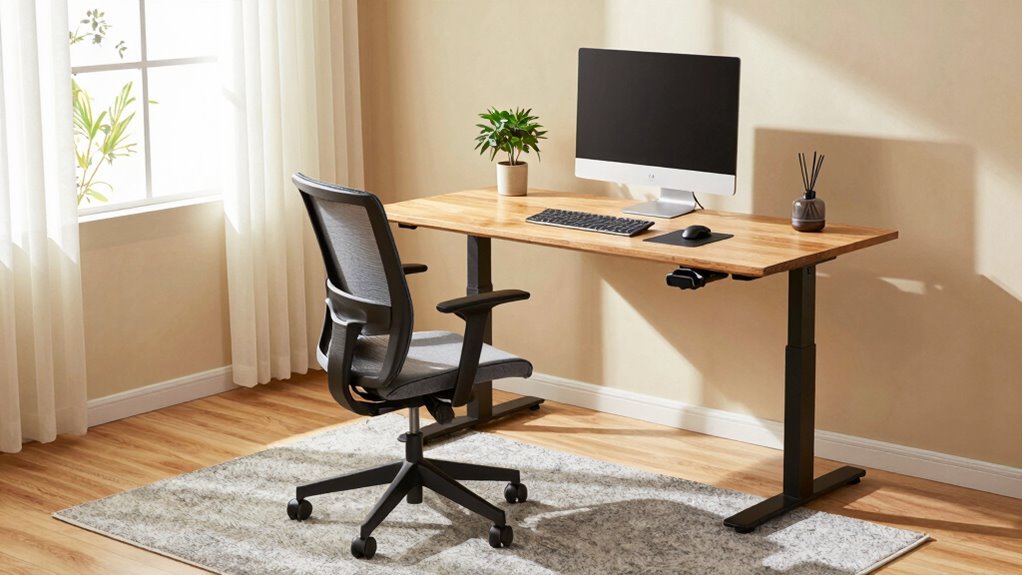
Set up your chair so your feet rest flat and knees bend at 90 degrees—no tucking yourself like a burrito. Slide back to support your lower back, and keep your elbows at desk height, relaxed. Position your monitor an arm’s length away, top at eye level, to avoid neck crunches. Add plants for cleaner air and a dash of calm, plus layered lighting to keep eyes happy. Swap harsh glares for soft, natural light and throw in a footrest or standing desk because your body will thank you—especially when you discover how small tweaks lead to big wins.
Optimize Your Chair and Desk for Posture Support

Let’s get you sitting pretty—because slouching your way through work is so last decade.
Adjust your chair so your knees bend at 90 degrees, thighs parallel to the floor, and feet flat—use a footrest if they dangle.
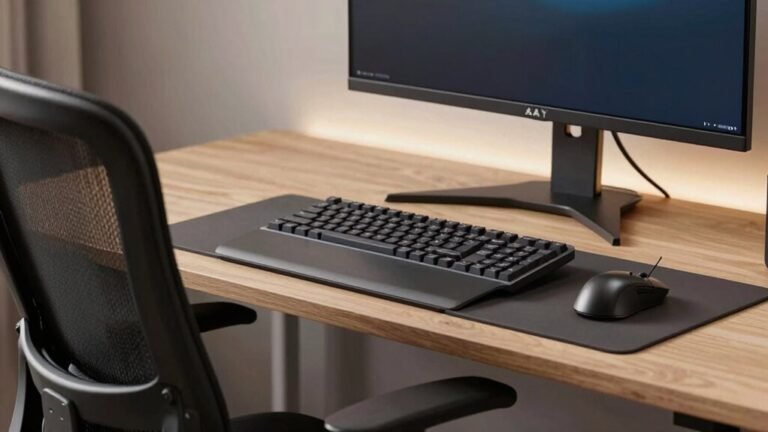
Your elbows should hover at desk level, bent at 90 degrees, so your arms aren’t doing push-ups or swimming laps.
Make sure there’s a fist-sized gap between seat edge and knees; nobody likes numb legs.
Slide your hips all the way back so your back gets love from the chair’s lumbar support—add a cushion if it’s slacking.
Proper back support cuts lower back pain by 25%, and who doesn’t want that?
Armrests should let your shoulders relax, not hike toward your ears.
Aim for 100–110 degrees when reclining—this isn’t nap time, but comfort still counts.
Match it all with a desk at 27–30 inches high, and boom: posture perfection with a side of pride.
An organized workspace helps maintain proper posture by reducing strain—consider using document holders to keep paperwork at eye level and within easy reach.
Position Your Monitor for Visual and Neck Health
While your posture depends on more than just screen placement, getting your monitor height just right makes a world of difference for your neck and eyes.
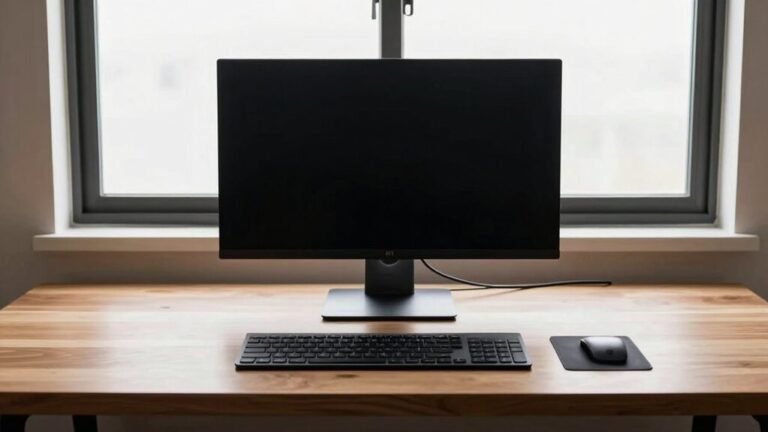
Set the top of the screen at or slightly below eye level—your neck will thank you!
If you wear bifocals, drop it down another inch or two.
Keep it an arm’s length away (20–28 inches is sweet), or a bit farther for larger screens, to ease eye strain.
Place it straight in front, centered with your keyboard, so you’re not craning like a confused turtle.
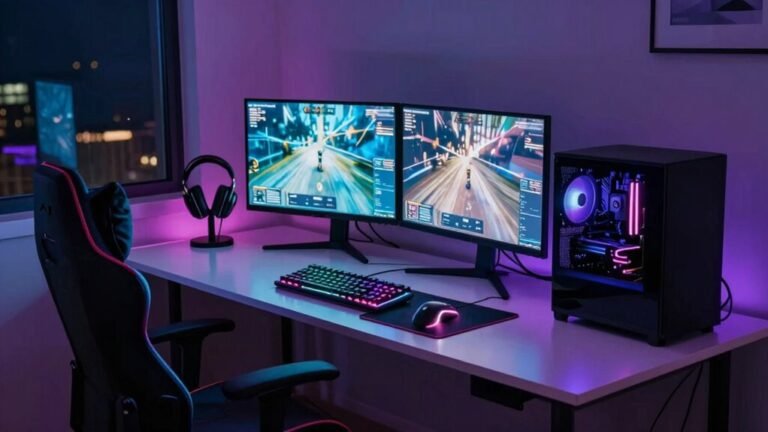
Dual monitors? Keep the main one dead center and angle the second slightly, like a tech-savvy smile.
Avoid glare by sidestepping windows and lights—nobody’s got time for squinting drama.
Proper alignment supports natural body posture, reducing the risk of muscle imbalance over time (core principles).
When everything lines up just right, you won’t even think about your setup.
That’s the magic!
Enhance Lighting With Natural and Layered Light Sources

Now that your monitor sits at the perfect height—saving your neck and eyes from daily strain—it’s time to shine a light on another game-changer: your lighting setup.
Ditch the single overhead bulb and layer in ambient, task, and accent lights to ease eye fatigue and boost mood.
Tap into natural light during the day, but tame glare with sheer curtains or blinds.
Use cool, bright light in the morning to wake up your brain, then shift to warm tones by evening—your body will thank you.
Adjust lamps to avoid shadows, and bounce light off walls to soften harsh contrasts.
A well-lit workspace supports productivity and comfort by reducing eye strain and headaches, thanks to layered lighting.
- Layered lighting = less eye stress and better focus
- Natural, tunable light keeps your energy in sync with the day
- Smart placement prevents glare and makes work actually pleasant
Bring Nature Indoors With Plants and Natural Materials
You’re not just growing plants—you’re growing better focus, cleaner air, and a happier brain.
Adding greenery to your workspace drops stress by up to 60% and slashes fatigue by nearly 40%, so you stay sharp and refreshed.
Plants filter toxins like formaldehyde, boost oxygen, and humidify the air—fewer sore throats, less dry skin.
Who knew your snake plant was basically a superhero in a pot?
Studies show greenery lifts productivity and creativity by 15%, while cutting depression and hostility.
That’s some serious office drama detox!
Plus, plants absorb noise and make your space feel calmer, cozier, and oddly more private.
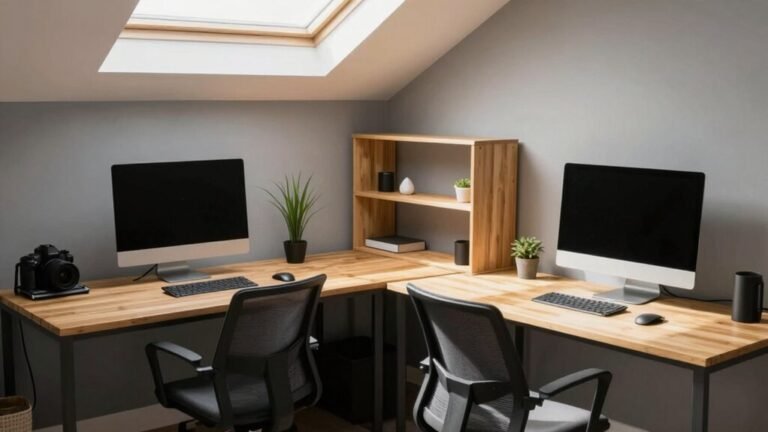
Pair them with natural materials like wood or stone for that “I’m working near a forest, not a spreadsheet” vibe.
You’ll breathe easier, think clearer, and actually want to spend time here.
Nature indoors? It’s not just nice—it’s genius.
Your brain (and your plant babies) will thank you.
Design Zones to Minimize Clutter and Maximize Focus

- Create a distraction-free zone that honors your concentration
- Use design cues like color and texture to signal “focus mode”
- Treat silence like sacred space—protect it, cherish it, claim it
Encourage Movement With Active Seating and Breaks
How often do you find yourself glued to your chair, only to stand up an hour later feeling stiff, sluggish, or like your legs forgot how to work?
You’re not alone—remote work means sitting 9.2 hours a day on average.
But here’s the good news: small changes make a big difference.
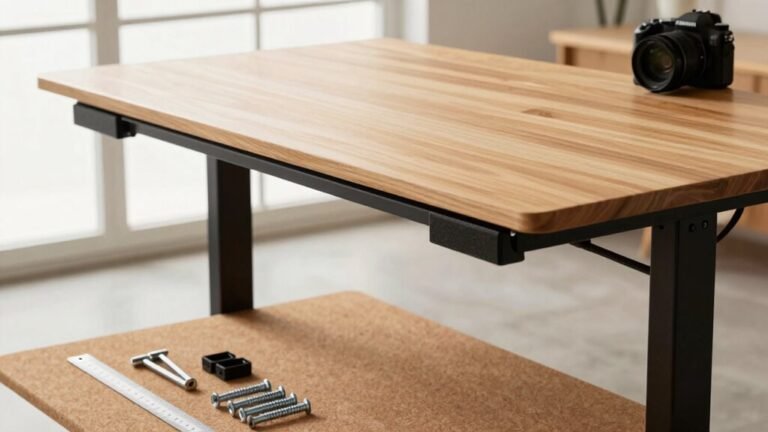
Try a height-adjustable desk—users sit 17% less and feel less back and neck pain.
Love multitasking? An under-desk bike lets you pedal through emails, while stability balls or active sitting chairs fire up your core and boost posture.
Yes, you’ll burn a few extra calories—about 33 a day—but more importantly, you’ll feel sharper and more energized.
Sixty-five percent of standing desk users even report better focus.
Movement fuels your mind, so mix it up: stand, pedal, wiggle.
Your body (and brain) will thank you—no cape required.
Improve Air Quality and Maintain Thermal Comfort

Ever wonder why you feel stuffy or drained while working at home, even with a tidy desk and a decent chair?
Poor air quality and uneven temperatures could be sneaky culprits.
You’ve got the power to fix that!
Boost airflow by cracking windows daily or using exhaust fans—hello, fresh air!
Keep humidity in the sweet spot (30–50%) with a dehumidifier or humidifier, depending on the season.
Grab a HEPA air purifier to trap dust and allergens, and don’t forget to swap out filters regularly.
Ditch harsh cleaners and skip the air fresheners—they’re often more drama than delight.
Toss in a snake plant or peace lily for some natural flair and filtration.
- You’re not just breathing—you’re rechargingwith every clean, cool breath
- A comfortable room temperature isn’t a luxury, it’s a focus booster
- Fresh air flows where good vibes—and productivity—follow
Reduce Noise and Manage Cords for a Safer Space
You’ve already cleared the air—literally—by tuning up your indoor climate, so why let noise sneak in and rattle your focus?
Fight back with smart acoustic moves: hang panels or baffles to quiet echoes, and slap bass traps on walls to tame boomy sounds.
Seal windows and doors like a ninja—no noise gets through those stealthy weatherstrips.
Got noisy neighbors or chatty roommates?
Slide into a privacy pod—it’s like a quiet cave that cuts sound by up to 35 dB.
Lay down a plush rug, add a bookshelf, or drape heavy curtains to soak up noise like a sponge.
Use white noise machines to mask distractions without cranking the volume.
Arrange your space so printers and calls happen away from your desk zone.
And wrangle those spaghetti cords—use clips, sleeves, or trays to keep wires tidy and toes safe.
Quiet, clean, and tangle-free? Now that’s peace of mind.
Frequently Asked Questions
How Often Should I Replace My Ergonomic Chair?
You should replace your ergonomic chair every 5 to 10 years, depending on how much you use it and its quality.
If it’s sagging, squeaky, or leaving you sore, it’s probably time.
High-end chairs can last over a decade with care, while budget ones may tap out in 1–3 years.
Keep it clean, tighten screws, and swap casters or gas lifts to extend its life—you’ll save cash *and* your back!
Can Standing Too Much at My Sit-Stand Desk Be Harmful?
Yes, standing too much can hurt you, sweet stander.
Staying upright for hours invites achy feet, tired legs, and cranky veins.
You’re better off swapping sitting and standing every 30 to 60 minutes—your body loves balance.
Toss in an anti-fatigue mat, comfy shoes, and little movement breaks.
Think of your desk as a dance floor, not a statue stand.
Keep it fun, keep it flowing—health thrives on variety, not extremes!
Are Smart Lights Worth It for a Home Office?
Yeah, smart lights are totally worth it for your home office.
You’ll save serious cash on energy bills, plus they cut eye strain and boost focus with custom colors and brightness.
They even help you stay alert during afternoon slumps—no more zombie mode.
You can set cool scenes, impress your cat with dynamic lighting, and feel like a productivity wizard.
Who knew glowing lights could make work actually kind of fun?
How Do I Make a Small Space Feel Biophilic?
You make a small space feel biophilic by squeezing nature in creatively—you don’t need a jungle, just smart, lively touches.
Hang a green wall, it’s like a plant mural that breathes with you.
Place a fish tank or window box where you’ll see it.
Open curtains for dancing light and breezy fabrics that flutter like leaves.
Add textured pillows, driftwood, or leafy patterns—boom, your brain thinks it’s outdoors!
What’s the Best Way to Track My Movement Breaks?
You’ll love how easy it’s to track movement breaks—just slap on a fitness watch or use your phone’s sensors.
They count steps, spot walking breaks, and nudge you when you’ve been still too long.
Pair a wearable with an app, and boom—you’ve got real-time alerts, no guesswork.
Skip the GPS indoors though; it’ll drain your battery and still get confused.
Privacy? Stick to local logging.
You’ve got this—move, stretch, strut like nobody’s watching (because they’re not)!
Conclusion
You’ve built more than a workspace—you’ve crafted a wellness oasis. Imagine your office as a friendly plant, growing with light, breathing fresh air, and swaying gently with every stretch and sip of tea. Clutter? Tossed. Noise? Hushed. You’re not just sitting—you’re thriving, moving, glowing. So go ahead, kick off your shoes (if you dare), and let your cozy, calm command center work its magic. Success never felt this good.