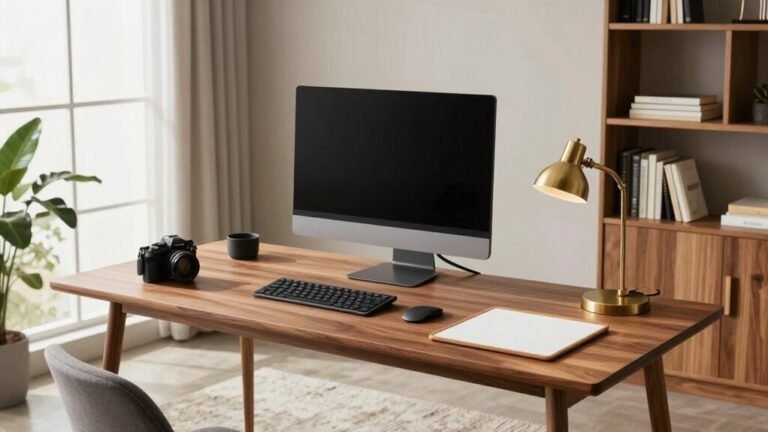
Turning Your Home Office Into a Gaming Zone After Hours
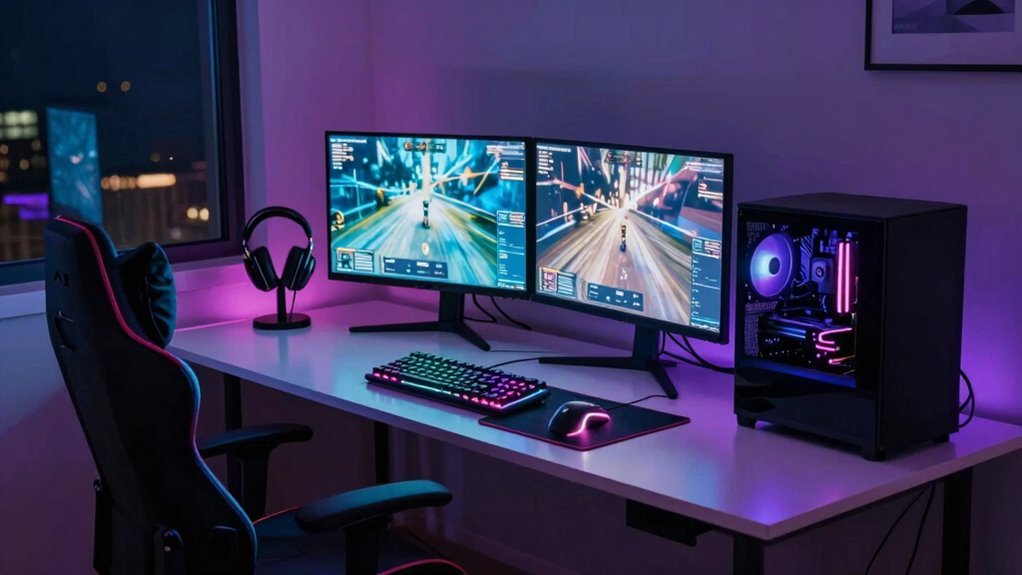
Swap spreadsheets for headshots by transforming your desk with labeled zones, a height-adjustable setup, and monitor arms that pivot from work mode to boss mode in seconds. Tame cables with docks and magnetic organizers, then light the scene with smart RGB vibes. Add acoustic panels and a gaming lair sign for flair—your dual-purpose zone’s ready to level up. There’s more where that came from.
Define Clear Zones for Work and Play

Ever wonder how to keep your workday focused and your gaming nights epic—without the two constantly crashing into each other? You’ve got this!
Carve out separate zones like a pro—use an L-shaped desk to split work and play, so your keyboard doesn’t turn into a spreadsheet by day and a respawn button by night.
Slide desks on castors to shift vibes: work near the window with sunlight, game near the router with lightning-fast ping.
Toss up a bookshelf or divider to draw the battle line between Zoom calls and boss fights.
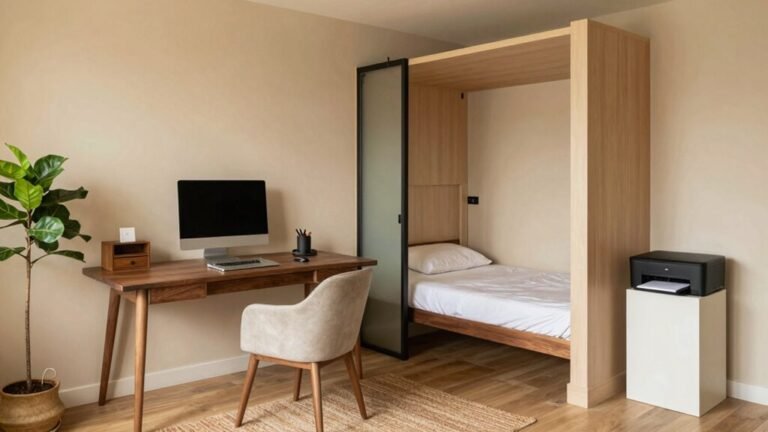
Clear that closet? Boom—home office nook.
Go ahead, label zones like “Productivity Temple” and “Gaming Lair”—nobody’s judging.
Just keep work apps in one profile, games in another, and cables neatly zoned.
You’re not just organizing—you’re upgrading your life, one clear boundary at a time.
Create separate user accounts to maintain virtual separation between work and gaming, adding a simple but effective layer of focus through distinct user profiles.
Fun and focus? Yes, you can have both.
Design a Dual-Purpose Desk Setup
When you’re bouncing between crunching spreadsheets and raiding dungeons, your desk shouldn’t feel like a compromise—it should be your command center for both.
Go for a height-adjustable desk with presets so you can stand for work and sit low for gaming—your back will thank you.
Toss your monitors on arms so you can swing them from eye-level docs to gaming mode in seconds.
Keep your chair dialed in tight with lumbar and armrest adjustments, and don’t forget a footrest if you’re aiming for epic marathon comfort.
Pick a desk that can handle the weight of your triple-monitor dream and that console stack.
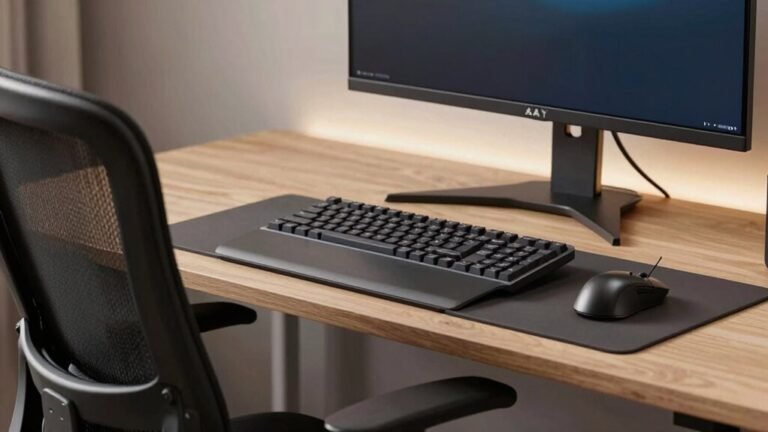
Use labeled zones for your work keyboard and your rainbow gaming one—because nobody has time to swap cables or hunt for mice.
Ensure both players or work modes are accommodated with at least 60-70 inches of desk width for seamless transitions.
With the right setup, you’re not switching modes—you’re just leveling up.
Optimize Power and Connectivity Solutions

- Plug your rig into a UPS with surge protection so outages don’t ruin your progress (or your gear).
- Use smart power strips to kill vampire power and stop devices from sipping energy when off.
- Pick a UPS with USB charging ports—your phone and headset will thank you during long sessions.
- Spread the load across multiple circuits if your setup’s power-hungry; no one likes a tripped breaker mid-raid.
- Check real power use with a meter and trim the fat—small tweaks mean cooler temps and lower bills.
- Upgrading to energy-efficient hardware can significantly reduce power consumption without sacrificing performance, especially when balancing CPU and GPU demands.
Manage Cables for a Clean, Functional Space
Taming the spaghetti monster under your desk isn’t just for neat freaks—it’s a game-changer for both your setup and your sanity.
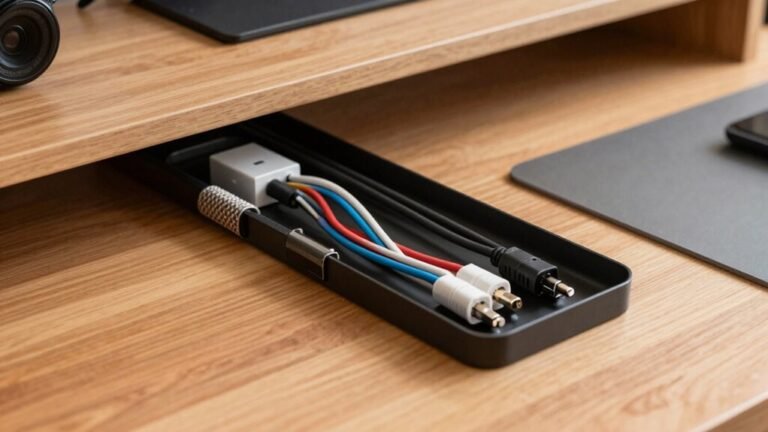
Mount an under-desk tray to hide power strips and chunky adapters, keeping them safe from feet and chairs.
Route cables neatly through vertical channels on desk legs so they don’t trip you or tangle when you adjust your standing desk.
Group cords by type—power, data, display—and bind them with Velcro or braided sleeves for a sleek look and less clutter.
Leave gentle loops so you can yank a cable without blowing your whole setup.
Use clips and adhesive mounts to secure stray cords, but save screws or magnets for heavier loads.
Label everything—yes, even your HDMI—so you’re not guessing during late-night gaming prep.
A tidy cable system isn’t boring, it’s *badass*—and your future self will thank you when you’re not cursing over a yanked USB.
Enhance Audio Quality Without Disruption

You’re mid-raid, heart pounding, about to call out a flank—then your mic picks up the dog barking, the fridge humming, and your roommate’s off-key shower concert.
Don’t let chaos ruin your clutch moment. Clean audio doesn’t mean tearing up your space—it’s about smart, simple tweaks that keep your voice crisp and the noise out.
- Hang thick curtains or rugs to tame echo and block outside ruckus
- Position your mic close and use a foam cover to nix plosives and breath blasts
- Toss a bookshelf or acoustic panel behind you to scatter sound sneaking into the mic
- Seal door gaps and windows to mute neighborly noise by up to 12 dB
- Slip on closed-back headphones so your squad hears you—not your living room
Game loud. Sound clear. Disturb no one. Easy wins, big impact.
Prioritize Ergonomic Furniture Choices
While you’re busy conquering virtual worlds, your body’s got its own battle to fight—slouching, stiffness, and soreness creeping in after hours of intense play. Don’t let your throne be the reason you rage-quit IRL. Grab a gaming chair with killer lumbar support, like the Razer Iskur V2 or Anthros, which cuts disc pressure by 40%. Your spine will thank you.
Look for 4D armrests and adjustable heights—Noblechairs HERO TX and Eureka’s models make custom fits a breeze.
Need breathability? Razer Fujin’s mesh or Noblechairs’ texturized fabric keep you cool.
These aren’t just chairs; they’re your command center, built for all-day raids and work sprints.
Brands like Herman Miller and FlexiSpot prove comfort and durability go hand in hand—because no one wants their chair collapsing mid-boss fight.
Choose smart, stay comfy, and game hard.
Implement Smart Lighting for Day and Night Use

Your gaming setup’s got the throne covered—now let’s light the arena. Smart lighting transforms your space from work mode to game mode in seconds, with vibrant colors by night and crisp, flattering light by day.
You’ll stay sharp during video calls and immersive during late-night raids—all with the tap of a button or a voice command.
- Pick lights that talk to Alexa, Google, or Siri so you can go dim without lifting a finger
- Sync your LEDs to your screen for epic, real-time color reactions that pull you into the game
- Use warm, soft glows at night to keep your eyes happy and your focus sharp
- Mix task lights and ambient strips to nail that 300–500 lux sweet spot for work
- Choose expandable systems like Philips Hue or Govee so you can grow your glow without the growing pains
Control Sound and Minimize Noise Transfer
When the boss battle heats up and your headset mic picks up every clatter from the kitchen, it’s time to take control of the noise chaos. You don’t need a soundproof booth—just smart, simple fixes that keep your game loud and the peace at home intact. Seal gaps, add mass, and trap sound where it belongs: in your zone. Check out these go-to moves that actually work:
| Fix This | With That |
|---|---|
| Noisy door gaps | Automatic door sweep |
| Chatty wall leaks | Acoustic caulk |
| Echoey walls | Fabric acoustic panels |
| Floor clatter | Thick rug + pad |
| Sneaky electrical buzz | Putty pads behind outlets |
Add mass-loaded vinyl, double up drywall, or hang heavy curtains—your neighbors will thank you (and so will your raid team). A quiet room means cleaner comms, fewer “Say again?” moments, and no more blaming the dog for your mic feedback. Game on—silently.
Organize Gear for Quick Mode Switching

You’ve got the noise under control—no more muffled comms or surprise audio leaks—so now let’s get your gear in fighting shape.
Switching from spreadsheets to slaying dragons should feel seamless, not like untangling a tech jungle. A few smart upgrades keep everything quick, clean, and ready for action.
- Docking stations turn a cable mess into one slick USB-C connection
- Monitor arms free up space and let you pivot into gaming mode with ease
- Stream Deck buttons launch your whole setup—games, lighting, audio—with one tap
- Magnetic cable organizers keep cords tidy and ready, like mini superheroes for your desk
- Acrylic peripheral racks store your mice, keyboards, and controllers right where you need ‘em
No more fumbling—just flip the switch and *boom*: work mode off, game on.
Store and Display With Purpose and Style
A well-organized gaming zone isn’t just tidy—it’s a stage for your passions, where every shelf and corner shows off what you love while keeping clutter at bay. You’ve got gear, games, and gadgets—you want them handy, not scattered. Store smart and style bold with solutions that work hard and look great.
| Clever Storage | Why You’ll Love It |
|---|---|
| Floating shelves | Display collectibles like trophies (minus the dusting) |
| Storage ottomans | Hide controllers *and* crush your friend in Mario Kart—all while sitting comfy |
| Stackable cube units | Hold games, look sharp, and adapt as your collection grows |
Use vertical space, foldable furniture, and sneaky under-desk hideouts to keep things sleek. Tame cables with mounts and pegboards, because nobody’s impressed by a wire jungle. Turn function into flair—your zone should shout “you,” not “I gave up.”
Frequently Asked Questions
Can I Use the Same Monitor for Work and Gaming?
Yes, you can use the same monitor for work and gaming—many people do!
Just expect some trade-offs.
Your office screen might cap you at 60 Hz, so fast games feel a bit choppy, and slower response times could blur quick movements.
But if you’re not chasing pro-level speed, it’s totally fine.
Toss in a good GPU, tweak the settings, and boom—you’re leveling up at lunch *and* after hours.
Not bad for a workhorse display, huh?
How Do I Switch Between Work and Gaming Quickly?
You bet you can switch fast—no sweat!
Adjust your monitor arm for gaming height, snap your keyboard into its tray, and slide the headset on.
Flip your RGB lights to “play” mode and cue the epic playlist.
Use a docking station to plug in your console with one cable.
Boom, you’re live!
Work stuff stays neat in trays while gaming gear takes over.
It’s like switching superhero identities—same space, new powers!
Is RGB Lighting Suitable for a Professional Workspace?
Yeah, RGB lighting’s totally suitable for a pro workspace—you’re not just stuck with dull white bulbs.
You can dial in cool blue to stay sharp, switch to warm tones to unwind, and even reduce eye strain with soft ambient glow.
It’s like mood lighting for your brain.
Plus, modern RGB looks sleek, not flashy, so your Zoom calls stay serious while your productivity gets a fun, colorful boost.
What’s the Best Way to Cool a Gaming Office?
You’ll crush the heat by pairing a zippy portable AC with a dehumidifier—nabbing cool, dry air that keeps both you and your rig happy.
Toss in a few oscillating fans for that breezy summer vibe, upgrade your PC’s airflow with quiet fans, and slap on a snazzy AIO cooler.
Don’t forget LED lights to cut heat, and seal windows like a pro.
Boom—game-ready comfort, no sweat!
Can I Add a Console to My Work Desk Setup?
You absolutely can add a console to your work desk setup, and it’s easier than you think!
Just grab a KVM switch or docking station with HDMI 2.1, connect your PS5 or Xbox, and bam—you’re ready to game.
Use one cable to switch between work and play, keep clutter low, and impress your cat with your tech wizardry.
Who says productivity and fun can’t share the same space?
Conclusion
You’ve nailed the balance—your desk crushes work by day and transforms into a gaming paradise by night. With smart lighting, tidy cables, and gear within reach, switching modes feels like magic. You’re not just saving space, you’re amplifying fun. So tell me, why *wouldn’t* your home office level up after hours? Game on, boss.