How to Blend Gaming Gear Into a Professional Work Setup
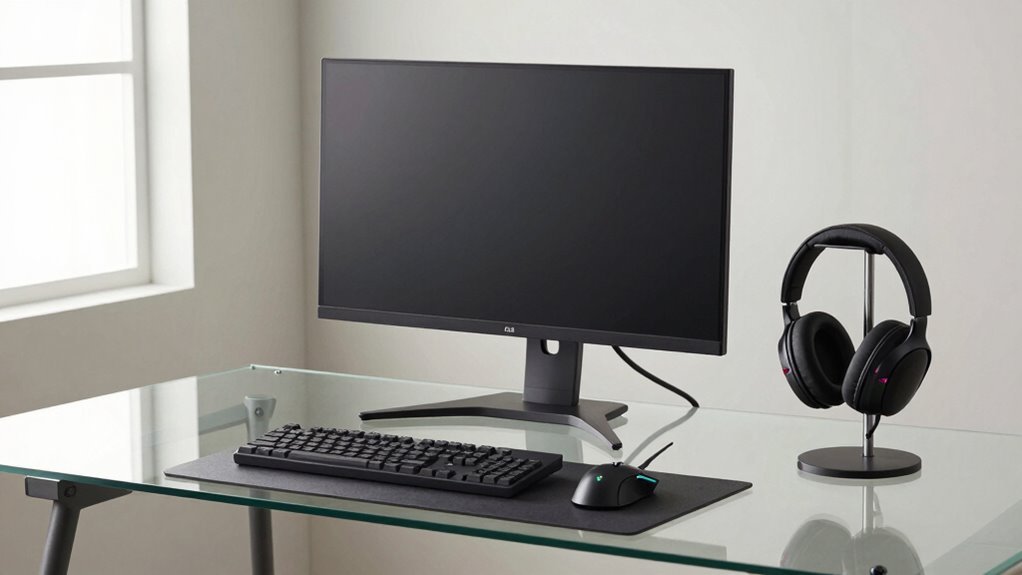
You’ve got this—blend gaming gear into your workday with a sleek chair like the ThunderX3 Flex Pro or Secretlab’s 4D beast, position monitors at eye level, and keep RGB subtle behind the scenes. Use clean cable management, smart audio routing, and flip lighting from cool white to ambient glow when it’s game time. Store controllers in labeled cabinets, and boom—you’re ready for a board call or a boss battle. Stick around, and your setup gets even smarter.
Optimize Your Desk and Chair for Dual Use
While you’re not juggling spreadsheets by day and slaying dragons by night (okay, maybe a little), your chair still needs to keep up with both worlds—comfortably.
You want one that adjusts as easily as you switch from Zoom calls to boss raids.
Go for chairs like the ThunderX3 Flex Pro with19 tweaks, or the Razer Iskur V2 that supports your back no matter the angle.
Models like the Office Master OM5 even adjust tension automatically—no guessing, no fiddling.
Secretlab’s got4D armrests and magnetic cushions, so everything stays just right.
AndaSeat X-Air Pro and GTRacing chairs keep your spine happy with smart lumbar help.
Pick durable fabrics like Secretlab’s softweave or breathable Razer mesh so you don’t sweat bullets during long hours.
And hey, chairs like Blacklyte and Embody fit snug in tight spaces without sacrificing style or zoomability.
Your throne should work hard—whether you’re closing deals or closing headshots.
The Steelcase Gesture is often called the most comfortable option for extended use, making it a top pick for those who prioritize ultimate comfort.
Position Monitors to Reduce Eye and Neck Strain
Set your monitors right the first time, and you’ll save yourself from the dreaded “gamer neck” and zombie-eyed stare by noon.
Keep the top of your screen at or just below eye level so you’re not straining your neck up or hunched down.
Sit about an arm’s length away—farther if you’ve got a giant ultrawide—and tilt the screen back slightly to hit that sweet spot of natural downward gaze.
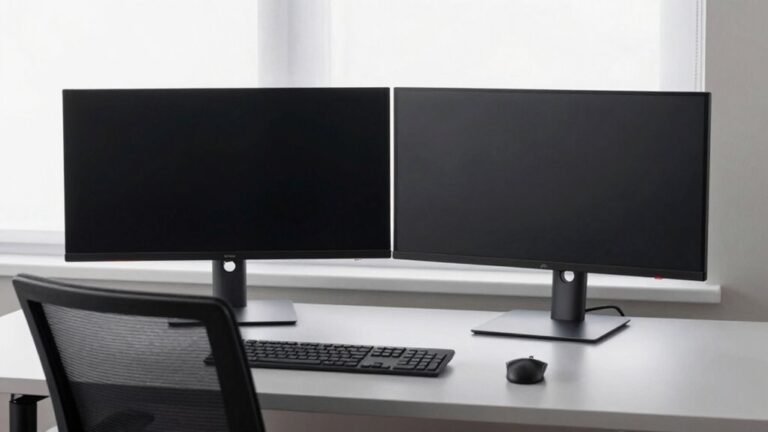
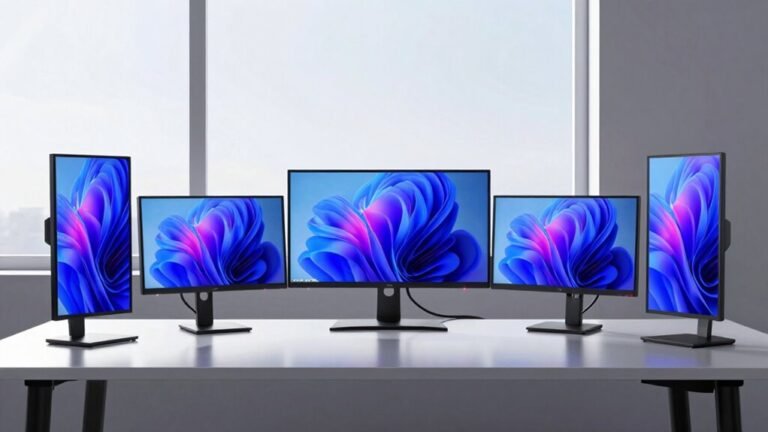
Angle your monitors to form a gentle curve, especially with multiple screens, so you’re not swiveling like an owl.
Nix glare by positioning them perpendicular to windows or using blinds.
If you wear progressive lenses, bump the monitor down a bit—your neck will thank you.
Match brightness to the room to avoid pupil panic, and don’t let crisp HDR visuals fool you into leaning forward.
Get it right, and you’ll game hard and work sharp—all without turning into a twitchy, sore-eyed gremlin.
Proper monitor height supports natural body alignment, reducing strain during long sessions.
Choose a Versatile Chair That Supports Long Sessions

What if your chair could keep up with you—whether you’re closing a big work deal or clutching a victory in the final seconds of a ranked match?
It can, if you pick one that’s built for both focus and fun.
Look for adjustable lumbar support and seat depth so your back and legs stay happy, no matter your size.
Set those 4D armrests just right—your shoulders will quit nagging you.
Recline with control, stay cool in mesh fabric, and shift positions easily to keep blood flowing.
A good chair fits your body, not the other way around—and handles hours of use without quitting.
Think less “racer vibes,” more sleek, pro-ready style that doesn’t scream “look at my RGB!”
Trust me, your spine (and coworkers) will thank you when you’re still comfortable at 5 p.m.
Taking regular movement breaks every 45–60 minutes helps reduce fatigue and keeps you locked in longer.
Integrate High-Performance Monitors Without Sacrificing Accuracy
You’re not dreaming—your monitor can be both a precision tool for client presentations and a beast for late-night gaming marathons.
Pick a 27-inch 1440p display with 100–120 PPI for crisp text and vibrant visuals, whether you’re editing spreadsheets or dodging rockets.
An IPS panel gives you rich colors and wide viewing angles, so your charts look sharp even when your coworker leans in.
Need speed? Go for Fast IPS with 4ms GtG and 144Hz+ refresh rates—smooth enough for gaming, stable for daily work.
Calibrate to 6500K white and aim for under 3.0 dE color error, so reds don’t scream “garish” in presentations.
If you want wow, HDR600 or DisplayHDR 1000 brings movies and graphs to life without overspending.
OLED? It’s sleek, with inky blacks and perfect contrast, but treat it right—nobody likes screen burn during budget reviews.
You’re not cheating work or play. You’re upgrading both.
Use Discreet RGB and Ambient Lighting for a Polished Look

Now that your monitor handles both spreadsheets and headshots like a champ, let’s talk about the mood you’re bringing to the room—because glowing like a cyberpunk rave isn’t quite the look for a client Zoom call.
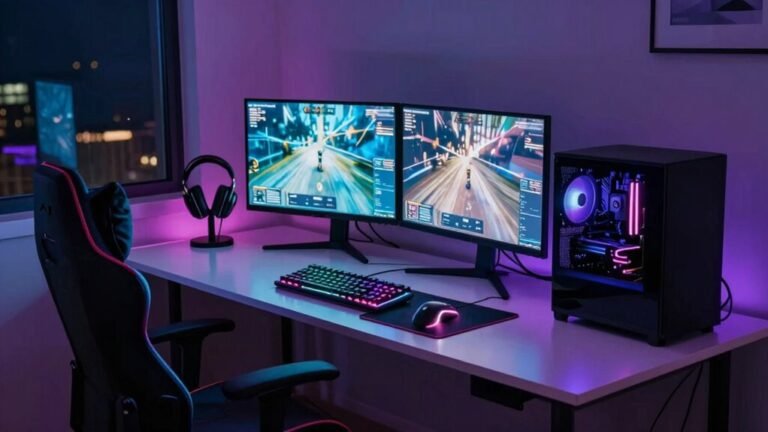
You’ve got RGB, and that’s cool, but dial it back—use dimmable strips behind your monitor or under your desk edge for a soft halo effect.
Pick warm to neutral whites (around 4000K) that keep things crisp and professional, not club-lit.
Smart bulbs or app-controlled strips like Govee or LIFX let you switch from “epic boss fight” to “board meeting” in seconds.
Hide the lights, not your shame—bounce LEDs off the wall for a clean glow, and layer in ceiling or floor lamps for balance.
Flicker-free, high-CRI lights mean less eye strain and better color work, too.
You’ll stay alert, focused, and yes—still look kind of awesome.
Select Peripherals That Excel in Both Work and Play
Ever wonder how to keep your battlestation sharp enough for a late-night raid but professional enough for your boss to take you seriously on camera?
You’re not stuck choosing between blazing-fast gaming performance and sleek productivity.
Pick a 1440p or 4K monitor with a 120Hz+ refresh rate and adaptive sync—your spreadsheets will slide, and your games won’t tear.
Go for mechanical keyboards with tactile switches and tenkeyless designs: comfy for typing reports, fast for clutch headshots.
Choose a precise mouse with programmable buttons so you can map Excel shortcuts *and* grenade throws.
Toss in a wireless model with solid battery life—because nobody wants cable clutter or a dead mouse mid-presentation.
And grab a headset that makes your voice sound clear on Zoom but lets you hear enemy footsteps too.
Smart picks mean you win at work *and* in-game—no compromises, just power moves.
Manage Cables to Maintain a Clean, Professional Appearance

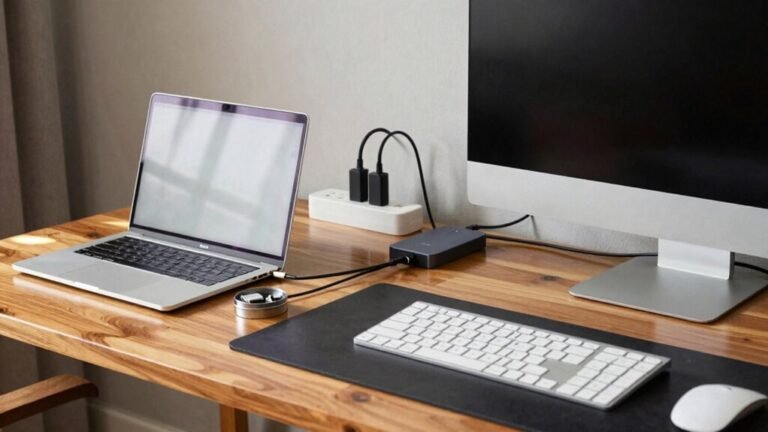
A clean desk isn’t just pleasing to the eye—it’s a power move that makes your setup look put-together whether you’re closing a deal or clutching a final-round victory. Tame the cord chaos with smart cable management that keeps things sleek and functional. Use trays, clips, and raceways to route wires neatly and safely.
| Tool | Best For | Pro Tip |
|---|---|---|
| Desk trays | Hidden under-desk storage | Great for standing desks |
| Cable ties | Securing tight bundles | Velcro for easy changes |
| Wall mounts | Floor-free routing | Pair with wireless gear |
Grommets hide cables right at the desk, while sleeves keep bundles smooth and tangle-free. Embrace adhesive clips and flexible raceways—they’re like invisibility cloaks for wires. A tidy setup isn’t just easier to clean, it impresses your coworkers and your clan. Win the workspace battle like a boss—neat, focused, and always ready to level up.
Separate Work and Gaming Audio With Smart Routing
How do you keep your epic boss battle from crashing your Zoom call? Easy—route your audio like a pro.
Use virtual cables (like VB-Audio) or a slick audio interface to split game sounds from work apps.
That way, your raid’s intense music never leaks into your team check-in.
On Windows or Mac, assign apps to different outputs so your game, music, and meetings live in harmony—separately.
Tools like OBS let you send game audio, voice, and system sounds to independent tracks, so you’re ready to record or stream without a hiccup.
Just test it first—solo each track and make sure nothing sneaks where it shouldn’t.
And hey, use mix-minus on your mic so coworkers don’t hear themselves echoing.
With smart routing, your setup stays sharp, your calls stay clean, and your boss won’t hear you shouting “LOOT DROP!” mid-presentation.
Win-win.
Store Gaming Gear to Preserve a Professional On-Camera Presence

Tidying up your tech like a pro doesn’t mean stripping all the fun from your desk — it means stashing your gaming gear like a ninja so your on-camera presence stays sharp and your RGB glow-ups stay under wraps.
Slide your flashy keyboard and headset into opaque drawers or closed cabinets when not gaming — instant office glam, minus the neon circus.
Use under-desk boxes for controllers or wheels, and pick matte finishes to dodge those pesky light reflections.
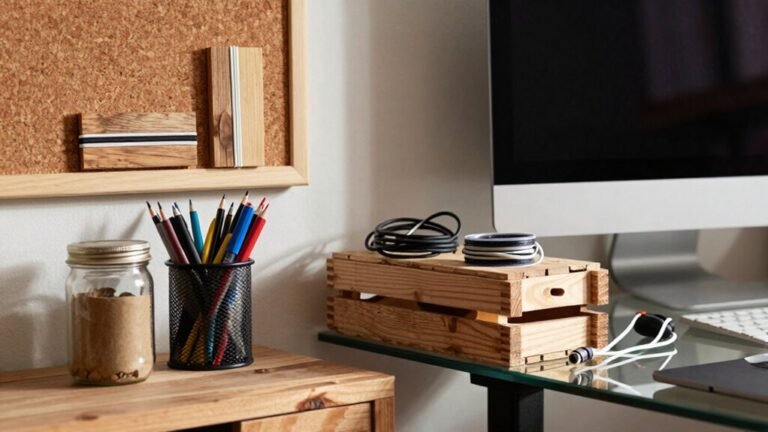
Label spots so you’re not fumbling mid-stream, and tuck cables into hidden trays or zippered pouches for that clean, “I totally have it together” look.
Store headsets in padded cases, pop silica gel inside to fight moisture, and mount hooks *inside* cabinets — outta sight, in perfect shape.
Slide out gear fast with hidden trays, snap decor on and off magnetically, and bam — pro mode activated.
You’re not hiding your passion, you’re just giving it a stealth upgrade.
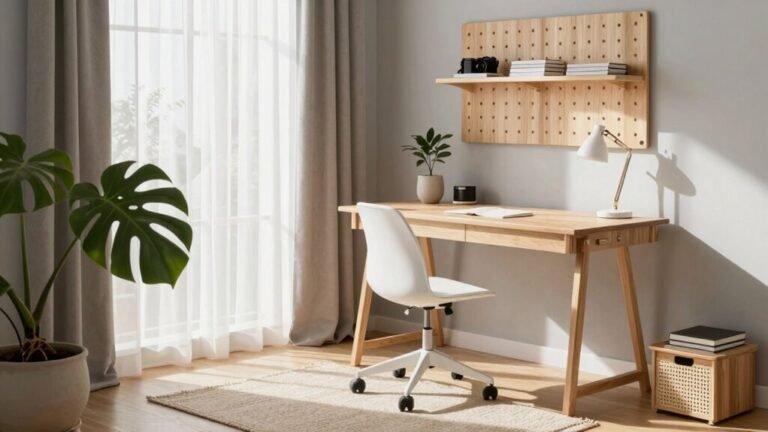
Design Zones for Work and Play Within the Same Space
While your desk might moonlight as a battlefield by night and a boardroom by day, you don’t need two rooms to make both roles shine—just a smart setup that shifts gears as smoothly as your favorite character in a boss fight. Carve out design zones that shift with you: work mode tidy and sleek, play mode vibrant and immersive. Use furniture and layout to signal the shift—your brain will thank you. Here’s how to visually separate the zones without building walls:
| Zone Feature | Work Mode | Play Mode |
|---|---|---|
| Desk Setup | Clean surface, laptop ready | RGB keyboard, gaming mouse out |
| Lighting | Neutral white overheads | Pulsing ambient LED strips |
| Monitor Configuration | Single, document-friendly | Dual, curved, esports-ready |
Slide into focus with a sit-stand desk, then glow up for victory laps—no remodel needed, just smart swaps.
Frequently Asked Questions
Can I Use a Gaming Laptop for Professional Work Effectively?
Gaming laptops pack serious power—fast processors, tons of RAM, and strong graphics that make editing videos, multitasking, and crunching big spreadsheets a breeze.
They’re like superheroes for creative and heavy-duty work.
Sure, they’re a bit heavy and don’t always last all day on battery, but plug in, and you’re golden.
Just dim the rainbow keyboard—unless your boss loves disco.
How Do I Secure My Gaming PC on a Work Network?
You lock down your gaming PC like a fortress, but keep the snacks and RGB lights flowing—security doesn’t mean sacrificing style.
You isolate it on a separate VLAN, block sketchy traffic, and run updated EDR.
You enforce strong passwords, MFA, and kill off UPnP.
You patch like clockwork, disable unnecessary sharing, and encrypt everything.
You monitor like a hawk, because even gamers deserve a secure, smooth ride.
Should I Install Work Software on My Gaming Machine?
Yeah, you can install work software on your gaming machine—it’s totally doable!
Just make sure you’ve got enough RAM and a solid antivirus running.
Toss in BitLocker for encryption, keep drivers updated, and separate work files from your game saves.
Think of it like sharing a room: both can live there, but don’t let your boss see your desktop wallpaper mid-meeting!
Can RGB Lighting Be Too Distracting During Video Calls?
Yeah, RGB lighting can totally distract during video calls if you’re not careful.
Bright, flashy colors grab attention—like a disco when you’re supposed to be professional.
They strain eyes, mess with camera exposure, and can make your skin look weird.
But hey, dial it down to soft, static tones around 4000K-4500K, use it as gentle backlighting, and boom—you’ve got flair without the flair-up.
Subtle’s the secret!
Is It Unprofessional to Display Game-Themed Decor on Camera?
Nope, it’s not unprofessional to show game-themed decor on camera—if you own it with pride and keep it tidy.
A cool poster or collectible behind you sparks fun chats and shows your personality.
Just don’t let it look like your office doubled as a gaming cave.
Balance is key: let it hint at your passion, not scream “I live in a respawn zone.”
Own your vibe, stay confident, and let your skills shine brightest.
Conclusion
You’ve turned your space into a sleek command center, where work meets play like old friends at a coffee shop. Cables stay tucked, lights glow just right, and your chair? A throne for spreadsheets *and* boss battles. Dual monitors stand tall, clear and proud, while your mic knows when it’s time to shine. Here, productivity dances with passion, and every corner whispers, “You’ve got this.” Game on, grown-up style.