How to Automate Your Office With Smart Plugs
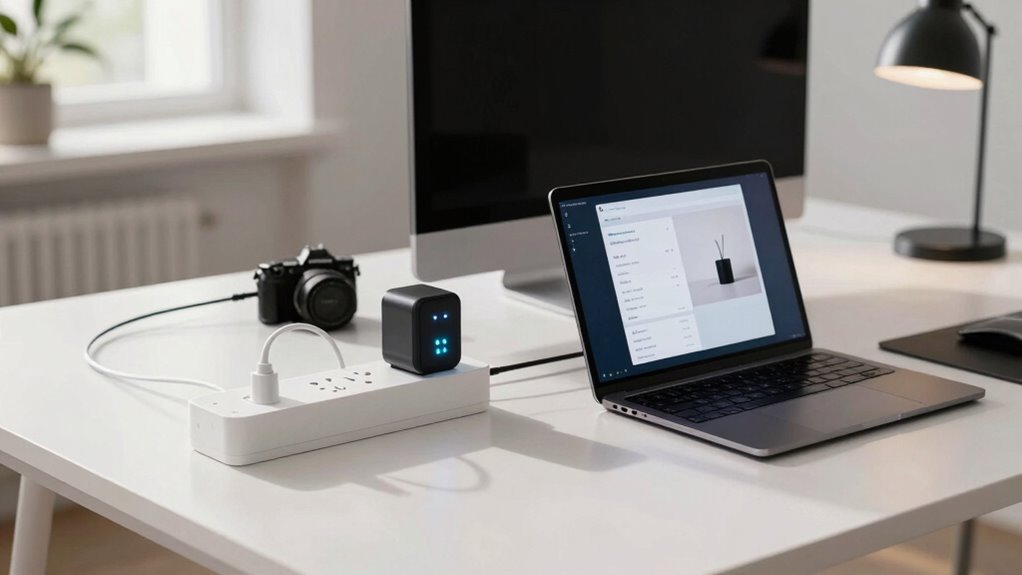
Plug in smart outlets to turn lamps, printers, and coffee makers into automated helpers—schedule them to fire up when needed or shut off after hours. You’ll slash wasted energy, avoid awkward “oops” moments with conference room lights, and save serious time. With voice control, calendars, and even AI joining the fun, your office doesn’t just work smarter—it almost thinks for itself. And that’s just the warm-up act.
Understanding Smart Plugs and Their Office Applications
Ever wonder how to make your office smarter without overhauling the whole setup?
Smart plugs are your secret weapon—you just plug them in, connect to Wi-Fi or a hub, and boom, your lamps, printers, and coffee makers gain superpowers.
You can turn devices on or off from anywhere, set schedules, or even use voice commands like some tech wizard.
Need the conference room lights on before a meeting?
Done.
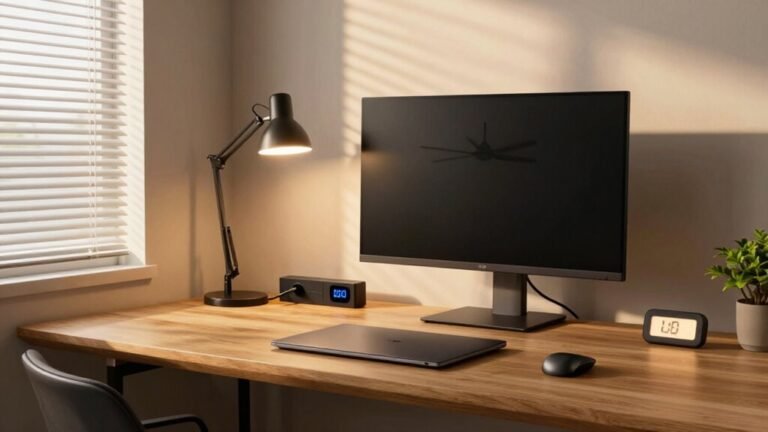
Want to kill phantom energy draining from idle monitors?
Easy.
They come in fun sizes—mini ones, multi-outlets, even models with USB ports.
Just don’t plug in the office toaster oven—most aren’t built for heavy hitters like microwaves.
With energy monitoring and app control, you’ll save power, boost efficiency, and maybe even impress your boss without breaking a sweat.
Who knew being lazy could feel so productive?
One top-tier option handles high loads with a 15-amp rating, making it ideal for power-hungry office gear like space heaters and projectors (15 A support).
Key Benefits of Automation in Modern Workspaces
What if you could slash busywork, save your company cash, and actually enjoy your job more—all without pulling extra hours?
You can, thanks to automation.
It’s not magic—it’s smart workflows that work while you focus on what really matters.
Here’s what you gain:
- More time: Save up to 240 hours a year by ditching repetitive tasks
- Fewer errors: Reduce costly mistakes by up to 70% with consistent, automated processes
- Lower costs: See ROI in the first year—sometimes as high as 200%—from efficiency gains
- Happier teams: 90% of workers feel more satisfied when boring tasks vanish
- Smarter decisions: Get real-time data you can trust, so you’re never guessing about office needs
Automation doesn’t replace you.
— upgrades you.
Think of it as your overachieving coworker who never needs coffee.
And honestly, who wouldn’t want that on their team?
88% of employees report higher job satisfaction from automation, proving that 88% report higher job satisfaction.
Optimizing Energy Efficiency With Smart Plug Technology

How can flipping a single switch save your office hundreds—and maybe even thousands—of dollars a year? Smart plugs make it possible by cutting energy waste from idle devices like printers, monitors, and coffee machines. You’re not just saving power—you’re boosting efficiency with real-time tracking and smart scheduling. The global smart plug market is rapidly expanding, projected to reach USD 30.50 billion by 2034, reflecting growing adoption driven by energy efficiency demands and IoT integration (24.1% CAGR).
| Device | Avg. Savings | Payback Period |
|---|---|---|
| Printer | 86% | <2 years |
| Coffee Machine | 45% | ~2.5 years |
| Monitor | 60% | ~3 years |
| Water Dispenser | 32% | ~3 years |
Just imagine your office appliances working *smarter*, not harder. With per-outlet monitoring and automated controls, you’ll spot energy hogs and squash them fast. It’s like giving your office an energy glow-up—one plug at a time. And hey, your wallet will thank you every month!
Enhancing Productivity Through Device Scheduling
Why should your office gear sit around twiddling its thumbs when it could be following a smarter routine?
With smart plug scheduling, your devices wake up, power down, and prep for meetings—all without you lifting a finger.
You’ll save time, skip the daily tech tango, and keep your workflow buttery smooth.
- Turn on monitors and lamps right before you start work, so everything’s ready to roll
- Sync devices to your calendar, so projectors and speakers fire up just before meetings
- Stagger boots for heavy machines to dodge power surges and annoying lag
- Let smart rules charge your phone overnight but stop before overcharging kills the battery
- Use motion or calendar checks to keep things on when you’re around—and turn off when you’re not
Your office doesn’t need coffee to stay sharp—just smart timing.
Reducing Operational Costs With Intelligent Controls

Ever wonder how much money your idle printers and perpetually charging gadgets are quietly sipping from your budget? You’re not just paying for power they use—you’re funding their 24/7 coffee breaks.
Smart plugs with load-sensing power strips cut phantom energy, slashing costs by 10–52% depending on your gear.
Target the usual suspects: monitors, chargers, coffee machines—they’re energy vampires.
Pair smart hardware with quick team reminders, and savings climb even higher.
Skip basic timers; let devices shut off automatically when the main one sleeps—it’s smarter and actually works.
Track energy first to see what’s guzzling power, then strike wisely.
Schedule non-urgent devices to run off-peak and dodge high rates.
Watch kettle cycles, not just caffeine levels.
With real data, you’ll boost ROI, prove savings, and keep more cash for what really matters—like donuts.
Simplifying Setup and Integration Across Devices
You’ve already trimmed the fat on energy waste, so now let’s make your office smarter without the headache.
Setting up smart plugs isn’t rocket science—and you won’t need a tech degree.
Just follow these simple steps and you’ll be in control before your coffee gets cold:
- Plug it in, power it up, and check for that friendly blinking Wi-Fi light.
- Download the app, create your account, and connect your plug like it’s joining the family.
- Name and group plugs by zone—think “Conference Corner” or “Sarah’s Desk.”
- Link to Alexa, Google, or Siri for voice commands that actually work.
- Schedule routines so your devices run on time, every time—no nudging needed.
Boom! Your office isn’t just smart—it’s effortlesslysmart.
Leveraging AI for Smarter Office Automation

What if your office could think for itself—anticipating your needs, slashing energy bills, and keeping gadgets in tip-top shape before they act up? With AI-powered smart plugs, it can. You’ll save 20–30% on energy as systems learn when to dim lights or adjust AC based on your habits and the weather.
No more coffee maker wars—AI kicks it on just before your team arrives. It even juggles power loads to dodge peak charges and spots a wobbly printer before it dies mid-job.
Your plugs chat with calendars, badges, and sensors, powering up only when needed and shutting down quietly when not.
Forgot the projector? Don’t worry—your AI remembers. It’s like having a tiny, super-organized robot butler who loves spreadsheets and hates waste. And yes, it logs every move, so you’re always in the know. Pretty smart for something that fits in a wall socket, huh?
Frequently Asked Questions
Can Smart Plugs Work During a Power Outage?
Sorry, but no, smart plugs won’t work during a power outage—they rely on mains electricity and usually don’t have batteries.
When the power goes out, so do they.
Your gadgets shut off, and automation pauses.
But hey, think of it as your home hitting the snooze button!
The good news? You can plan ahead to keep things running smoother next time.
Are Smart Plugs Safe for High-Power Office Equipment?
Yes, you can safely power high-power office gear—they won’t throw a tantrum or burst into drama like a coffee machine on a Monday morning.
These smart plugs handle up to 15A, 1875W, and come packed with safety shutters, surge protection, and auto-shutoff.
They even monitor heat and power use, so your devices stay cool, calm, and collected—literally.
Just keep them indoors, and you’re golden.
Do Smart Plugs Require a Constant Internet Connection?
No, you don’t always need the internet for smart plugs to work!
If you pick the right kind, they’ll keep ticking like tiny office robots even when the Wi-Fi’s down.
Plugs with local control—like Zigbee or Z-Wave models—run schedules on their own.
But yeah, remote access and voice commands do need the internet.
Think of it like a mini power party: some guests leave when the net quits, but the host stays and keeps the lights on!
Can I Use Smart Plugs in Outdoor Office Spaces?
Yes, you can use smart plugs in outdoor office spaces—but only if they’re rated for outdoor use.
Look for an IP65 rating, a weatherproof cover, and a solid GFCI connection.
Plug in your lamp or fan, set a schedule, and boom, your space stays cozy and efficient.
Just don’t expect your indoor-only plug to survive a rainstorm—unless you *enjoy* dramatic electrical surprises!
How Do I Reset a Smart Plug to Factory Settings?
You reset a smart plug by pressing and holding the button till the LED blinks wildly—like it’s throwing a tiny digital tantrum.
Hold 5–15 seconds, depending on the brand; TP-Link wants 10, Amazon blinks red, Teckin clicks.
Think of it as a do-over for your plug.
No light? Uh-oh.
But most will wipe Wi-Fi and start fresh, ready to charm your office all over again.
Conclusion
You’ve turned your office from a sleepy desk setup into a smart command center—like giving your workspace a superhero upgrade. Imagine your coffee maker brewing at 8:00 a.m. sharp, every morning, because your smart plug remembers you’re a human, not a morning wolf. Fact: offices using smart plugs cut energy waste by up to 30%. You save time, cash, and planet points—all while your printer wakes up… maybe even more reliably than you do. Win!