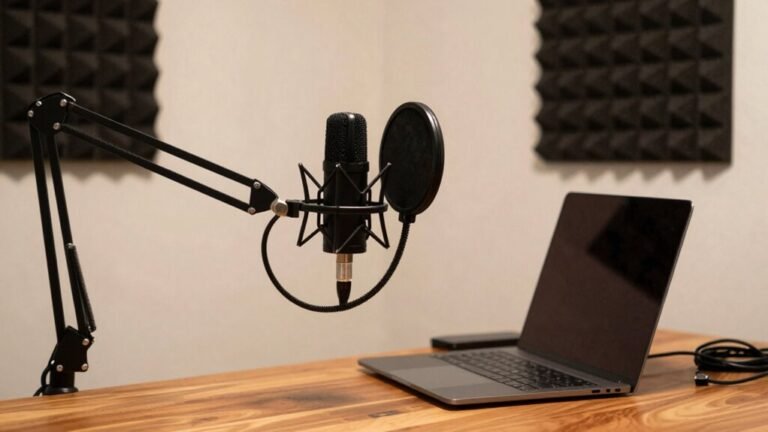
Microphone vs. Headset: Which Is Better for Calls?
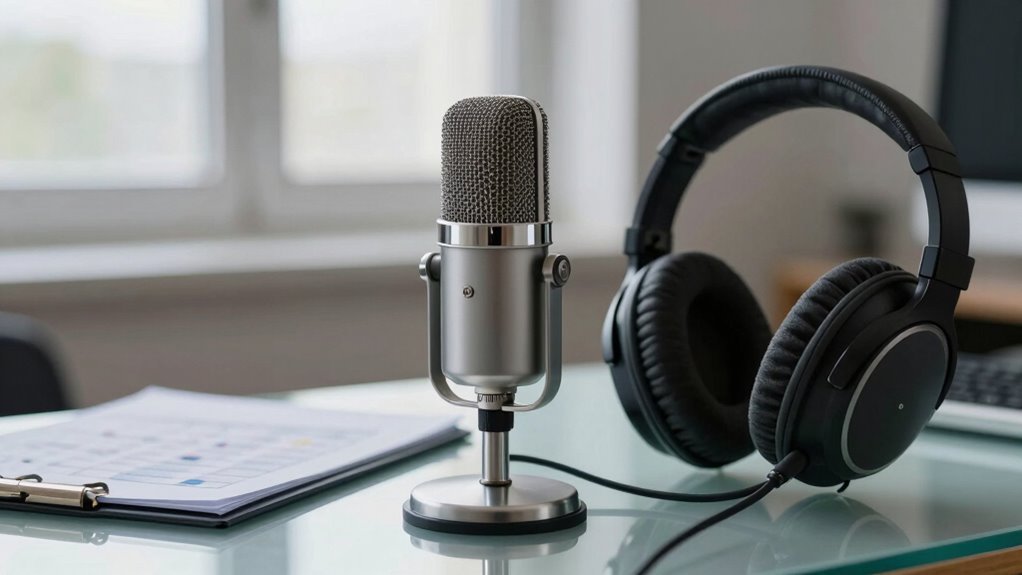
You sound way clearer with a standalone mic than a headset’s tin-can boom—think rich, crisp voice, not muffled mush. Wired beats wireless for rock-solid reliability, and boom mics near your mouth crush background noise when placed right. Sure, headsets are convenient, but a $100 mic often outshines a $400 headset. Pop filters, placement, and durability matter more than you’d think—want to know which setups pros secretly swear by?
Audio Clarity and Voice Fidelity
While your headset might get the job done, you’re probably not hearing the full story when it comes to how you sound on calls—especially if you’re still rocking that built-in mic like it’s 2010.
Let’s be real: most headset mics make you sound like you’re calling from a tin can underwater.
Standalone mics, like the Blue Yeti Nano or even the budget-friendly Snowball Ice, crush them in clarity and richness.
You’ll hear the difference instantly—fuller voice, crisp highs, and zero muffled mess.
Even a $100 standalone mic often beats a $400 headset combo.
Headset mics pick up plosives, rustling, and weird brittleness, while separate mics with pop filters keep your “P’s” and “B’s” from exploding.
You sound smoother, clearer, and way more professional—like you actually care about your voice.
And hey, isn’t that kinda the point?
Blue Snowball Ice also proves that even an affordable USB mic can outperform high-end headset microphones in real-world use.
Wired Vs Wireless Signal Performance
You’re on an important call, nailing every point, when suddenly—your voice cuts out, or worse, echoes like you’re in a cave.
Blame wireless lag or interference.
Wired headsets? They keep your voice crisp and in sync, with zero delay.
No hiccups, no pairing meltdowns—just plug and go.
Bluetooth’s OK, but that 40–50ms delay can trip up fast conversations.
Even newer wireless models can’t match the rock-solid stability of a cable.
Wired wins for reliability, especially in busy offices full of Wi-Fi chaos.
No batteries to die mid-call, no signal drops when you move your head wrong.
Think of it like toast—simple, dependable, and always ready.
Wireless is fancy coffee: sleek, but sometimes it spills.
For stress-free, uninterrupted calls, go wired.
You’ll never wonder if your “yes” turned into silence.
This reliability stems from zero latency in wired connections, eliminating timing gaps between speech and transmission.
Background Noise Rejection

Ever tried having a serious work call while your dog barks, the AC hums, and someone starts vacuuming nearby?
You need a mic that fights back.
Good headsets use smart tech like beamforming and AI to focus on your voice and ditch the chaos around you.
Noise gates cut out sudden sounds, while adaptive filters learn your noisy world and mute the junk.
Fancy models even pair mic suppression with ANC in the earcups—quiet for you, clear for them.
But not all mics are equal: high-end headsets crush background noise, while cheaper ones let it sneak through.
The real magic happens when your headset and apps like Zoom team up with AI to scrub out chatter and clatter.
Just be careful—too much cleanup can make you sound robotic.
The best setups keep you sounding human, but finally, finally, silence the vacuum bandit.
Some models, like the Epos Impact 860, feature a top noise canceling microphone that excels in isolating voice from office distractions.
Mic Placement and Physical Design
Holding the mic close—really close—is your secret weapon for sounding crisp and clear on calls. A boom mic hovering near your mouth captures stronger voice signals and drowns out background noise like a pro. Just watch out for “p-pops” — a foam cover fixes that fast! Here’s how common setups stack up:
| Design Type | Stability | Ease of Placement |
|---|---|---|
| Over-ear headset with boom | High | Easy |
| On-ear headset | Medium | Medium |
| Earbuds with mic | Low | Tricky |
| Laptop built-in mic | Very Low | Automatic |
| External desktop mic | Medium | Needs adjustment |
Good fit means less fidgeting and fewer “Can you repeat that?” moments. Position the boom near the corner of your mouth, slightly off-axis, and you’ll sound studio-ready — no engineering degree needed. Stay put, sound great!
Power and Connectivity Stability

How’s your headset holding up when the battery starts blinking red mid-call? Not great, right?
Wired headsets skip the stress entirely—no charging, no dropouts, just plug-and-talk clarity.
Wireless models offer freedom, sure, but you’re always racing the battery clock, especially during back-to-back meetings.
Even with rapid charging, you might get ghosted by your mic mid-sentence thanks to power sags or aging cells.
And let’s not forget how Bluetooth hiccups when your office Wi-Fi gets rowdy.
- Wired = rock-solid connection, zero battery drama
- Wireless offers mobility, but risks dropouts and interference
- USB power issues can add annoying hiss to your calls
- DECT and dongles help, but aren’t immune to tech tantrums
Stay powered, stay connected—your voice deserves better than a surprise mute.
Durability and Usage Comfort
What good is crystal-clear audio if your headset quits on you after a few months—or leaves you squirming in discomfort by noon?
You want gear that lasts *and* feels great.
Headsets like the Jabra Evolve2 75 and Beyerdynamic MMX 300 Pro stand up to daily abuse with metal frames and replaceable parts, but some still trap heat after hours.
Gaming champs like the Astro A50 X win on comfort with lightweight builds, while memory foam ear cups keep you snug.
Standalone mics, like rugged USB models from Sennheiser, often outlive flimsy headset mics and let you pair them with your favorite comfy headphones.
You’re not stuck wearing bulky cans just to chat.
Plus, boom arms on Logitech or Sennheiser headsets stay put without tickling your cheek.
Just don’t expect miracles from cheaper fits—some, like the Corsair HS65, look tough but pinch after a while.
Pick smart, and your ears (and voice) will thank you.
Cost Vs Performance Tradeoffs

While your wallet might flinch at first, splurging a bit on the right mic or headset can save you from sounding like a garbled robot on every Zoom call.
You don’t need to go full podcast studio, but knowing where to invest makes all the difference.
Cheap headsets often trash your voice with distortion, while pricier ones like the Jabra Evolve2 75 keep you crisp and clear, even in a noisy office.
And fun fact: a $100 standalone mic like the Blue Yeti Nano can wipe the floor with a $120 gaming headset.
Wired gear gives you better sound without Bluetooth’s limits, but wireless 2.4GHz gets close—if you don’t mind the extra dongle.
- Cheap headsets? Loud, messy, and full of “whoosh” sounds.
- Mid-range models sacrifice mic quality for flashy audio.
- Standalone mics outshine headset mics, even at half the price.
- Top-tier headsets are worth it if you live on calls.
Frequently Asked Questions
Can I Use a Headset Mic for Podcasting?
Yes, you can absolutely use a headset mic for podcasting!
They’re great for keeping your voice consistent and cutting background noise.
Sure, they mightn’t sound as rich as big studio mics, but with a little EQ and compression, you’ll sound clear and crisp.
Perfect for remote interviews or quick recordings—plus, no more chasing the mic when you lean in to emphasize a point!
Do Standalone Mics Work With Smartphones?
Yes, standalone mics work with smartphones—they’re like audio superheroes landing right in your pocket!
Just grab one with USB-C or Lightning, plug it in, and boom: crystal-clear sound.
Wireless? Even better—roam freely like a rock star.
Whether you’re podcasting or chatting, your phone’s ready to turn pro.
Just check compatibility, and you’re golden.
Who knew your smartphone could sound this good?
Are Gaming Headsets Good for Conference Calls?
Yeah, gaming headsets work great for conference calls—you’ll sound clear and stay comfy all meeting long.
Models like the Razer BlackShark V2 Pro or SteelSeries Arctis Nova 5X cut background noise like magic, so your dog barking won’t steal the spotlight.
Just plug in, speak up, and let that crisp mic do the talking—no director’s chair needed!
How Do I Reduce Mic Popping on Headsets?
You can totally beat mic popping by positioning your headset mic 1-2 inches from the corner of your mouth—sidestepping those explosive “P” sounds.
Angle it slightly off-axis, like a sneaky secret agent avoiding breath blasts.
Use a foam windscreen or pop filter if you’ve got ’em.
Speak smoothly, stay still, and keep the mic clean—no wardrobe rubs!
Upgrading helps too; good gear just laughs at pops.
Easy fixes, big results!
Can USB Mics Be Used Wirelessly?
Yeah, you can use some USB mics wirelessly—fancy ones have built-in Bluetooth or RF transmitters so you’re not glued to your desk.
Just pair or plug in the receiver, and you’re free to move around.
They run on batteries, so keep an eye on that charge.
Sure, there’s a bit of lag sometimes, and sound quality varies, but hey, it beats tripping over cords mid-call.
Tech’s got your back!
Conclusion
Think of your mic as a spotlight on your voice, while a headset’s like a cozy booth that wraps sound around you. Both shine when the call starts, but one fits your groove better. Wired’s steady as a drumbeat, wireless dances free. Need crisp clarity? A good mic delivers. Crave comfort and quiet? The headset wins. Pick your partner, not the flashiest gadget—it’s the voice they lift that counts.