How to Use a Corner Desk Efficiently
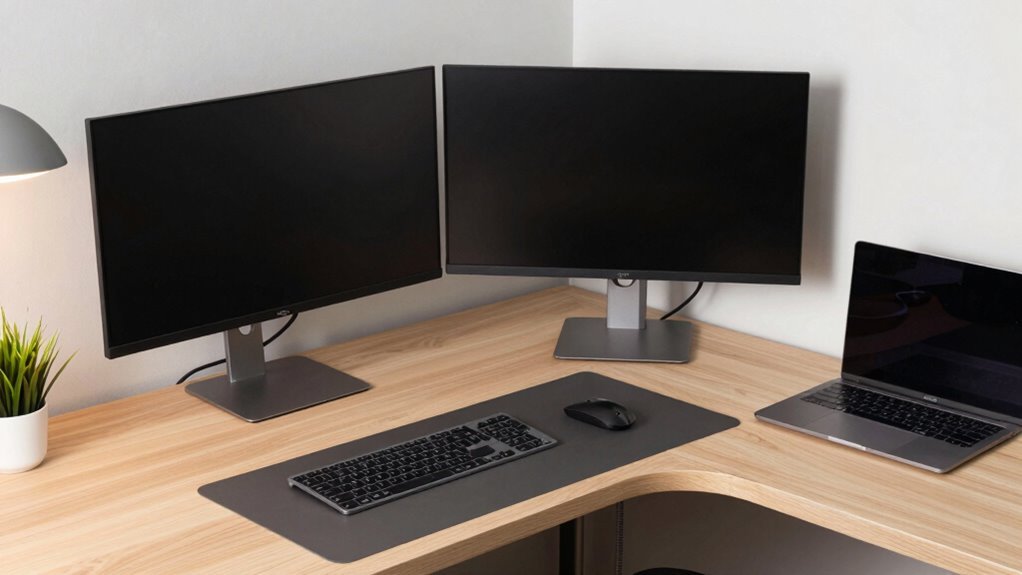
Tuck your corner desk into that dead space and turn it into a sleek command center—L-shaped or not, leave 80 cm on each side so you’re not playing desk limbo. Position your monitor straight ahead, at eye level, and keep your mouse and keyboard close to avoid the awkward lean. Zone your desk: tech on one side, notebooks and pens on the other. Use shelves and hidden drawers to stash clutter, and grab a cozy lamp to banish eye strain. You’ll work smarter, sit better, and maybe even impress your cat. There’s a whole playbook waiting to level up your setup.
Optimize Desk Placement for Workflow and Comfort
When you tuck a corner desk into just the right spot, you’re not just setting up a workstation—you’re releasing a sleek command center that turns forgotten nooks into productivity powerhouses.
You grab dead space no one else wants and say, “I’ll take it!”
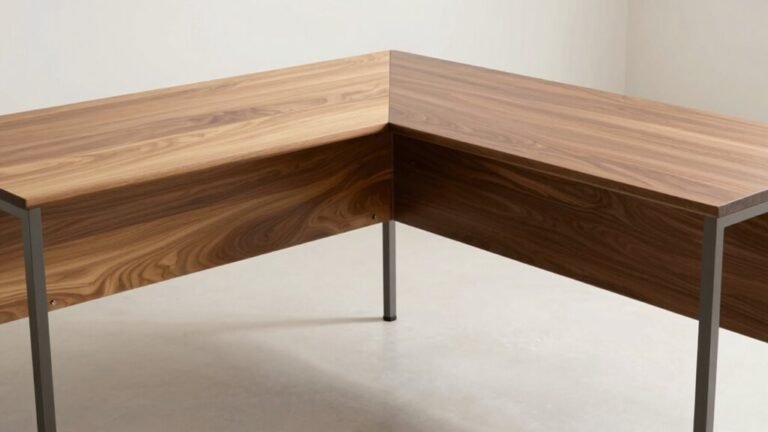
L-shaped or U-shaped, your desk hugs the corner like it was born there, giving you tons of surface room without hogging floor space.
You’ve got room for your monitor, laptop, and that coffee mug that never leaves your side.
Just make sure you leave 80 cm of breathing room on each side—nobody likes playing desk limbo.
Measure first, slide in later, and don’t block doors or windows like some furniture ninja.
Position it right, and you’ve got privacy, focus, and your very own HQ—no cape required.
This setup efficiently transforms underutilized corner spaces into functional work zones, maximizing room potential without overcrowding.
Set Up an Ergonomic Seating and Viewing Position
Getting comfy in your chair isn’t just about sinking in like it’s a couch—it’s about building a setup that keeps your body happy through every work marathon.
You’ll type faster, focus longer, and avoid that “why does my back hate me?” feeling by nailing your seating and view.
- Seat smart: Adjust your chair so your feet are flat (or on a footrest), knees bent at 90°, and your back snug against lumbar support—no slouching like a sad noodle.
- Eye it right: Position your monitor top at eye level, about an arm’s length away, so you’re not crane-necking like a curious giraffe.
- Arm yourself well: Keep elbows at 90°, wrists straight, and mouse close—no Olympic reaches just to click “send.”
Do this, and your body will thank you with focus, comfort, and zero side-eye at your posture. Positioning your L-shaped desk in the corner of the room can enhance stability and optimize your workspace within a compact footprint.
Organize Your Work Zones for Maximum Efficiency

Now that your chair supports your back and your screen sits at the sweet spot for your eyes, let’s talk about making the rest of your corner desk work *for* you instead of against you.
Split your L-shape into two power zones—one for digital tasks with your monitor, keyboard, and mouse, and the other for writing, sketching, or coffee-sipping brainstorming.
Keep your primary leg tech-ready and sleek, while turning the second into a creative hub or paperwork pit stop (we won’t judge).
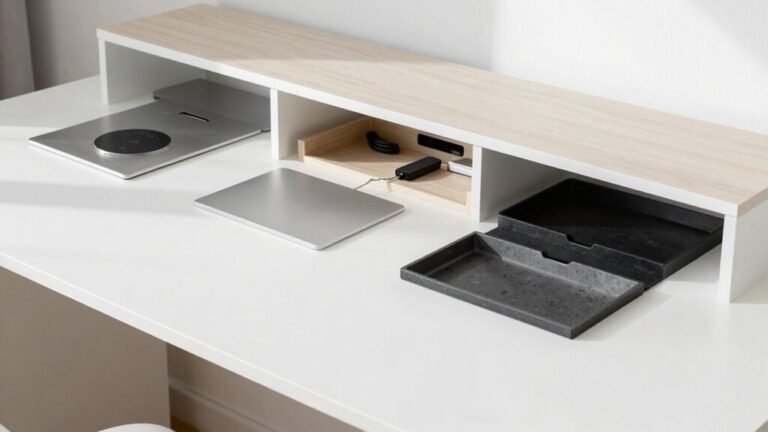
Use floating shelves or desk organizers to stash supplies, and tuck cables away so they don’t stage a spaghetti-junction revolt.
Define each zone clearly, like invisible force fields—no, your stapler doesn’t belong next to your mouse.
Play with lighting and layout until it feels just right, because a smart setup keeps clutter from crashing your focus party.
Make it functional, a little quirky, and totally *you*. This dual-surface layout supports task zoning effortlessly, helping you stay organized and focused.
Position Equipment Within Ideal Reach Zones
Reach out and grab your coffee without doing the office yoga move—you know, that awkward twist-and-stretch for your mouse or notebook.
When you set up your corner desk right, everything you need stays comfortably in reach, so you stay relaxed and focused.
No more hunching, stretching, or knocking things over.
Keep your gear where your arms naturally fall, and save your body the stress.
Here’s how to nail it:
- Keep your keyboard and mouse close—they should be right in front of you, not stretched into the corner.
- Place your monitor straight ahead—centered and at eye level, about an arm’s length away.
- Store notebooks, pens, and peripherals within arm’s reach—use both sides of the L-shape smartly, so you’re not playing desk gymnastics.
Set it once, work easy. Your back (and coffee) will thank you.
Enhance Lighting to Reduce Glare and Eye Strain

While your corner desk setup keeps your gear within easy reach, don’t let harsh lighting sneak in and ruin your groove.
Clip on a diffuser to soften glaring fluorescents—it’s cheap, easy, and saves your eyes.
Or swap them out for LEDs: they’re gentler, use less juice, and let you tweak the tone and brightness.
Add an adjustable desk lamp like the Astra3 to nail that sweet spot of focused task lighting, or try under-cabinet lights for a clean glow.
Got a window nearby? Shift your desk closer—natural light boosts mood and cuts screen glare, just check for bounce-off glare during peak hours.
Toss on a decorative film to block prying eyes without killing the brightness.
And if flickering fluorescents still bug you, pop on blue-light-blocking glasses or use a light blocker on your screen.
Your eyes will thank you—no squinting, no headaches, just smooth, comfy focus.
Use Smart Storage to Minimize Clutter and Boost Focus
When your corner desk stays neat, your mind stays sharp—so skip the junk drawer chaos and get smart about storage.
You’ve got better things to do than play detective looking for lost chargers or buried notebooks.
Maximize your corner space with these game-changing ideas:
- Use adjustable open shelves to stash tablets, books, and binders—you’ll grab what you need in a flash.
- Slide documents into hidden compartments or file drawers that fit on either side, keeping papers secure and surfaces clutter-free.
- Tame cords like a pro with built-in cable management and hooks—say goodbye to tangled messes and hello to a clean, calm workspace.
With drawers, floating shelves, and sneaky cubbies working for you, your desk won’t just look great.
—it’ll *feel* like a productivity playground.
Who knew being tidy could be this fun?
Frequently Asked Questions
Can I Use a Corner Desk in a Closet or Alcove?
Yeah, you can absolutely use a corner desk in a closet or alcove—it’s a total space-saving win!
Just snug it into the corner, and boom, you’ve got a tidy workspace.
Make sure you’ve got at least 48 inches of clearance, and pick a slim or L-shaped model.
Add a foldable chair, some shelves, and maybe a fun lamp, and voilà—your closet just became your new office hideout!
How Do I Accommodate Two Monitors on a Small L-Shaped Desk?
You’ve got this!
Fit two monitors on your small L-desk by using slim monitor arms—they save space and let you tweak angles perfectly.
Angle them inward so you’re not swiveling like an owl.
Put the main screen dead ahead, the other slightly off to the side.
Go with a single ultrawide if space’s tight—it’s like a widescreen movie for your workflow, minus the popcorn (but hey, keep snacks close).
Is a Corner Desk Suitable for Shared Workspaces or Hot-Desking?
Yeah, a corner desk works great for shared spaces—you get more privacy and a cozier spot to focus.
Just add docking stations so everyone hooks up fast, label storage for quick swaps, and use booking apps to avoid squabbles.
Toss in some cable management, and you’re golden.
It’s like a quiet corner booth at a busy café—your work stays yours, even when the desk isn’t.
What Rug Size Works Best Under a Corner Desk Setup?
Bigger is better when picking a rug for your corner desk—you’ll want at least a 6′ × 9′ to keep everything grounded.
Remember, “don’t let the tail wag the dog”—your chair should roll back smoothly without hanging off.
Go for an 8′ × 10′ in larger rooms so your wheels stay on the rug, not the floor.
It’s like a magic carpet, but for productivity—keep it comfy, covered, and clutter-free!
How Can I Make a Corner Desk Pet-Friendly Without Sacrificing Space?
You make a corner desk pet-friendly without losing space by using vertical spots like wall shelves for climbing cats and tucking a snug pet bed underneath.
Slide in a compact crate or gate nearby for boundaries, add a window perch for bird-watching breaks, and stash toys in bins.
Boom—your pal stays happy, and you keep every inch!
Conclusion
You’re the captain of a tidy little command center, steering your corner desk like a ship through busy seas. With gear in reach, light on your side, and clutter banished, every task feels like smooth sailing. No more desk jungles—just clear decks and calm focus. You’ve turned corners into launchpads, my friend, and productivity’s your favorite co-pilot. Ready, set, conquer!