Decor Ideas for Dual Screen Desk Setups
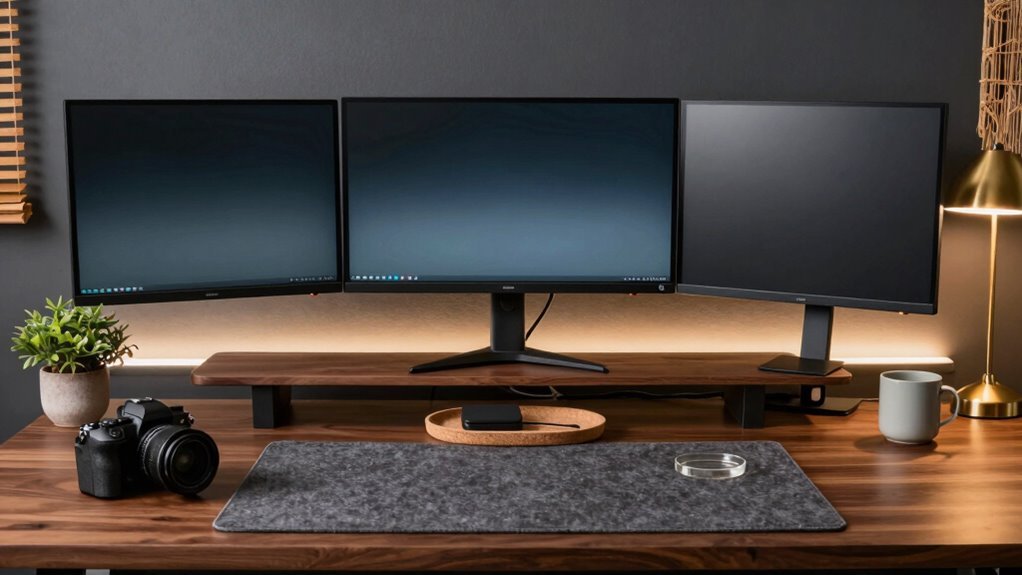
Match your dual monitors with the same size, resolution, and a seamless wallpaper that spans both screens—boom, instant eye candy. Toss in sleek monitor arms to save space and nail that perfect eye-level sweet spot. Angle your second screen slightly for comfort, add a pop of glow with LED strips behind them, and keep cables tidy with clips and a USB-C hub. Throw in a cool plant or a fun desk toy, and your setup doesn’t just work hard—it looks good doing it. You’re gonna love what comes next.
Create Visual Harmony With Coordinated Wallpapers and Displays

Whether you’re working, gaming, or scrolling through memes, nailing that seamless look across your dual monitors is easier than you think.
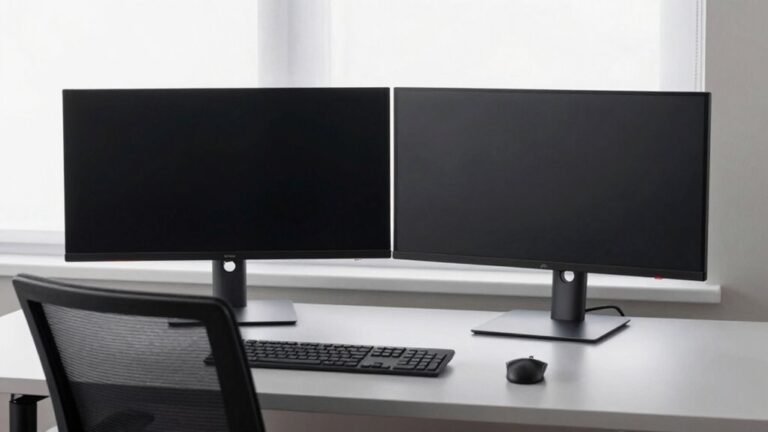
Grab two monitors with the same size, resolution, and panel type—you’ll skip the eye strain and wonky window drags.
Match their brightness and color settings too, even if they’re different models.
Want that wow factor? Span a single, high-res wallpaper (like 3840×1080 for two 1080p screens) across both—it’s one quick setting in Windows.
Just pick “Span” in Personalize, and boom: no repeats, no cropping, just smooth visuals.
Or, go wild and set different pics per screen if you’re feeling eclectic.
Align everything at eye level, pick colors that vibe together, and boom—you’ve got a workspace that’s sleek, synced, and secretly stylish.
Who knew eye candy could boost productivity? Well, now you do.
Two compatible monitors make a noticeable difference when extending your desktop, ensuring visuals flow seamlessly without distortion or mismatched scaling.
Elevate With Dual Monitor Arms and Ergonomic Risers
You’ve nailed the look with seamless wallpapers and perfectly matched screens, so now let’s get your setup off the ground—literally. Dual monitor arms and ergonomic risers aren’t just smart—they’re game-changers for comfort and style. Adjust height, tilt, or swivel with ease, keep your spine happy, and free up desk real estate for the fun stuff (like that mini plant collection). Plus, cables? Hidden. Clutter? Gone. Here’s how they stack up:
| Feature | Benefit | Perk You’ll Love |
|---|---|---|
| Adjustable arms | Eye-level screens, zero neck strain | No more “tech hunch” at 3 p.m. |
| Desk space saved | Room for lamps, notes, snacks | More space for *you* |
| Sleek risers & arms | Clean lines, modern vibe | Your desk finally looks expensive |
Level up—your back (and Instagram feed) will thank you. A key advantage of monitor arms is their full range of motion, allowing precise positioning for optimal comfort.
Designate Functional Zones for Focused Task Management

When your desk becomes a command center, chaos has no place—so it’s time to claim your zones like a productivity pro.
Place your main screen front and center for typing, reports, or spreadsheets, and angle the secondary one 30 degrees to the side for references—no more swiveling like an owl.
Keep both at eye level and arm’s length to avoid neck strain and awkward reaches.
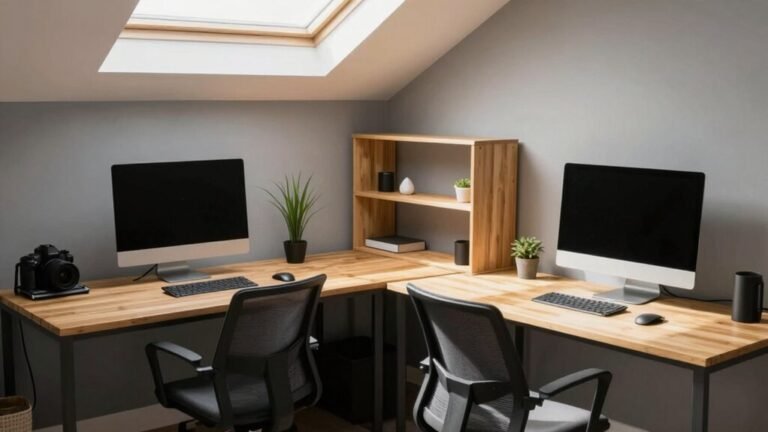
Use an L-shaped desk to assign each monitor its own zone, one for work, one for tools, and sneak in space for chargers or notebooks.
Create little borders so your coffee won’t stage a hostile takeover of your keyboard.
Point your mouse toward the primary screen to save your wrist from rebellion.
Whether side by side or angled inward, align screens to your natural gaze—your neck will thank you.
A symmetrical setup? Perfect for comparing docs without a head twist.
Organize with purpose, and hey, you might just conquer the workday in style.
Ensure both monitors are positioned about an arm’s length away to reduce eye strain and maintain ergonomic comfort.
Enhance Ambiance With Layered Lighting Solutions
Now that your screens have their own dedicated zones and your desk feels like a well-organized mission control, let’s turn up the mood—literally.
Layer your lighting to keep things bright, comfy, and oh-so-stylish.
Start with ambient light—think ceiling fixtures or a floor lamp—to banish any cave vibes.
Then add a sleek desk lamp (4000K is your focus friend) to kill shadows where you type.
Spice it up with LED strips behind your monitors for a futuristic glow—because who doesn’t want to feel like a tech wizard?
Use dimmers to dial things down for late-night emails or cozy video calls.
Mix in a sconce or under-cabinet lights for flair and function.
With smart controls, you can tweak brightness like a lighting DJ.
It’s not just light—it’s mood magic.
Bright when you’re crushing tasks, soft when you’re winding down.
Light it right, and your dual-screen setup won’t just work better—it’ll *feel* better.
✨
Streamline Cables and Peripherals for a Clean Aesthetic

Taming the tech tornado doesn’t have to feel like wrangling spaghetti in the dark. You’ve got two screens, but that doesn’t mean your desk needs a jungle of wires. Use under-desk trays, grommets, and monitor arms with built-in cable channels to hide the mess and make everything easier to manage. Swap bulky adapters for a sleek USB-C dock and label your cables so you’re never guessing which one does what. Keep things tidy with Velcro ties and adhesive clips—no more dangling cords!
| Solution | Benefit | Pro Tip |
|---|---|---|
| Cable trays | Hide power strips | Mount under desk for access |
| USB-C hub | Cut cable clutter | One plug powers & connects |
| Labeled tags | Speed up fixes | Color-code for fun! |
Personalize With Minimalist Accents and Natural Elements
A little personality never hurt anybody—even in the most minimalist of setups.
You can keep things clean *and* cozy by mixing neutral tones like white, black, or natural wood—think light birch or warm walnut desk tops that bring the outdoors in.
Stick to two or three colors so it stays calm, not chaotic.
Add a snake plant or tiny succulent; one pop of green fights the sterile vibe without clutter.
Tuck in a grey felt coaster or sleek monitor light bar—low-profile goodies that *work* while looking good.
Love a little inspiration? Hang a “Man in the Arena” print or a pair of antelope horns (yes, really).
They’re quirky, not chaotic.
Use a bright mug as your one fun splash of color—because who said minimalism has to be boring?
Frequently Asked Questions
What Monitor Sizes Work Best Together for Dual Setups?
You’re nailing it when you pair two 24-inch or 27-inch monitors—they’re the sweet spot for space and clarity.
You’ve got enough room to multitask without feeling like your desk’s been hijacked.
Go dual 24s for cozy efficiency, or stretch out with 27s if you’ve got the width.
Mix in a portrait screen if you’re feeling fancy.
Just skip the 32-inch twins—unless you’re paid by square foot!
How Do I Align Screens With Different Resolutions Seamlessly?
You align screens with different resolutions by matching their heights in display settings—drag those monitor icons like puzzle pieces!
Use Windows’ built-in tools or fun apps like LittleBigMouse to line them up perfectly.
Match resolutions manually, downscale the sharper screen, or get creative with custom ones.
Your cursor’ll glide smoothly, no more jumping fences like a confused rabbit!
Can I Mix Monitor Types (E.G., IPS and OLED) Safely?
Yeah, you can mix IPS and OLED—just don’t expect them to finish each other’s sentences.
They’ll coexist, sure, but colors, brightness, and blacks? Totally different universes.
One’s a vibrant party, the other’s a moody movie night.
Sync them right, match resolutions, and you’re golden.
Just admit they’re opposites who somehow work—like peanut butter and pickles.
Fun, weird, and totally your call.
Where Should I Place My Webcam With Dual Monitors?
You should place your webcam right between your two monitors at eye level—it’s the sweet spot!
That way, you’re looking straight into the lens, not up or down like you’re spying on your cat.
Use a tripod, a little stand, or stack some books (no judging if they’re old textbooks).
This keeps your gaze natural and makes video calls way more engaging.
Plus, you’ll look like a pro, not a peeping Tom.
How Do I Manage Heat and Airflow Between Close Monitors?
Think of your monitors as toasters—close together, they’ll toast you instead of your bread.
You crack ’em open? Leave space between them so heat doesn’t pile up.
You lower brightness to chill things down, and if they’re old, swap ’em—new ones run cooler.
Pop in a tiny fan behind or under, and bam, sweet desktop breezes keep everything from melting your patience.
Conclusion
You’ve aligned your screens, tamed the cables, and lit the scene—now, doesn’t your desk feel like a command center built for both work and wonder? With a splash of personality and a dash of greenery, your dual monitors aren’t just tools, they’re your daily vibe. So why settle for “just functional” when your setup can be fabulous, focused, *and* fun? Ready to geek out in style every time you sit down?