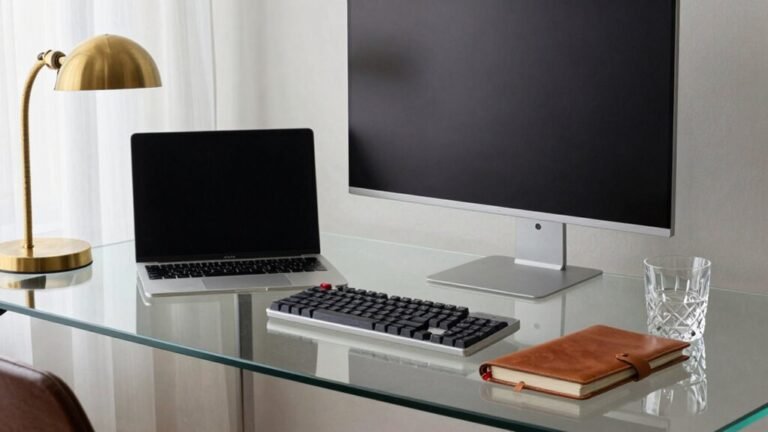
Home Office Setup: When to Splurge vs. Save
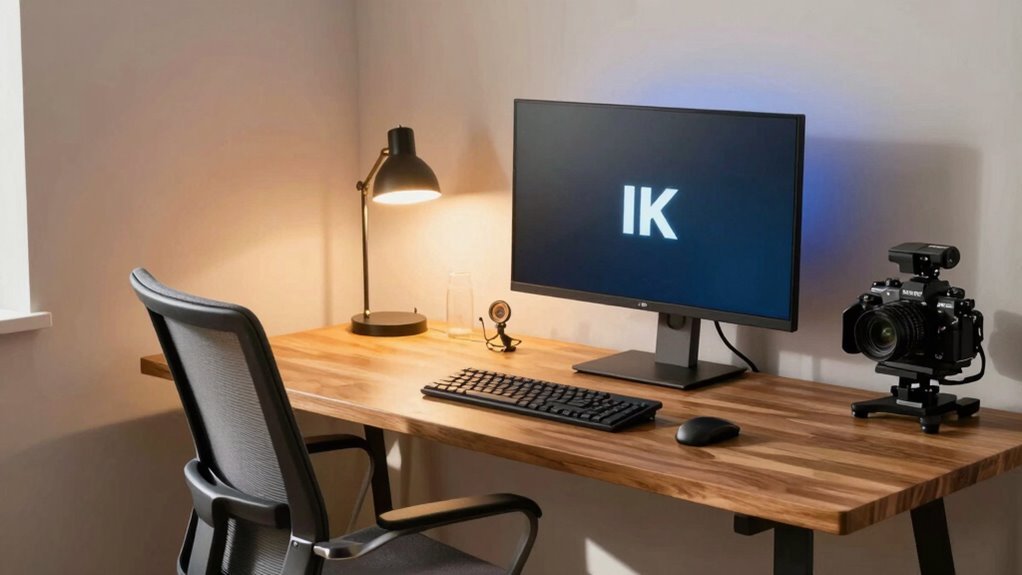
You need Wi-Fi that won’t quit on Zoom calls—splurge there. Skip the pricy new desk; a sturdy thrifted one works great. That ergonomic chair? Worth every penny for long workdays. Go for dual monitors if you juggle tasks, but save on decor. Fast internet, good seat, solid tech—nail these, and your setup shines. Want to know which upgrades secretly save you cash down the road? You’re closer than you think.
Assessing Your Budget: Matching Setup to Financial Goals
While you’re dreaming of a sleek desk and ergonomic chair, let’s talk money—because a killer home office doesn’t have to break the bank.
You’ll list your expected expenses: internet, amortized desk and chair, monitor, software, even electricity.
Assign monthly costs—maybe $60 for internet, $30 for furniture, $20 for hardware—adding up to around $150 a month.
Rank each as must-have or nice-to-have (spoiler: Wi-Fi’s a must).
Crunch the numbers annually, then compare against your stipend.
Don’t forget tax perks—maybe go simple with $5 per sq ft or dive in actual costs.
Either way, align spending with your financial goals.
Need a bigger budget? Negotiate a stipend bump.
68% of remote workers receive stipends, so know you’re not alone in seeking support.
Stay savvy, save where you can, and still rock that workspace—without looking like you robbed a bank.
Choosing the Right Desk: From Thrift Store Finds to Executive Models
Where should you plant your laptop or spread out those important papers—on a wobbly hand-me-down or a sleek command center fit for a CEO?
If you’ve got the space and serious work to do, go big with an executive desk—plenty of room for screens, paperwork, and that coffee you definitely need.
Love corners? L-shaped desks maximize space without hogging your room.
Standing half the day? A height-adjustable desk keeps things fresh.
But hey, you don’t always need to splurge.
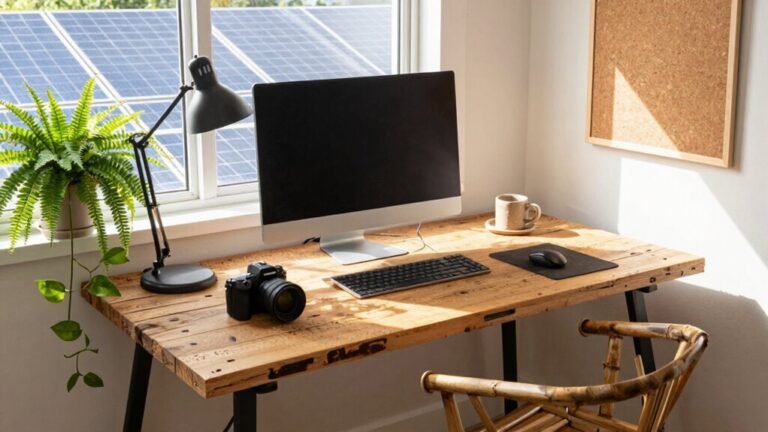
A thrifted solid-wood gem might outlast a cheap new one, and compact desks work great for quick email checks.
Match the desk to your real life: complex projects deserve sturdy surfaces and smart storage, but simple tasks don’t need a boardroom vibe.
Pick smart materials, mind the measurements, and leave room to move.
Your desk should help you work, not haunt your budget.
Executive desks offer impressive proportions and comprehensive storage, making them ideal for professional video conferences and multitasking.
Investing in Seating: When an Ergonomic Chair Pays for Itself

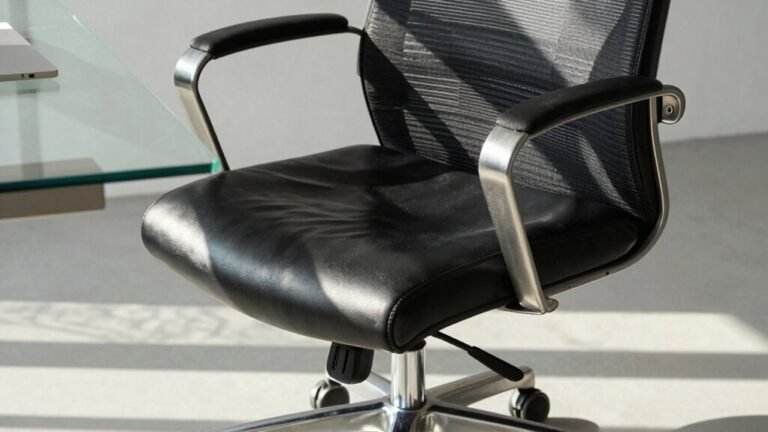
You mightn’t think a chair can change your life, but when you’re settling in for hours of work, the right seat can make all the difference—turning backaches into focus and slouching into serious productivity.
If you’re sitting all day, skimping on seating is like buying cheap tires for a race car—fun until it fails.
Ergonomic chairs cost more upfront, sure, but they slash the odds of back pain, boost your focus, and may even save you money long-term by avoiding doctor visits and lost work time.
Studies show some teams got 40% more productive after switching—no magic, just better support.
You’ll sit taller, think clearer, and maybe stop groaning when you stand up.
Splurge if you’re parked for 6+ hours daily or already creaky.
For lighter use? A solid mid-range model with good adjustments works just fine.
Your back will thank you—tonight and ten years from now.
These chairs are built with adjustable armrests and lumbar support to maintain proper posture and reduce strain on the back, neck, and wrists.
Tech Essentials: Balancing Performance and Long-Term Value
When your tech setup just *clicks*, everything somehow runs smoother—like your computer knows what you need before you do. You’re not just working; you’re gliding through tasks like a pro on a caffeine high (but without the jitters). Smart tech buys save time, protect your health, and yes, even make you look good on Zoom. Skip the cheap headset that makes you sound like a robot—go for gear that lasts. Check this out:
| Investment | Why It’s Worth It |
|---|---|
| Dual monitors | More screen = more brain space |
| Noise-canceling headphones | Silence distractions, not your focus |
| External SSD | Fast, tough, and always ready |
| USB-C hub | Tame the cable monster |
| Quality mic | So you sound human, not static |
You’ll work smarter, laugh harder, and maybe even finish early. Now *that’s* tech that earns its keep.
Upgrading Internet and Connectivity for Reliable Workflows

Ever wonder why your video calls freeze just as you’re nailing the punchline—while your cat, inexplicably, becomes a viral star? It’s probably your internet.
For smooth remote work, you need at least 50–100 Mbps download and 10–20 Mbps upload, especially if you’re doing HD video calls or using cloud tools.
If you’re a power user or share bandwidth with others, bump it up to 100+ Mbps—or even 500+ for large file uploads.
Fiber’s your best bet, offering fast, symmetrical speeds perfect for video conferencing and real-time collaboration.
Wi-Fi 6 or 7 routers help maximize that speed, but go wired with Ethernet when you can—it’s more reliable.
Use QoS settings to prioritize work traffic, and consider dual connections if uptime’s critical.
Upgrade smart, stay connected, and keep your cat off the camera—unless she’s boosting morale.
Anticipating Hidden Costs Beyond the Initial Setup
While your new home office might look like productivity paradise, it’s easy to overlook the sneaky expenses hiding just beyond the cool chair and fancy monitor.
You’ll love that sweet setup—but don’t let these hidden costs catch you off guard:
- Higher energy bills from running computers, lights, and climate control all day
- Faster-worn gear like laptops and chairs that quit early from heavy use
- Surprise repairs or replacements—hello, dead UPS battery at 3 p.m.
- Ongoing costs for ink, toner, webcams, and other little tech munchkins
- Extra security needs like VPNs or separate devices to keep work safe and compliant
Plan ahead, and you won’t get zapped by the “Oops, I didn’t think about that” tax. A little prep keeps your wallet and workflow happy!
Weighing Home Builds Against Coworking and Hybrid Alternatives

That sleek home office you’ve got cooking might feel like your personal productivity palace, but let’s not forget those sneaky costs we just talked about—they can sneak up faster than your cat on a laser pointer.
Sure, building it out sounds great: $1,500 for basics, or $15K if you’re remodeling a whole room.
But wait—coworking spaces run $200–$500 a month and skip the hidden $5,105 monthly home jolt.
No upgrades, no lonely chairs, no internet tantrums.
Go hybrid? You’ll save $11K a year (hello, sanity *and* savings).
Plus, you’ll dodge isolation while keeping your cozy corner.
Businesses love it—small ones see 35% higher profits!
So weigh it: splurge on a throne room or stay flexible with keycards and coffee runs.
The future’s not all four walls—it’s smart, spicy, and split down the middle.
Frequently Asked Questions
How Much Should I Budget for Lighting?
You should budget $50 to $700+ for lighting, depending on your needs.
Start with a $50–$150 task lamp and bulb—you’ll nail the basics.
If you’re serious about comfort and color accuracy, bump it to $200–$600 for dimmable, high-CRI lights.
Go big only if you love smart controls or need pro-grade clarity—your eyes (and Instagram shots) will thank you!
Are Plants Worth Including in My Setup?
Yeah, plants are totally worth it!
They’ll boost your focus, spark creativity, and make your space feel calmer—like a mini mental reset with every glance.
You’ll probably remember things better and stress less, plus your eyes won’t dry out as much.
Just don’t go overboard—start with one or two easy-care champs like a snake plant.
Your brain (and Instagram) will thank you!
Should I Soundproof My Home Office?
Yeah, you should totally soundproof your home office—it’s a game-changer.
You’ll focus better, stress less, and actually hear yourself think.
Plus, your calls won’t sound like you’re broadcasting from a tin can.
It’s worth skipping a few lattes to avoid echoing like a cave dweller.
Quiet = sharper mind, happier mood, and fewer “Can you repeat that?” moments.
Trust me, your future self will thank you—quietly.
Can I Write off Office Decor on Taxes?
Yes, you can write off office decor—but only if it’s strictly for business.
Think motivational posters, not family photos.
The IRS once flagged a guy for deducting a goldfish tank (apparently, Bubbles wasn’t “essential”).
Decor must have no personal use, so skip the couch with remote in sight.
Keep receipts and go bold with branded art or inspirational quotes—your wallet and walls will thank you!
What’s the Lifespan of a Standing Desk?
You can expect your standing desk to last anywhere from 3 to 15 years, depending on what you pick.
Go cheap, and you might be replacing it in 3 to 5.
Splurge on a quality electric or manual model, and it could outlast your coffee addiction—lasting 7 to 10 years or more.
Treat it well, avoid overloading it, and it’ll keep you rising (literally) for ages.
Conclusion
So, there you have it—your dream workspace isn’t about glittering gadgets, but smart choices that work as hard as you do. Splurge where it counts, save where it snoozes. Think of your setup like a trusty sidekick: comfy chair, speedy tech, solid Wi-Fi—ready for action! And hey, if your cat’s still using your keyboard as a nap zone, maybe nudge her aside—you’ve earned this. Work feels better when your space *gets* you.