Desk Organization Tips for a Productive Workflow
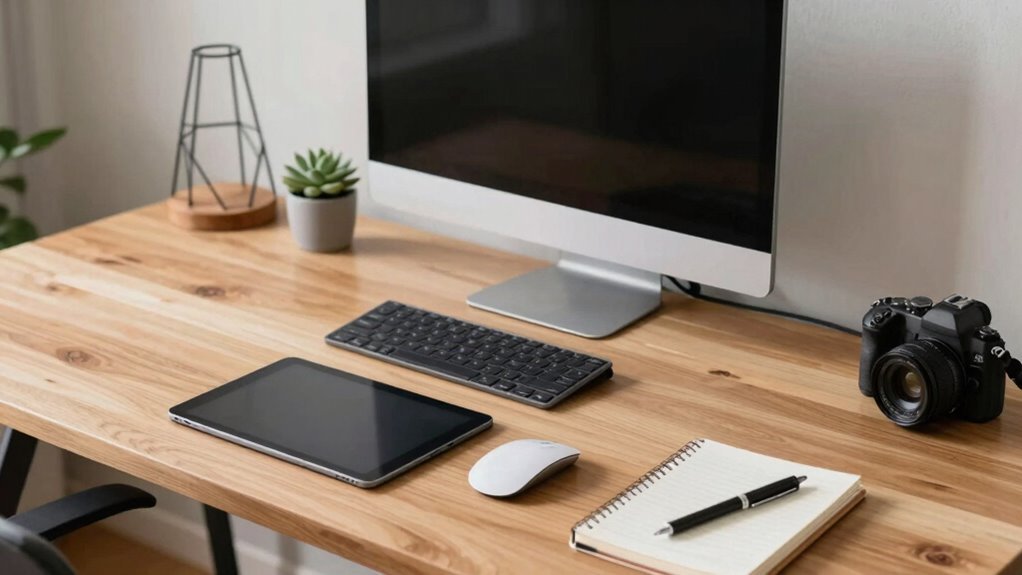
Tidy your desk, and watch your focus soar—clearing clutter cuts distractions and boosts brainpower fast. Bin the junk mail, tuck away cables, and keep only what you need. Pick a desk that fits your vibe: compact for small spaces, L-shaped for busy multitaskers. Add a standing option to stay sharp and energized. Organize daily, and you’ll laugh at how much smoother work runs—there’s even more where that came from.
Boost Focus With a Clutter-Free Workspace
When your desk looks like a tornado just hit it, your brain probably feels the same way—scrambled and overwhelmed.
Clutter bombards your senses, making it harder to think, focus, or even remember where you left your coffee.
But here’s the good news: a clean desk means a clear mind. Neuroscience shows that visual clutter eats up brainpower, while tidy spaces reduce stress and boost focus.
You’re not just cleaning—you’re upgrading your brain’s operating system.
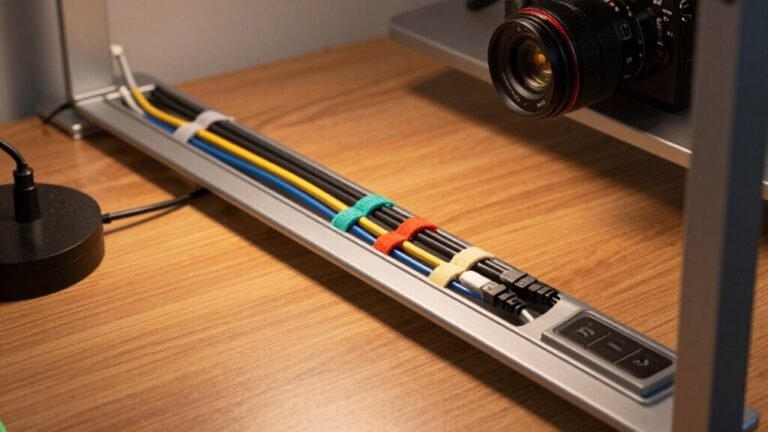
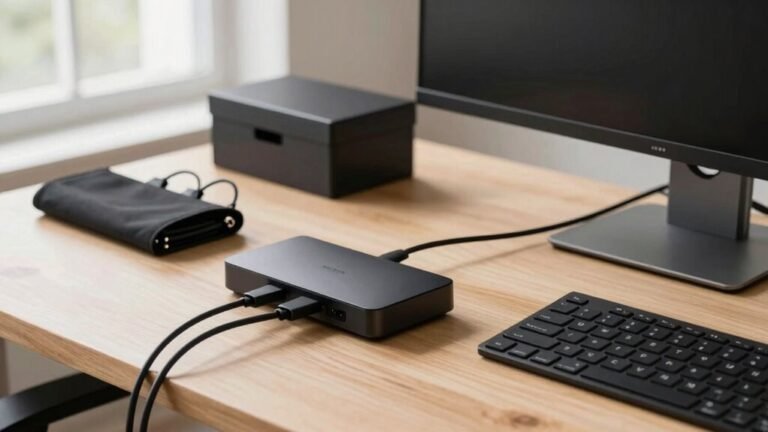
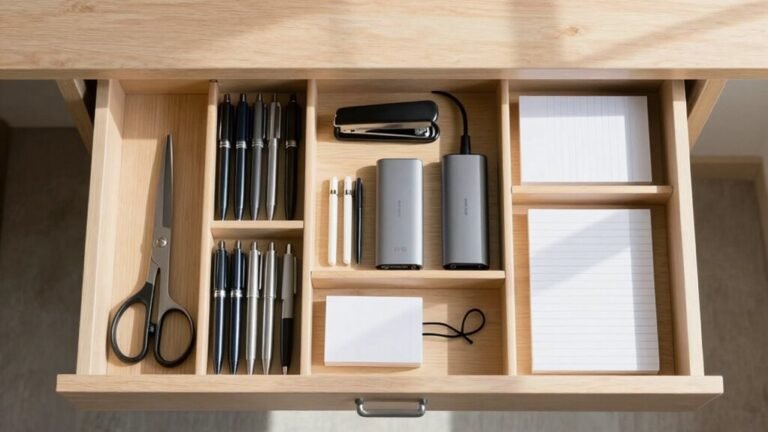
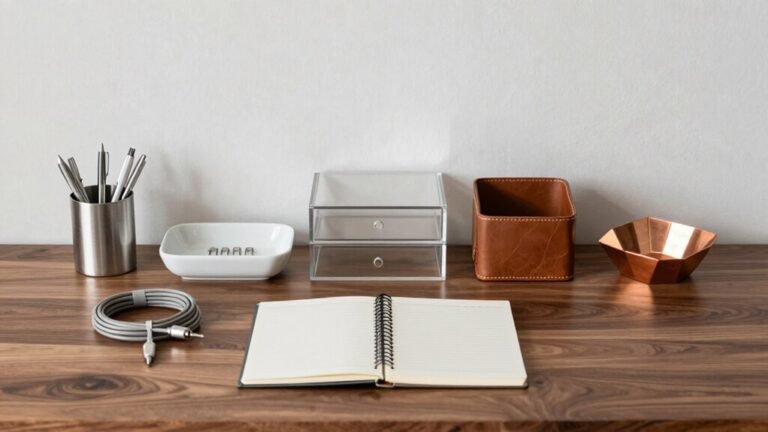
Toss the junk mail, stash cables in neat little homes, and keep only what you need. Less mess means fewer distractions and better decisions.
Imagine walking in tomorrow and knowing exactly where everything is—no frantic searches, no mental static.
A clutter-free desk isn’t magic; it’s strategy.
And honestly, your brain will thank you—probably with a promotion.
Visual clutter overloads the visual cortex, making it harder to sustain attention and increasing cognitive fatigue.
Choose the Right Desk for Your Work Style
Ever wonder why working at some desks feels like a slog while others make you feel like a productivity wizard?
That’s no accident—you’ve got to match your desk to how you work.
Got a tiny space?
Go compact or wall-mounted so you don’t play hallway limbo every time you sit down.
Need room for dual monitors, scribbles, and your coffee?
Snag an L-shaped model and own that corner like a boss.
If you’re all about focus, a simple rectangular desk keeps things clean and distraction-free.
Prefer collaboration or shared time with a partner?
Face each other across a dual-sided desk and pass spreadsheets like high-fives.
And don’t forget comfort—adjustable height, cable management, and plenty of depth keep your back happy and your setup sleek.
Pick smart, work better, and hey—maybe even impress yourself.
The Ascend Height Adjustable desks promote movement by enabling seamless sit-to-stand transitions, supporting wellness and long-term productivity.
Maximize Productivity With Standing and Treadmill Desks

Stand up and take charge of your workday—your desk is about to become your secret weapon for crushing goals.
Ditch the sluggishness and swap static sitting for dynamic standing.
You’ll feel sharper, move more, and power through tasks like a pro.
Here’s how standing and treadmill desks boost your day:
- You’re 46% more productive—tasks fly by when you’re upright and alert.
- You’ll cut sitting time by nearly a fifth, keeping stiffness and back pain at bay.
- Focus jumps by a third, thanks to better blood flow and fewer energy crashes.
- Over 80% feel more comfortable and energized, turning long hours into winning streaks.
Switch positions, wake up your body, and let your workspace work *for* you—not against you.
Who knew standing could feel this good?
Alternating between sitting and standing helps maintain cognitive function and focus throughout the day part-day standing.
Enhance Mental Clarity Through Regular Organization
Check this out:
| Benefit | What Happens | Real-World Win |
|---|---|---|
| Mental Clarity | Less visual noise = more focus | Nails that presentation without panic |
| Lower Stress | Cortisol drops in tidy spaces | Stays calm even on deadline day |
| Boosted Creativity | Brain’s freed for big ideas | Comes up with genius solutions, no sweat |
Toss the junk mail, file the notes, and give your brain the clean stage it craves. You’ll work sharper, feel lighter, and maybe even impress yourself. Who knew a tidy desk could be your secret superhero?
Optimize Ergonomics to Support Energy and Engagement

Feeling like a human pretzel by noon?
You’re not alone—but it doesn’t have to be that way.
Small tweaks to your setup can keep you energized and locked in.
Try these four moves to feel stronger, sharper, and way more comfortable:
- Set your chair so your feet rest flat and knees bend at 90°—your back will thank you.
- Position the top of your monitor at eye level, arm’s length away, and say goodbye to neck crunching.
- Adjust armrests so elbows stay at 90° and shoulders stay relaxed—no more hunching like a frowny emoji.
- Keep your keyboard close, wrists neutral, and favorite tools within easy reach to save energy and reduce “desk yoga” stretches.
Do a quick posture check every half hour, and you’ll stay comfy, focused, and way less crumpled.
Establish Effective Work-Break Routines for Sustained Output
| Work-Break Ratio | Why It Works |
|---|---|
| 52 min / 17 min | Keeps energy steady, great for focus |
| 75 min / 33 min | Boosts output by 23%, ideal for deep work |
| 20 min / 5 min | Perfect for students and quick resets |
| 10-min micro | Recharges motivation, fights fatigue |
| Autonomy allowed | Helps you hit goals, your way |
Break smart, not just hard—your focus will thank you!
Frequently Asked Questions
How Do I Organize Cables Effectively Under My Desk?
You grab those messy cables and start by grouping them—power, data, and peripherals—so they’re easier to manage.
Then, snap them into Velcro straps or a neat sleeve, route them along the desk’s edges, and secure with clips or a tray.
Keep power strips mounted underneath, leave a little slack, and bam—clean, safe, and tangle-free.
Trust me, your future self will high-five you every time you plug something in!
What’s the Best Way to Store Digital Files for Quick Access?
You store digital files best by using clear, consistent names—like YYYY-MM-DD_project—so they sort neatly and stay easy to find.
Set up folders in a simple hierarchy: broad categories, then subfolders, max three levels deep.
Use cloud tools like Google Drive, tag files, and automate sorting.
Keep active files handy, archive the rest.
You’ll zap through clutter like a pro, no more digital hide-and-seek!
Can Desk Color Influence My Mood and Productivity?
Yes, your desk color can totally shape your mood and focus—think of it like wearing energizing red sneakers for a sprint, not a marathon.
Paint it blue, and you’ll stay cool and sharp, like a chef in a quiet kitchen.
Try a University of Texas hack: pair soft blue-green shades to lift energy by 15%, proven to beat midday slumps better than coffee.
Stay calm, stay bright, and let your desk work for you.
How Often Should I Completely Clear and Reset My Workspace?
You should completely clear and reset your workspace every 4 to 6 weeks—think of it as a mini digital spring cleaning!
It keeps clutter from piling up, both physically and mentally.
If things feel chaotic, don’t wait—reset sooner.
A fresh space resets your focus, too.
Plus, your brain’ll thank you when you’re not digging for that one pen that’s been missing since Tuesday.
Quick, clean, and oh-so-satisfying!
Are Desk Organizers Worth the Investment for Small Spaces?
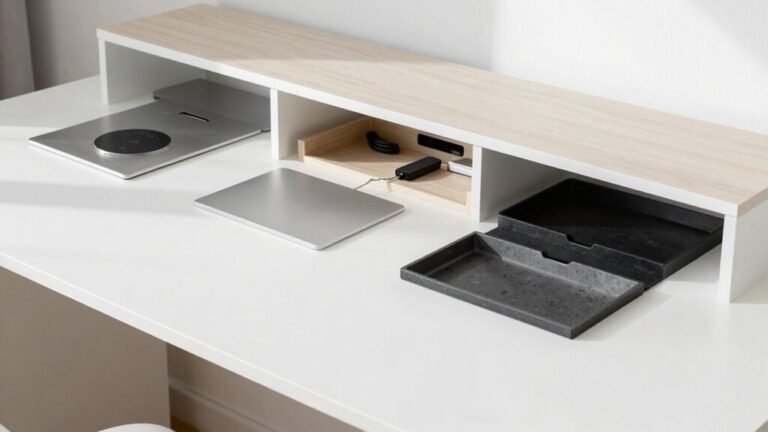
Yeah, desk organizers are totally worth it for small spaces—you’re basically getting free real estate without moving a wall.
They keep things tidy, save you from frantic “where’d I put that?” moments, and make your desk feel like a well-organized magic trick.
Plus, you’ll actually see your desktop again—mind-blowing, right?
Smart picks mean big gains, so go ahead, give your space a tiny upgrade that packs a punch.
Conclusion
You clear the clutter, you claim your focus, you conquer your day. You stretch, you breathe, you reset with purpose. You laugh at the rogue paperclip, you hug your water bottle, you dance through deadlines. This isn’t just a desk—it’s your launchpad. Keep it tidy, keep it lively, keep it *you*. Every organized inch fuels your fire. Now go shine, superstar—your awesome workspace’s got your back!