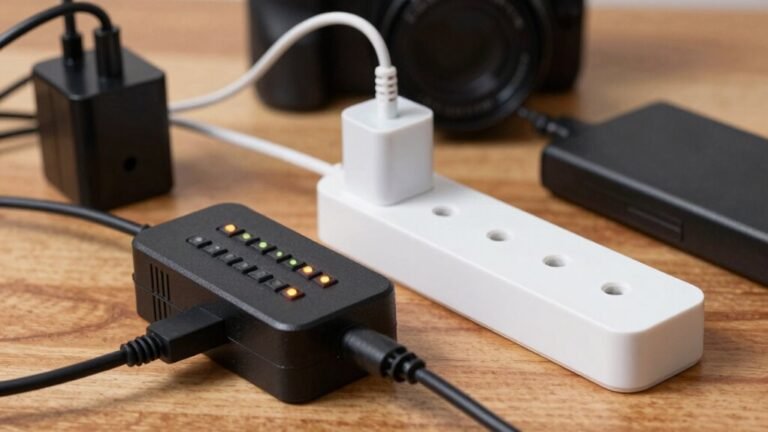
Tips for Avoiding Cable Clutter in Your Workspace
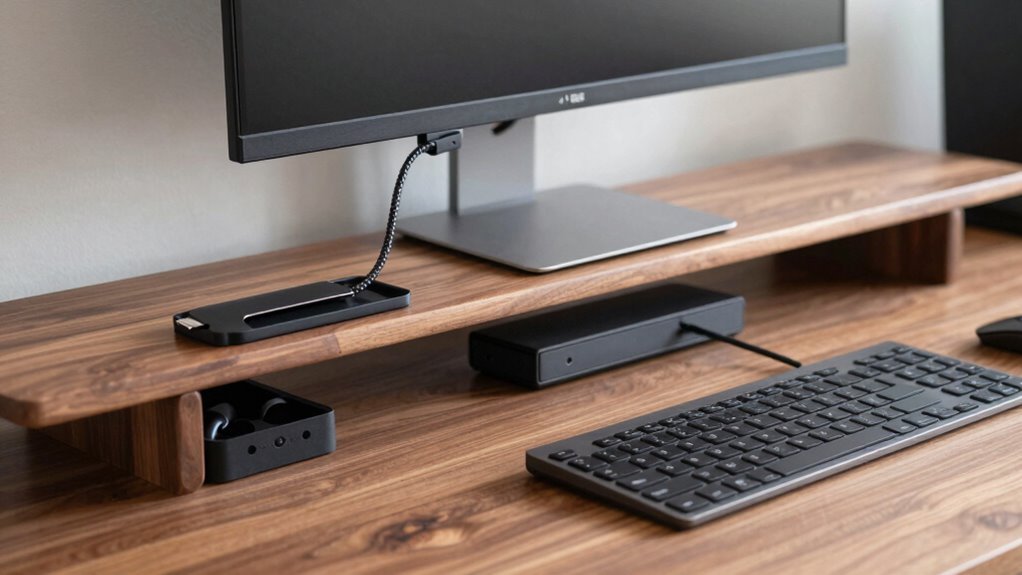
Start by unplugging everything and mapping your desk layout—spot trouble zones and hidden spaces. Count and group cables by type, then label both ends with fun, clear names like “monitor-power” or “laptop-charger.” Plan tidy routes along edges or under trays, keep power and data separate, and use clips or sleeves to bundle them neatly. Mount surge-protected strips out of the way, and boom—your cables will behave. You’ll even impress your future self with how easy it is to swap or fix things (and yes, there’s more where that came from).
Evaluate Your Workspace Layout Before Setup
Where should you start when your desk looks like a tech yeti’s nest? Unplug everything—yes, really—and take a fresh look.
You’re not just cleaning, you’re scouting for smarter solutions.
Check how your space is shaped, where cables naturally want to run, and spot trouble zones like tight corners or wobbly edges.
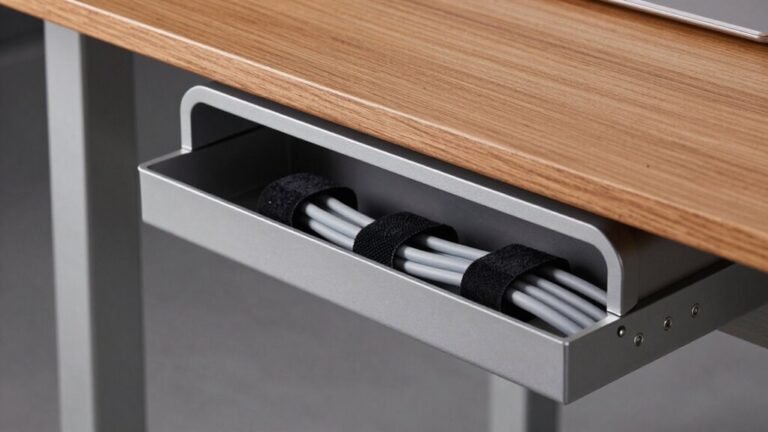
Peek under your desk—there’s hidden real estate perfect for routing.
Measure your desk, especially if it moves—standing desks need extra slack!
Think about foot traffic, pet paths, and where you *don’t* want a cord to tango.
Is that monitor too far from an outlet? Can you tuck power strips neatly underneath?
Anticipate tripping hazards and block them now.
You’re mapping a cleaner, calmer, cable-harmony zone.
Pro tip: plan routes like you’re directing traffic—smooth, simple, and snag-free.
Your future self will high-five you every time they plug in.
A well-planned layout supports better airflow and device performance, reducing the risk of overheating caused by poor cable management.
Count and Categorize All Cables and Connections
Getting a grip on your cable chaos starts with a clean slate—so unplug everything and let those cords breathe for a minute.
Now, count and categorize like a pro!
Start by sorting every cord by function, so you know exactly what you’re working with.
Here’s how to crush it:
- Count each type—power, data, audio—to avoid surprises.
- Group similar cables together, like herding digital sheep.
- Inspect for frays or kinks and toss broken ones—no zombie cables allowed!
- Label both ends so you’ll never play “cable detective” again.
You’ve got monitors, chargers, keyboards—each with their own needs.
Spot the ones you use daily versus the “ghosts” you forgot existed.
Counting now saves headaches later, and hey, who knew organizing cords could feel this satisfying?
Proper cable organization reduces tripping risk and prevents damage to equipment.
Time to tame the tangle!
Plan Efficient Cable Routes in Advance

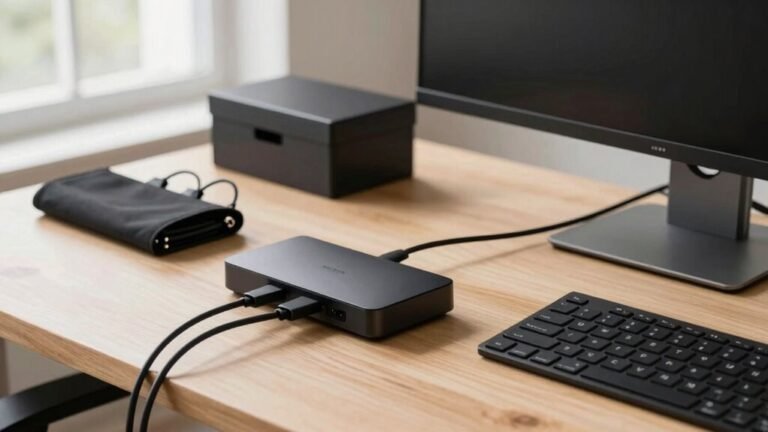
Now that you’ve got all your cables sorted, labeled, and ready for action, it’s time to play architect and map out their ideal paths—because nobody wants to trip over a jungle of cords every time they reach for a pen. Think like a pro: stick to walls, baseboards, and desk edges to keep things tidy and safe. Avoid heat, plan for growth, and give your cables room to move without stress. A desk-clamping hub design can greatly simplify routing by centralizing connections right where you need them. Need a cheat sheet? Here’s how to level up:
| Goal | Smart Move | Why It Rules |
|---|---|---|
| Tidy look | Run cables along edges & corners | Hides clutter, no tripping |
| Stay cool | Avoid vents & warm spots | Cables last longer |
| Future-proof | Leave extra space in paths | Easy upgrades later |
| Less noise | Separate power and data | No signal fuzz |
| Flex life | Add slack loops | Happy sit-stand desks! |
Plan now, relax later—your future self will high-five you!
Use Cable Trays and Raceways for Direct Pathing
Slay the cord chaos with cable trays and raceways—they’re your secret weapons for clean, direct pathways that look as smart as they function. Skip the spaghetti effect and route cables like a pro by following these tips:
- Pick the right type: use enclosed raceways on walls for that sleek office look, and open trays in tech-heavy zones for airflow and easy access.
- Keep it straight and tight—mount supports every 4–5 feet so cables stay taut and sag-free.
- Plan smart: go for the shortest path, include turn fittings, and leave room for airflow and future upgrades.
- Stay safe and savvy: ground metal trays, don’t overfill, and use fire-rated parts where needed.
Your cables aren’t just organized—they’re *future-ready*.
Plus, troubleshooting’s a breeze when you can actually see what’s going on. Who knew cords could be this cool?
Bundle Cables With Sleeves or Clips for Neatness

Tame the tangle with a little sleeve magic—because nobody’s got time for headphone cords playing hide-and-seek under your desk.
Snag a braided polyester sleeve for rugged, tidy bundles that won’t fray, or go for soft neoprene if your workspace leans cozy over industrial.
Slit wrap? Perfect for quick fixes without unplugging a thing.
Love airflow and flexibility? Try mesh or spiral sleeves that let cables breathe and peek out where needed.
Just match the sleeve size to your cable bunch so it’s snug but not squished.
Use Velcro straps or reusable clips every foot or so to keep things secure but change-friendly.
Group power and data cables separately to dodge interference, and leave a little slack for wiggle room.
It’s not just neat—it’s smart, safe, and surprisingly satisfying.
Who knew cords could look this good?
Route Cables Along Surfaces to Prevent Hazards
You’ve wrangled your wires into sleek bundles, so don’t let them turn into a floor-level obstacle course.
Keep your workspace safe and looking sharp by routing cables along surfaces instead of across walkways.
Use wall-mounted raceways, secure clamps, or overhead trays to guide cords where they belong—out of the way and out of trouble.
Here’s how to do it right:
- Stick to walls or under desks with surface raceways to hide and protect cords.
- Support cables every 4–5 feet so they don’t sag like tired spaghetti.
- Separate power and data cables to avoid signal drama and tripping hazards.
- Secure floor protectors firmly and mark them clearly—nobody likes surprise stumbles!
You’ll dodge both tangles and trouble, all while keeping things looking clean, pro, and just a little bit magical.
No tripping.
No tangled mess.
Just smooth, safe, surface-smart routing—because who wants to play cable limbo every time they grab coffee?
Install Power Strips and Management Boxes Strategically

A well-placed power strip can be your unsung hero in the battle against desk chaos.
Mount it under your desk or behind your workbench to hide cords and keep things looking tidy.
Keep it close—within 1–2 meters—to your gadgets so cords don’t snake across the floor like tangled spaghetti.
Use a surge-protected strip near electronics, but keep it away from data cables to avoid interference.
Got multiple stations? Centralize strips in labeled hubs—fewer cords, easier fixes.
Tuck everything into a vented, lockable box to block dust and prevent “oops!”-induced unplugging.
Pick one with fire-safe materials and grommets to protect wires and let heat escape.
Avoid floor placement—nobody wants a tripping surprise.
Size your strip right—leave 10–20% extra capacity for future toys.
And never daisy-chain—safety first!
Pair your setup with cable sleeves or raceways, and voilà: clean, safe, and seriously satisfying.
Elevate Cables to Improve Safety and Accessibility
- Reduces trips and falls—no more dodge-the-cord in high-traffic zones.
- Clears evacuation paths—so everyone exits fast and safely when seconds count.
- Cuts fire risks—elevated wires stay cool, untangled, and spark-free.
- Improves access—you’ll find and fix issues faster without crawling under desks.
Plus, intact cables mean fewer replacements and smoother workflows. Raise your cables, raise your game—your future self (and your toes) will thank you when you don’t trip *again*.
Label Cables for Quick Identification and Troubleshooting

Taming the spaghetti jungle of cables behind your desk starts with a simple but game-changing move: slapping on clear, smart labels.
Label both ends of every cable so you’re not playing detective when things go sideways.
Use a consistent name scheme—like desk1-power or monitor-ethernet—so anyone (or future you) can make sense of it fast.
Grab a spreadsheet or digital tracker to log what’s what, and keep it updated like you’d update your playlist—nobody wants dead weight.
Use durable labels, not sticky notes that ghost when you need them most.
Heat-shrink or self-laminating wraps? Yes, please.
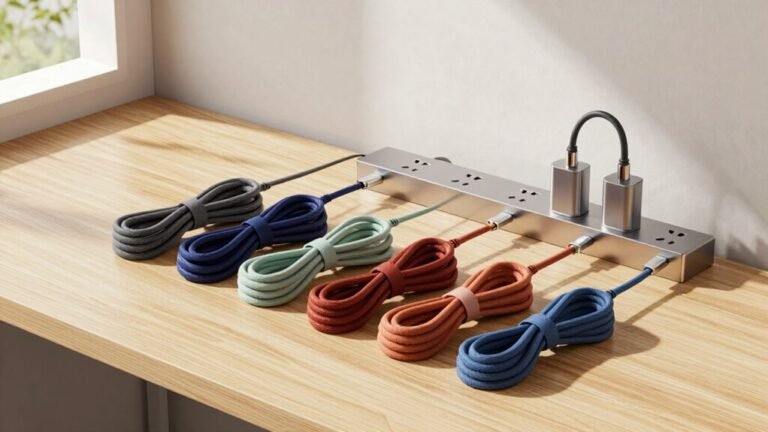
Add color-coding for extra flair—pink for power, blue for data—and toss on barcodes if you’re feeling fancy.
Scanning a cable like a grocery item just makes life easier.
Keep it clean, labeled, and bright—your sanity (and coworkers) will thank you.
Frequently Asked Questions
How Often Should I Replace Old Cable Management Tools?
You should replace old cable management tools every two to three years, or sooner if they’re cracked or losing grip.
They wear out faster than you think—like socks, but for cords!
Checking them regularly keeps cables safe and tidy.
Swap in reusable options like Neat-Patch ties, and don’t wait until things unravel—literally.
Stay ahead of the tangle, and your workspace’ll thank you with better airflow and fewer “oops” moments.
Can Cable Clutter Affect My Internet Connection Speed?
Yeah, cable clutter can totally slow down your internet.
Tangled cords act like kinks, causing signal interference and making data stumble.
Long, messy runs increase latency, and cramped cables might overheat or get damaged.
Even splitters add loss, especially in disorganized setups.
Keep things neat, and your speed stays sharp.
A tidy workspace isn’t just pretty—it’s lightning-fast!
Who knew neatness had turbo mode?
Are Wireless Solutions Better Than Wired for Minimizing Clutter?
You’re trading jungle vines for open air—wireless solutions *crush* wired ones when slashing cable clutter.
You’re skipping messy tangles, tripping over snarled cords, or begging outlets for mercy.
Just tap in, and bam—your devices connect sans spaghetti strands.
It’s like magic, minus the wizard.
You stay neat, free, and seriously sleek.
Sure, wires have perks, but for clean vibes? Wireless wins, hands down.
What’s the Cheapest Way to Start Organizing Cables?
You can start organizing cables for free—grab binder clips and use them to snag cords right at your desk edge, so they don’t slip through.
Raid your junk drawer for twist ties or old Velcro to bundle wires fast.
Slip fabric scraps around tangles like a cozy little cable blanket.
Boom, tidy in seconds!
Who knew mess control could cost nada and feel this satisfying?
Do Color-Coded Cables Improve Workspace Efficiency?
Yes, color-coded cables *absolutely* boost your efficiency—you’re 30% faster during fixes, just like hospitals cutting downtime.
You’ll find the right wire in a flash, dodge mistakes, and laugh at chaos.
No more “oops” moments or untangling spaghetti.
It’s like giving your cables GPS—everything’s where it should be.
Work feels smoother, safer, and way less frustrating.
Honestly, it’s a no-brainer upgrade.
Conclusion
You finish bundling the last cable just as your coffee cools—perfect timing! Neat paths, labeled lines, and clever trays turn chaos into calm. No more tripping, tugging, or Tuesday-tech tantrums. Your workspace’s not just tidy, it’s *smarter*. And hey, your cat’s finally stopped chewing the cords—win-win! A little planning gave you big peace of mind. So sit back, power up, and smile: clutter’s out, cool’s in. Who knew cords could be this cute?