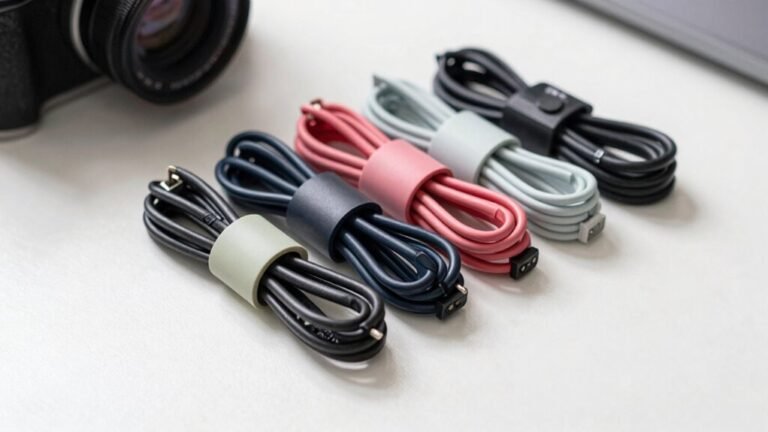
Easy DIY Cable Management Hacks for Your Desk
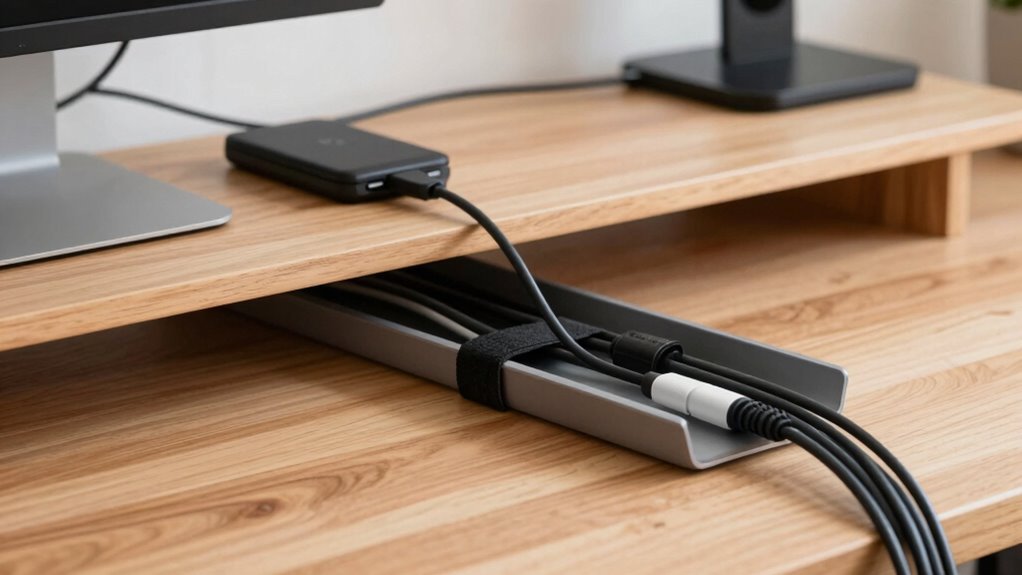
Tame that tangled mess by planning routes first—short paths, no tripping! Group cords by use and color-code with Velcro ties so power, data, and audio don’t play hide-and-seek. Slide adapters onto an under-desk tray, zip ties with adhesive clips, and boost airflow by routing cables along edges. Label both ends, leave smart slack for moving parts, and keep everything cool and clutter-free. You’re just getting started—wait till you see the pro tricks up ahead!
Plan Your Cable Routes Strategically
Getting your cables under control starts with a little smart planning—and yeah, that means pulling the plug on all your gadgets for a fresh start.
Unplug each cable from both ends, take a breath, and play detective: figure out what each one powers and toss the frayed or forgotten ones.
Label the keepers so you don’t end up playing “cable roulette” later.
Once sorted, group them by where they’re headed—monitor, laptop, lamp, you name it.
Now, grab a pen and sketch a quick map: power strip goes under the desk near the wall, cables run the shortest path possible, dodging legs and beams like a ninja.
Mind your standing desk’s height changes too—don’t let cables strangle it mid-rise!
Plan now, and your future self will high-five you every time you sit down to work.
Sweet victory over spaghetti wires!
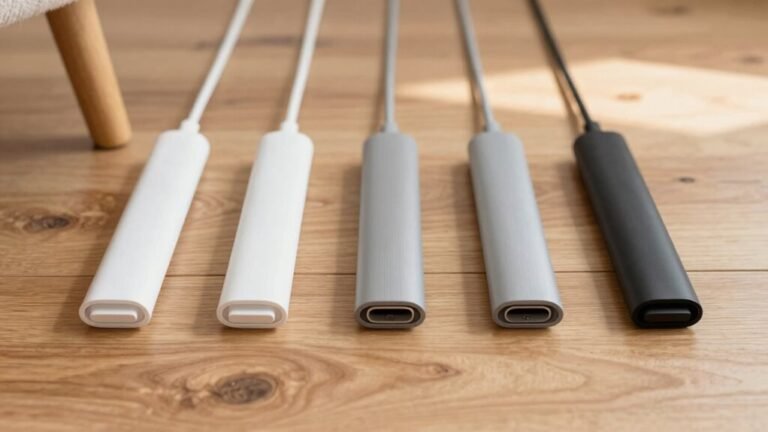
Consider using a desk-clamping design for fixed-point use to keep your hub securely in place and maintain clean cable routing.
Bundle Cables by Function for Easy Access
Taming the tangle starts by sorting your cables like a pro—think of it as giving your tech cords a group project they’ll actually ace.
Group them by function: power, data, audio, you name it.
Use cable sleeves or Velcro ties to bundle buddies that travel the same path—no more solo stragglers lost in the wild.
Need to move your desk? Sleeves make it a breeze.
Opt for reusable Velcro, like VELCRO ONE-WRAP, so you can tweak things later—because who knows what gadget you’ll add next?
Color-code with different tie shades: green for phones, red for power, orange for data—turn chaos into a rainbow of order.
Label both ends so you’re never playing “which plug goes where?”
Don’t just bundle—organize with purpose.
Functional grouping means less mess, fewer meltdowns, and quicker fixes.
And hey, your desk mightn’t thank you, but your sanity will.
This method also improves efficiency by making connections easy to locate and access.
Use Under-Desk Trays to Tame Power Adapters

Now that you’ve grouped your cables like a tech-savvy conductor orchestrating a cord symphony, let’s give those power adapters a proper stage—right under your desk.
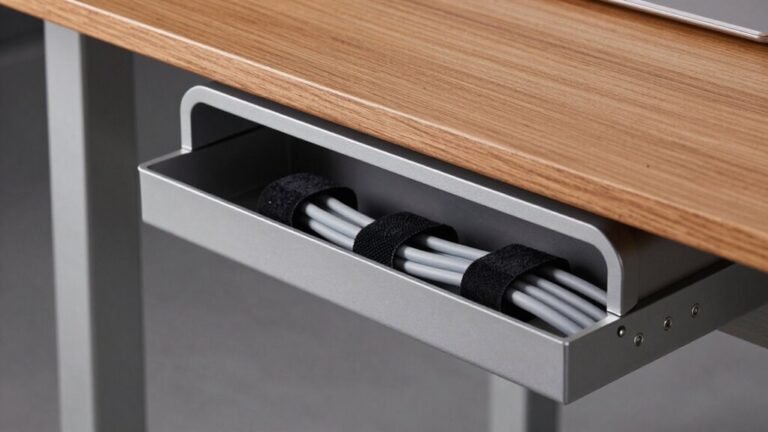
Mounting a sturdy under-desk tray keeps bulky adapters and power strips off the floor, so you’re not tripping over cords or crushing them with your chair.
These trays are tough, holding up to 35lbs, and their steel build won’t rust or overheat.
Plus, they’re perfect for standing desks—you won’t snag wires when adjusting height.
Best of all, everything stays visible and easy to access, so swaps or upgrades take seconds, not scrambles.
Eliminating trip hazards is a key safety benefit, especially in busy workspaces where slips, trips and falls are a leading cause of injury.
- Save space and ditch floor clutter.
- Protect cables from wheels and feet.
- Stay cool and safe with heat-dissipating metal.
- Match your style with sleek black or white finishes.
Secure Cables With Adhesive Clips and Raceways
Zip, snap, or stick—your cables don’t have to look like a jungle vine tangle anymore.
Grab some adhesive clips and raceways to tame those wild cords in seconds.
Just peel and stick soft nylon clips—like VELCRO Brand or Lukyamzn’s magnetic ones—under your desk or along walls to hold cables neatly.
They’re renter-friendly, won’t scratch surfaces, and let you swap cables anytime.
For bigger messes, use adhesive raceways: these sleek channels hug your cords and disappear along desk edges.
They protect wires and hide clutter without drilling a single hole.
Need extra strength? 3M-backed clips and bundling straps add serious staying power.
Whether it’s charging cables, AV gear, or gaming rigs, these nifty helpers keep everything in line—no more tripping or tangled chaos.
Plus, they’re cheap, easy, and kind of fun to organize with.
Who knew cords could look this good?
Consolidate Wires With Braided Cable Sleeves

You’ve stuck down the clips and snapped on the raceways—great start!
Now, take your cable game to the next level with braided cable sleeves.
They’re not just sleek—they’re tough, flexible, and perfect for taming wire chaos.
Wrap your cords up and say goodbye to fraying, tangling, and tripping over cables every time you lean back.
Plus, they come in cool colors that actually make your desk look *intentional*.
- Protect wires from wear, heat, and pets who think cords are chew toys
- Bundle messy lines neatly—slimming six cables into one clean strand
- Custom-fit any setup with cut-to-size, expandable weaving
- Upgrade your gaming rig or home office with stylish, durable flair
Just slide, snip, and secure—boom, instant cable zen.
Create Service Loops for Moving Components
Tame your tech’s tug-of-war with smart service loops that give your cables room to stretch and play. When you move monitors, adjust your standing desk, or tweak speaker placement, a neat loop of extra cable saves the day—no yanking, no stress, no “uh-oh” moments. Here’s how much slack to leave for smooth moves:
| Device Type | Loop Length |
|---|---|
| Keyboards, mice | 6–12 inches |
| Monitors, USB hubs | 1–3 feet |
| Motorized desks, docks | 3–10 feet |
Coil extras with Velcro, tuck them behind gear, or hang them on hooks—just keep loops kink-free and off the floor. Think of it as yoga for your cords: flexible, balanced, and avoiding sudden snaps. Your ports will thank you, and your gadgets will glide smoothly through every rearrangement. Cable chaos? Not on your watch.
Label Every Cable for Quick Identification

Keeping your cables labeled turns cable chaos into a breeze, turning “Wait, which one was that again?” into “Ah, there it is!” in seconds.
You’ll slash setup time, dodge tech tantrums, and keep your sanity intact—no more yanking the wrong cord and killing your Wi-Fi mid-stream.
Labeling helps you spot issues fast, avoid mistakes, and grab exactly what you need, whether it’s buried in a drawer or tangled behind your desk.
- Use colorful washi tape – it’s cute *and* keeps chargers from playing hide-and-seek.
- Try binder clips with tags – clip ‘em to your desk edge for instant, visible access.
- Slip on Kableflags – they stick right on plugs, won’t leave gunk, and scream “I’m the monitor cable!”
- Grab a label printer – for pro vibes and barcodes that make you feel like a tech wizard.
Chaotic cables? Not anymore—you’ve got this under control.
Maintain Ventilation and Avoid Overcrowding
Now that your cables are all labeled and playing nice together, let’s make sure they’re not cooking your gear in the process.
Route them along desk edges or open trays so air can flow freely—your laptop and router will thank you.
Skip the solid covers; go for mesh or slotted channels that let heat escape like a sneaky ninja.
Don’t smother vents—keep clear space like it’s hot (literally).
Give your cables a 20–30 cm loop so they can move with your desk and breathe easy, not hang tight like bundled sardines.
Use Velcro, not zip ties, and keep bundles small and loose to avoid heat traps.
Lift them with standoffs so air sneaks underneath.
Leave room for the future, and don’t stack hot power bricks—give ‘em space to chill.
Finally, check your setup: too many cords block airflow like a traffic jam.
Keep it smart, stay cool, and let your desk breathe easy—no sweating allowed!
Frequently Asked Questions
Can I Use Zip Ties Instead of Velcro for Cable Management?
Yeah, you can totally use zip ties instead of Velcro for cable management—they’re cheap, strong, and great for keeping cords neatly tucked away. Just don’t overtighten them, or you’ll pinch the cables and regret it later. They’re a one-shot deal, so snip carefully! Perfect if you hate cord clutter and love that “set it and forget it” vibe—just like dad’s old garage projects.
How Often Should I Replace Adhesive Cable Clips?
You’ll probably outlive your clips before they fail, but don’t push it—replace adhesive cable clips every 1–2 years for best results.
They’ll sag, slip, or ghost on you if ignored.
Indoors? Maybe stretch it to 3.
Outdoors or sticky environments? Swap ‘em yearly.
They’re the unsung heroes of tidy cords, so give ‘em love.
Replacing them is laughably easy—no drama, just peel, stick, and boom—good as new.
Are Cable Sleeves Safe Near Heat-Producing Devices?
You shouldn’t just slap cable sleeves near hot devices and hope for the best—they might melt, warp, or even fuel a fire if they’re the wrong type.
Stay safe by checking the sleeve’s heat rating first.
If it’s made of PET or nylon, keep it away from laptop vents or power bricks that puff out heat.
Go for silica or ceramic sleeves if things really heat up—they laugh at flames.
Always match the sleeve to the heat, or you’re just wrapping trouble!
What’s the Best Way to Hide Cables on Carpeted Floors?
Worried about ruining your carpet?
Don’t be—just grab a hook-and-loop cable cover.
You’ll stick it down without adhesives, hide cords neatly, and protect them from foot traffic.
It stays put during vacuuming, won’t fray when you cut it, and blends right in.
Best part? You can move it anytime, no mess, no stress—like magic tape for cables!
Quick, clean, and kind to your carpet.
Can I Paint Cable Raceways to Match My Desk?
Yes, you can paint cable raceways to match your desk—totally doable and super effective!
Most are made of paint-friendly PVC with a matte finish that grabs paint easily.
Just clean the surface, use regular acrylic or wall paint, and you’re golden.
The color blends right in, hiding those pesky cords like magic.
Plus, the fire-resistant specs stay intact, so safety’s a win.
Who knew tidy wires could look this snazzy?
Conclusion
Think of your desk cables like a garden hose—left tangled, they kink and choke; neatly coiled, they flow. With a few smart tricks, you’ve turned chaos into calm, just like training vines onto a trellis. Each clip, label, and sleeve is a little act of magic, transforming jumbled jungle into a tidy path. Now your desk doesn’t just work better—it *feels* better. Victory tastes sweet, huh? And hey, no more cable monsters under the desk!