DIY Cable Management Solutions for Tidy Desks
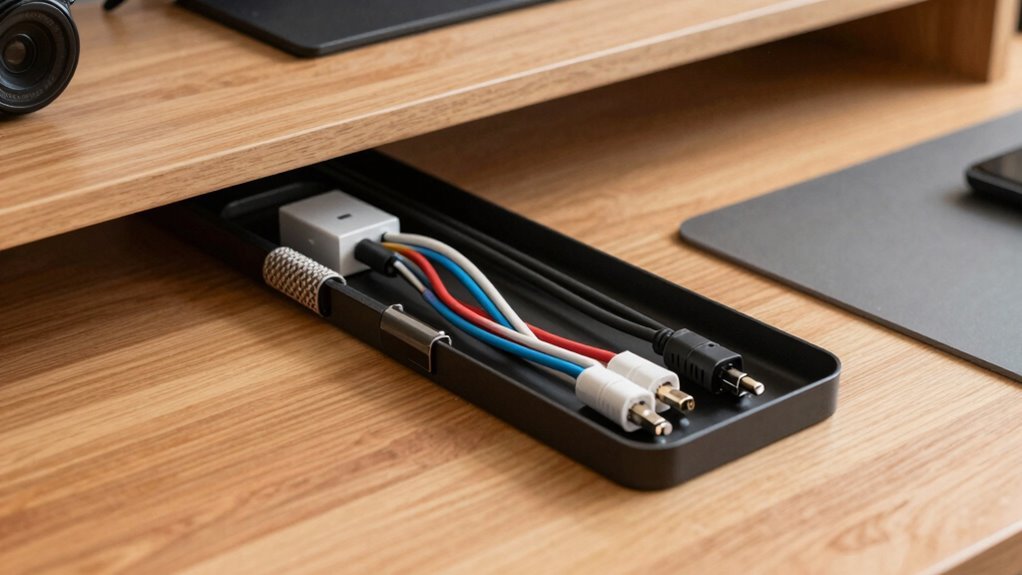
You’ve got this—start by unplugging what you don’t need and corralling cords in plain sight. Sort them by device, check for wear, then zip-tie or clip them along cleaner paths. Try under-desk trays or magnetic tracks to hide the mess, and use fabric sleeves for a snug, tidy look. Stick on clips or raceways to guide wires neatly—because nobody wants a tripping hazard or a desk that looks like a tech explosion. Label each cord with color-coded tags so you never play “which plug goes where?” again—it’s like giving your cords IDs. And hey, wait until you see how easy it is to level up with custom fixes.
Cable Routing Fundamentals for Clean Setups
Let’s get your cables looking sharp—no more spaghetti bowl under your desk!
Start by unplugging what you don’t need and gathering every cord in sight.
Sort them by device or length so you can see exactly what you’re working with.
Check for frays or kinks—safety first, right?
Now, map out where each gadget lives and plan clean paths from outlet to device.
Run cables along the back edge of your desk or down the legs—use natural lines so they stay out of the way.
Keep power cords away from data lines to avoid interference, and group similar cables together.
Label everything now so you’re not guessing later.
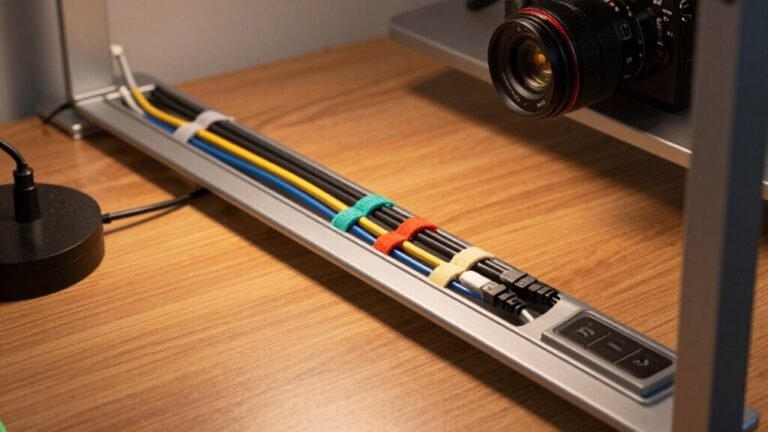
Use clips, Velcro, or sleeves to bundle and secure every run.
Leave a little slack for wiggling your monitor or adjusting your lamp.
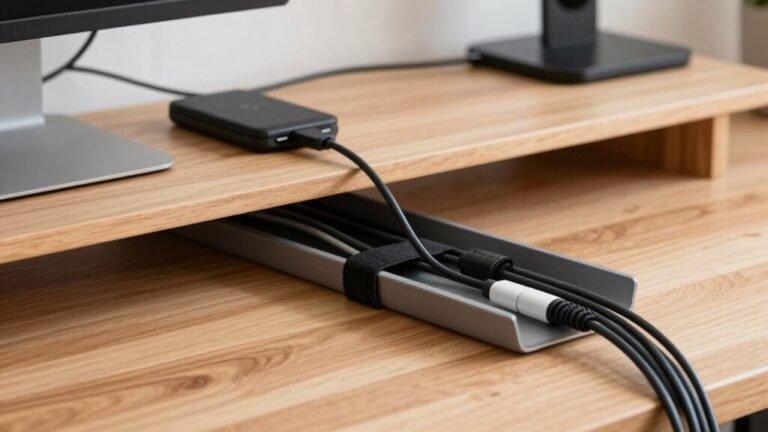
Under-desk cable trays help route and conceal wires neatly while protecting them from foot traffic and chair wheels.
Smooth, simple, and seriously satisfying—your future self will thank you when your desk looks this good!
Under-Desk Solutions for Hidden and Secure Wiring
Now that your cables have a game plan thanks to smart routing, it’s time to tuck them neatly out of sight where they belong—under your desk, not underfoot.
You’ve got options that are as sleek as they’re smart, from trays that hug the underside like secret agents to channels that keep everything in line—literally.
Most snap or stick on in seconds, no PhD required.
Just pick your favorite and say goodbye to that jungle of wires.
A metal tray clinging stealthily beneath your desk, packed with coiled cords and a power strip riding shotgun with spacers required for secure fit.
A swing-open channel that lets you load cables like a ninja, then locks them down tight
A slim, magnetic track running down a steel desk leg, corralling vertical wires with zero fuss
A hidden box where cords vanish like magic, leaving only clean lines and peace of mind
Surface-Level Accessories for Neat Cable Runs

Taming your tech tangle doesn’t have to mean drilling holes or calling in a wizard—sometimes the simplest fixes make the biggest difference.
Stick on cable clips to guide cords along your desk edge and say goodbye to messy slack.
For heavier bundles, snap clips or adhesive mounts with Velcro give a strong, reusable hold.
Wrap messy groups in fabric sleeves—they stretch, look sharp, and make swaps a breeze.
Need a clean path? Try stick-on raceways along the wall or magnetic channels on metal frames.
Grommets at your desk edge hide cables neatly, no drilling needed.
Pick ones with brush inserts to protect cords and block dust.
Keep power bricks cool by leaving some airflow, and space clips every 6–12 inches so nothing sags.
Poor cable organisation presents hazards such as tripping and wear, especially in busy workspaces.
With these surface-level helpers, your cables will look slick, stay safe, and behave like pros—no magic wand required.
Smart Power Strip Placement and Safety Tips
Ever wonder why your power strip keeps taking up space on the floor, just waiting to trip someone—or worse, get yanked mid-work?
Mount it under your desk with sturdy screws or brackets, keep it dry and cool, and say goodbye to cord chaos.
Position it near your devices to cut cable clutter, and make sure bulky adapters don’t block other outlets—test it first with real plugs!
Use surge-protected strips with UL or ETL labels, never daisy-chain them, and check the status light regularly.
Keep cords separated from data lines, add slack with velcro ties, and label everything so you never unplug the wrong thing.
- A sleek power strip mounted neatly under your desk, cords snaking smoothly to devices
- Color-coded velcro straps hugging grouped cables, tidy and tangle-free
- A glowing surge protector LED, proudly signaling your gear is safe
- Your hand easily flipping a switch to shut down everything in a flash
Creative Uses of 3D-Printed and Repurposed Parts

You’ve got your power strip mounted just right and your cords sorted with color-coded velcro, so why stop there? Step into the fun world of 3D-printed magic and give old parts a new job! Print custom hooks, clips, and cable rollers that snap into place—no glue needed. Use those busted tech bits to make quirky mounts or turn spare screws into stylish snags. The best part? You can plan your perfect setup online, tweak it, then print it.
| Idea | Use | Material Tip |
|---|---|---|
| Multiboard grid | Hidden cable hooks under desks | PLA + simulator tool |
| RUEDA roller | Tangle-free cords, no assembly | PETG for toughness |
| IGRARING organizer | Holds thick bundles, super popular | Flexible TPU works great |
Let your desk evolve—cool, tidy, and uniquely yours!
Custom Wooden and Modular Enclosures for Cable Control
1. A hand-sanded walnut tray with a USB hub nestled inside.
Like a tech-savvy jewelry box.
2. A pine secretary desk with a drop-front drawer hiding wires.
Like a magician hides tricks.
3. A birch desktop with carved channels guiding cords.
Like tiny mountain tunnels.
4. A modular oak frame where cables vanish into a secret chamber.
No magic hat needed.
Labeling, Maintenance, and Upkeep for Long-Term Order

Those sleek wooden enclosures do more than look like furniture from a futuristic cabin—they’re the foundation of a clean, smart setup, but even the fanciest hideaway won’t help if you’re tangled in a mystery of unmarked cords.
Label both ends of every cable—yes, even that sneaky HDMI one—and use color coding like a pro: red for power, blue for data, green for stuff you actually use.
Grab a label maker; those little printed tags are game-changers.
Check your cables every few months, because nobody wants a surprise blackout from a frayed wire.
Reorganize as you upgrade, keep bundles snug with Velcro (no zip-tie jail!), and separate power from data like oil and water.
Update your cable map—think of it as GPS for your gadgets—so future-you doesn’t face a spaghetti disaster.
It’s not just tidy, it’s genius.
Frequently Asked Questions
Can I Use Duct Tape for Temporary Cable Fixes?
Yeah, you can use duct tape for quick cable fixes, but don’t get too comfy with it.
It’ll stick like a stubborn bandage and leave gunk behind.
Wrap too tight, and you’ll trap heat—nobody wants a mini oven under their desk.
High-power cables? Even riskier.
Think of it like a band-aid: fine in a pinch, but swap it fast.
Try gaffer tape or zip ties—they play nicer with your cables and won’t throw a sticky tantrum later.
Are Wireless Chargers Better for Cable Management?
Think of wireless chargers like magic trays that gulp down cable spaghetti—they’re a win for clean desks.
You just drop your phone and boom, no plugging.
They slash clutter and ditch tangled cords, but yeah, you still need a power source hiding somewhere.
Alignment matters, and charging’s a tad slower, but hey, no more fumbling with cables at 8 a.m. tired.
It’s like desk zen, with fewer wires throwing tantrums.
How Do I Manage Cables on a Glass Desk?
You manage cables on a glass desk by using adhesive clips and Velcro ties to stick organizers where screws won’t work.
Run cords neatly with J-channel tracks under the surface, paint them to match—boom, invisible!
Bundle up messy wires with zip ties, pop them through brush grommets, and tuck power strips behind monitors.
Use support bars to hide cables, and laugh every time your cat tries to chase the “floating” cords!
What’s the Cheapest Way to Start Cable Management?
You start cheap by grabbing what’s already in your junk drawer—seriously, I once used a bread tie to wrangle three charging cables and called it “project management.”
Grab twist ties, binder clips, or old zip ties, and bundle the messiest cord first.
Tape a clip to your desk edge, thread the cable through—boom, it’s tidy.
Small wins add up fast, and hey, your desk doesn’t need to impress NASA… yet.
Can Pets Chew Through Cable Management Solutions?
Yeah, pets can chew through some cable solutions—you’re not off the hook yet!
Flimsy plastic covers? A bold puppy might treat ’em like chew toys.
But don’t panic: metal sleeves and thick tubing laugh at tiny teeth.
Pair those with bitter sprays, tuck cords behind furniture, and boom—your cables are safer than a squirrel in a fortress.
Stay vigilant, check for gnaw marks, and keep things tidy.
Your pet might be crafty, but you’ve got tricks too!
Conclusion
You’ve tamed the cable chaos like a pro, turning your desk into a sleek command center. With smart routes, clever clips, and a few 3D-printed gems, those wires don’t stand a chance. Think of your setup as a well-trained garden—neat, growing right, and never wild. Label, tidy, and check in now and then; it’s quick, satisfying, and totally worth it. Happy organizing!