Ethernet vs. Wi-Fi: Which Is Best for a Home Office?
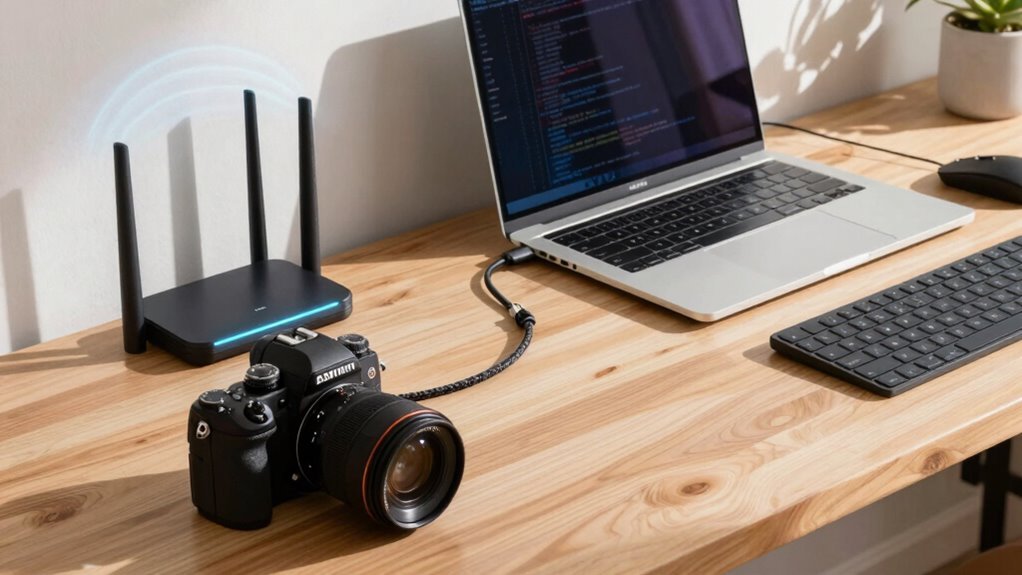
You want your home office fast, reliable, and drama-free—Ethernet gives you all three. It’s like giving your internet a direct flight while Wi-Fi takes the bumpy bus ride. With Ethernet, calls stay crisp, files zip across, and your connection won’t drop when the microwave kicks on. Wi-Fi’s great for flexibility, but for real work, wired wins. Think of it as leveling up your setup—more speed, less stress, and way fewer “why is this loading?” moments. You’ll wonder how you ever worked without it. There’s even more where that came from.
Speed and Latency: How Ethernet and Wi-Fi Compare
While Wi-Fi’s great for browsing on the couch with a snack in one hand, Ethernet’s the real MVP when it comes to speed and responsiveness in your home office.
You’re not just streaming cat videos—you’re sending files, joining calls, and maybe even battling bots in an online game.
With Ethernet, you get closer to your plan’s max—think 390Mbps on a 400Mbps plan—while Wi-Fi often crawls at 150Mbps or less.
Cable matters? Absolutely.
Cat6 handles 10Gbps like a champ.
And let’s talk lag: Ethernet slashes latency, keeping your Zoom calls crisp and your games smooth.
Wi-Fi stutters when the microwave kicks in, but Ethernet couldn’t care less.
It’s like swapping fuzzy bunny slippers for turbo-charged sneakers.
For raw power, consistency, and laugh-in-the-face-of-buffering victory? Plug in.
You’ve got work to do—don’t let your connection quit before you do.
Ethernet connections are more reliable than Wi-Fi.
Connection Reliability in Real-World Home Environments
You just saw how Ethernet pulls ahead when it comes to raw speed and lag-free performance—now let’s talk about what really matters when your boss is waiting on that file or your big presentation starts in 60 seconds: staying connected.
Wi-Fi’s great until your microwave nukes your signal—or your neighbor’s Netflix binge crashes your Zoom call.
Walls, appliances, and even fish tanks can wreck wireless stability.
Ethernet? It laughs at interference.
No dropouts, no weird buffering during important moments.
Plus, every device on Wi-Fi fights for airtime—like yelling in a crowded room—while Ethernet gives each gadget its own private hotline.
Sure, running cables might feel like home surgery, but once it’s in, you’re golden: rock-solid, predictable, and drama-free.
It’s like giving your internet a seatbelt.
And who doesn’t love fewer “Can you hear me now?” moments?
less EMI also means Ethernet maintains consistent throughput even in electrically noisy environments.
Security Considerations for Wired and Wireless Networks

When your smart fridge joins the Wi-Fi and suddenly your laptop starts acting suspicious, you’ll wish you’d thought more about network security.
Wired connections are tougher to tap—you’d need physical access, so unplugging unused Ethernet ports helps.
But Wi-Fi broadcasts everywhere, making it easier for neighbors or hackers nearby to probe your network, especially if you’re using outdated encryption.
Ethernet’s physical security layer makes it inherently more secure since interception requires direct hardware access.
Upgrade to WPA3 and avoid old standards like WEP—seriously, it’s like leaving your front door open.
Even with strong Wi-Fi security, use guest networks to keep IoT gadgets like fridges or cameras off your main devices.
On wired networks, enable port security to block random devices.
Either way, encrypt your data with VPNs or HTTPS, patch your devices regularly, and remember: no connection is bulletproof if your smart toaster turns traitor.
Stay sharp!
Installation Costs and Setup Challenges
Let’s face it—your smart fridge spying on you is one thing, but dealing with a messy network setup? That’s real drama.
Going Wi-Fi means simple plug-and-play: your provider often drops off a router, and boom—you’re online for $0 to $100 setup.
Maybe you’ll splurge on a mesh system later, but it’s still easy.
But if you’re chasing speed and stability with Ethernet, you’ll roll up your sleeves.
Cabling costs add up fast—$0.20 to $3 per foot—and labor? Pros charge $50 to $250 an hour to fish wires through walls.
Retrofits get pricey, especially without basements or attics.
New builds? Much smoother.
Toss in wall jacks ($10–$25 each) and a switch, and you’re investing time and cash.
But hey, no one’s judging if you cheat and use a powerline adapter—some days, laziness wins.
Best Devices for Ethernet Connectivity

Ethernet magic starts with the right gear, and your home office deserves more than a digital afterthought. You’ve got options—unmanaged gigabit switches from TP-Link or NETGEAR make plugging in desktops and printers a breeze.
Need smarts? Try a managed switch to prioritize Zoom calls or isolate work devices.
Got gadgets like VoIP phones or cameras? A PoE switch powers them *and* transfers data—two birds, one cable.
For speed demons, multi-gig switches (2.5Gb or 10Gb) supercharge links to your NAS or powerhouse PC.
And don’t forget fanless models—they won’t buzz like a caffeine-jittery coworker.
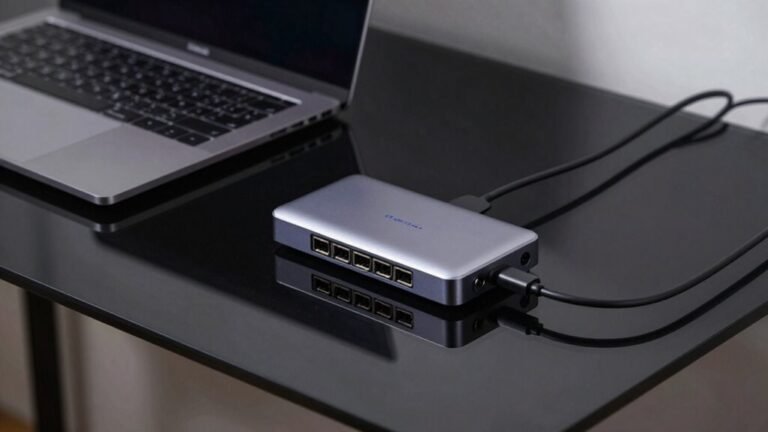
Your laptop missing Ethernet? Grab a USB-C dock with 2.5Gb—slick, clean, and powerful.
Desktop warriors can level up with PCIe NICs for blazing speeds.
Even powerline adapters can help, though they’re more “meh” than “magic.”
Pick smart, and your wired world runs like a well-oiled, silent robot butler.
Wi-Fi’s Role in Mobile and Flexible Workspaces
Ever wonder how your laptop stays connected as you wander from desk to couch to meeting nook?
That’s Wi-Fi magic—no cables, no stress, just seamless roaming.
You can hop between rooms, join video calls on the go, and never miss a beat, all thanks to smart tech like Wi-Fi 6 and 6E dishing out speeds up to 1.8 Gbps.
Need to hot-desk or share space in a crowded home office?
Wi-Fi’s got your back, handling flash crowds and dead zones like a champ.
It even learns your habits, tracking movement and space use without the creepy vibes.
Plus, it’s cheaper, faster to set up, and scales easier than wired options—saving cash and headaches.
Want flexibility with flair? Wi-Fi lets you work where you want, how you want, all while staying crazy connected.
Talk about working smarter, not harder!
Optimizing Network Performance for Remote Work

You’re already riding the Wi-Fi wave, floating from room to room like a digital nomad with your laptop in hand—totally free, no cords to trip over, and meetings that don’t skip a beat (most of the time). But when it’s time to get serious, plug in. Ethernet delivers speed close to 1 Gbps—fast, steady, and drama-free—perfect for big file uploads or seamless cloud backups. Wi-Fi’s cool, but it shares bandwidth and fights interference, causing hiccups in video calls or screen sharing.
Wired means lower lag, fewer drops, and crystal-clear audio when your boss is mid-presentation. Think of it like this: Wi-Fi’s your fun weekend vibe; Ethernet’s your focused 9-to-5 grind. For your main work setup, go wired. Your Zoom calls will thank you, and you’ll stop yelling, “Can you hear me now?” every five minutes. Stability? It’s kind of a big deal.
Building a Hybrid Network for Maximum Efficiency
When your laptop’s racing through spreadsheets while your phone streams music and the kids’ tablets blast cartoons, a smart network doesn’t pick sides—it plays favorites for the right reasons.
You’re mixing the raw speed of Ethernet with Wi-Fi’s freedom, so everything runs smoother, faster, and without tantrums (yours or the router’s).
- Anchor heavy-duty devices like desktops and gaming consoles with Ethernet for rock-solid, 1 Gbps connections
- Let mobile gadgets roam worry-free on Wi-Fi, from laptops to tablets, without tripping over cables
- Balance performance and peace of mind by routing critical work traffic through wires and fun stuff wirelessly
You keep video calls crisp, files flying fast, and the streaming chaos at bay—all without rewiring the whole house.
It’s like giving your network a promotion: same team, way smarter strategy. Upgrade your router, label a few cables, and boom—efficiency just got a serious glow-up.
Frequently Asked Questions
Can I Use Both Ethernet and Wi-Fi on the Same Network?
You can totally use both Ethernet and Wi-Fi on the same network—your router handles them like a pro!
Devices connect however they want, and everything shares the internet smoothly.
Wired gadgets get speedy, stable connections, while wireless ones enjoy freedom to roam.
It’s like having two roads: one express, one scenic.
No conflict, no hassle—just fast, flexible networking that just works.
Sweet, right?
Do Ethernet Cables Affect Internet Speed if They’re Old or Cheap?
Yeah, old or cheap Ethernet cables can totally drag down your internet speed.
If you’re using a worn-out Cat5 or a flimsy cable, you’re probably not getting the speeds you pay for.
They lose signals, cause drops, and struggle with modern connections.
Upgrade to a decent Cat5e or Cat6, and you’ll likely see a real boost—your Zoom calls will stop freezing, and downloads? Way faster.
Easy win!
Is It Safe to Leave My Device Connected to Ethernet All the Time?
Yeah, it’s totally safe to leave your device plugged into Ethernet all the time!
The cables use low voltage, so there’s almost no shock risk, and modern gear handles constant use like a champ.
Just make sure your cables aren’t frayed or squished, and avoid messy bundles that trap heat.
Think of it like leaving your phone charging overnight—totally fine, as long as everything’s in good shape!
Will Upgrading My Router Improve Both Ethernet and Wi-Fi Performance?
Yes, upgrading your router can boost both Ethernet and Wi-Fi, but only if your current one’s holding you back.
You’ll see gains if it’s old or slow—like having faster lanes on a highway.
But if your devices or plan can’t keep up, it’s like putting sports tires on a scooter.
You’ll grin at the speed, though, especially with more devices streaming, gaming, or video-calling at once!
Can Someone Hack My Ethernet Connection Remotely Like They Might With Wi-Fi?
No, hackers can’t zap into your Ethernet like Wi-Fi from across the street—imagine trying to steal a letter from a sealed mail tube versus snatching one off a porch!
They’d need to crack your router, exploit a service like RDP, or trick you with malware.
So while your cable’s safe, your passwords and software? Not so much if you’re reusing “password123.”
Patch up, use strong passwords, and you’ll be golden.
Conclusion
You’ve got this! Ethernet gives you a lightning-fast, rock-solid connection—like a superhero zip line for your data. Wi-Fi keeps you free to roam, plopping on the couch with your laptop like a boss. For your home office, why pick one? Mix both, and your network becomes a turbo-charged hybrid beast, ready to crush Zoom calls, downloads, and late-night memes without breaking a sweat. Sweet, right?