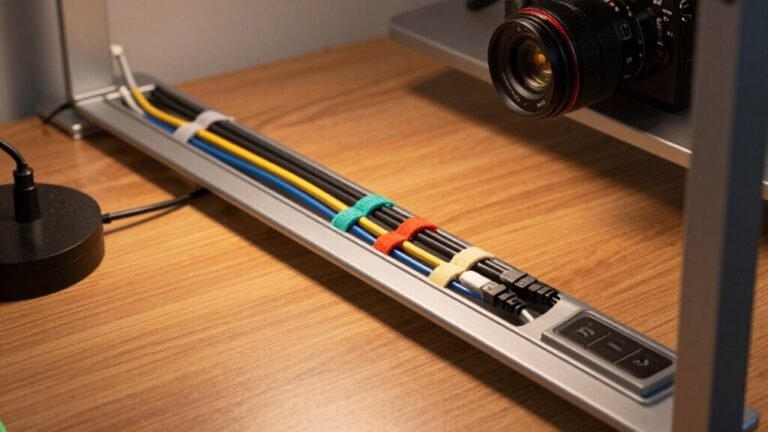
Surge Protector vs. Power Strip: Protecting Your Gear
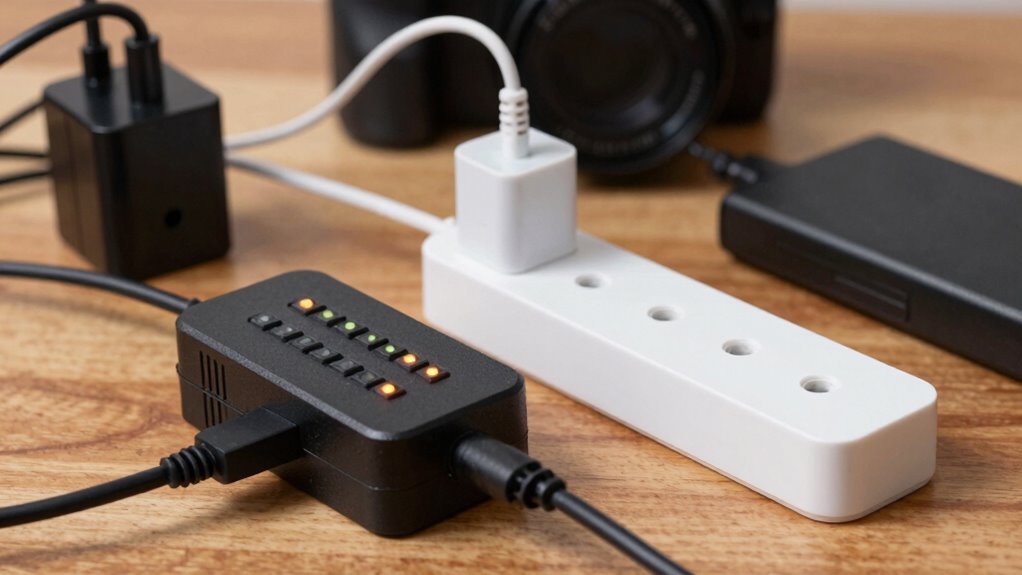
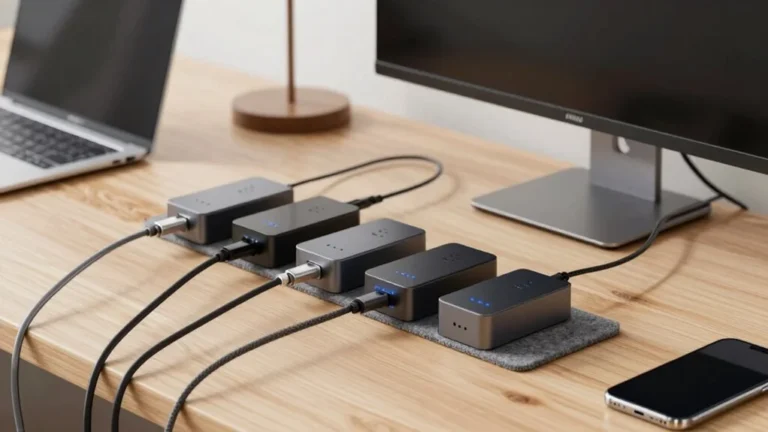
You’re plugging in, but are you really protecting? A power strip just adds outlets—done. A surge protector guards your gear with smart tech inside, like MOVs and TVS diodes, soaking up harmful spikes before they fry your laptop or TV. Look for a “Protected” light, a solid joule rating (1,000+), and UL 1449 certification. Cheaper strips might save space, but your devices deserve better. Sparks belong in movies, not your living room—and there’s more good stuff where that came from.
Understanding the Core Differences
Ever wonder why your gadgets keep kicking the bucket after a storm?
That’s because you’re probably using a power strip, not a surge protector.
See, both give you extra outlets, but only a surge protector’s got your back when lightning strikes or the power surges.
It uses smart parts called MOVs to soak up extra voltage like a sponge—saving your TV, laptop, and favorite gaming rig.
Power strips? They’re just extension twins with no protection.
Look for the joules rating—600 or higher’s your sweet spot—and check for a little “protected” light and UL 1449 label.
Surge protectors are bulkier, yeah, but that’s all the cool tech inside doing its job.
Think of it like this: a power strip says, “Plug in!”
A surge protector says, “Plug in, I’ve got you.”
Don’t wait for fried electronics to tell the difference.
No surge protection means your devices are vulnerable to sudden voltage spikes.
When to Use a Power Strip
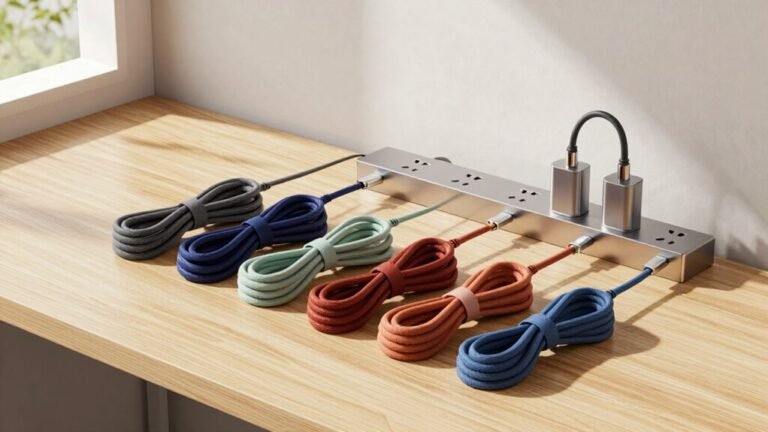
Why settle for just one outlet when you can have five—or even eight? When you’re just charging phones, running lamps, or powering a fan, a power strip’s your go-to. No fancy protection needed—just simple, clutter-free convenience. Perfect for dorms, desks, or craft corners where space’s tight and gear’s tough. Both devices provide distribution, but a power strip mainly distributes power without surge protection.
| Use Case | Device Examples | Why It Works |
|---|---|---|
| Basic needs | Lamps, fans | No surge worries |
| Low-risk charging | Phone, tablet chargers | Smooth & cheap |
| Space-limited spots | Under desks, closets | Slim & efficient |
| Temporary setups | Game nights, decor lights | Affordable & easy |
| Non-sensitive tools | Workshop plugs, printers | Gets the job done |
Just plug in, power up, and enjoy—without overthinking it.
When a Surge Protector Is Essential

When your gadgets cost more than your lunch, it’s smart to shield them from surprise voltage spikes—because no one wants their gaming rig or home office fried by a random power surge.
You’re not just protecting hardware—you’re saving your data, your time, and your sanity.
If you’ve got valuable electronics, here’s when a surge protector isn’t just smart, it’s essential:
- Your setup includes sensitive tech like PCs, NAS drives, or smart TVs—tiny voltage hiccups can fry circuits fast.
- You’re running network gear (routers, IP cameras) connected to long cables—those act like lightning magnets during storms.
- You’re powering medical equipment or work-critical devices where failure could mean real-world consequences (and a very bad day).
Don’t gamble with electricity. A solid surge protector is like insurance you barely notice—until it just saved your entire entertainment system. Surge protectors use components like metal oxide varistors to absorb and redirect excess voltage before it reaches your devices.
Key Components: What Makes a Surge Protector Work
A good surge protector isn’t magic—it’s smart engineering packed into a power strip’s body, and inside, a team of tiny heroes stands guard every time lightning crackles or your AC kicks on.
Metal Oxide Varistors (MOVs) act like voltage-sensitive bouncers, blocking surges by redirecting excess energy to ground—though they wear out over time, kind of like superheroes losing strength after too many battles.
Gas Discharge Tubes (GDTs) handle massive surges with a flash, ionizing gas to create a safe path for energy, while TVS diodes respond in nanoseconds, clamping voltage tightly to protect sensitive gadgets.
Together, they form a surge-fighting squad.
Thermal fuses and disconnects prevent overheating, and status LEDs let you know when it’s time to retire your protector—no silent failures on your watch.
These components work as a team, silently shielding your gear with precision, power, and a little bit of spark.
Interpreting Performance Specifications

Ever wonder how to tell if that box with outlets is truly got your back during a storm? Don’t just guess—read the specs like a pro. Here’s what really matters:
- Joules Rating: Aim for at least 1,000; 2,000+ is ideal for computers or home theaters. It’s like armor—thicker is better.
- Clamping Voltage (UL VPR): Look for 330V—the lower, the faster it kicks in. Anything over 500V? That’s basically playing dice with your laptop.
- Response Time: Faster than a sneeze is best. Low nanoseconds mean your gadgets are shielded before spikes fry them.
Also, check for an LED “Protected” light—no light, no life.
And don’t be fooled by amps or watts alone; those just handle load, not lightning.
Skip the mystery boxes with no surge label—they’re fancy power strips, not protectors.
You’ve got this!
Safety Risks and How to Avoid Them
What’s standing between your favorite gadgets and a fiery surprise? You guessed it—smart choices with your power strips and surge protectors. Don’t let convenience turn into a catastrophe. Check loads, avoid daisy-chaining, and never plug in high-draw appliances like space heaters to strips. Stay safe by knowing the risks—and skipping them like a pro.
| Risk | Why It’s Bad | Quick Fix |
|---|---|---|
| Overloaded strip | Melts cords, trips breakers, or worse—fire! | Add up device watts, stay under 1,800W |
| Daisy-chaining | Double the strips, ten times the danger | Plug directly into the wall |
| Using fake surge protectors | No real protection, just false confidence | Look for UL 1449 and joule ratings |
| Ignoring damaged cords | Sparks or shorts can sneak up fast | Replace cracked or frayed units now |
| Old, degraded protectors | They work… until they don’t | Swap them out before they fail silently |
Lifespan and Knowing When to Replace

How long can you really count on that little power strip or surge protector to guard your gear? Well, not forever — most surge protectors last just 3–5 years, even if they still power up.
MOVs wear out over time, especially after big surges or constant electrical stress, and they can fail quietly, leaving your devices exposed.
Power strips without surge protection? They’ll likely keep working for ages — until something physically breaks.
But your surge protector’s lifespan isn’t just about age. Keep an eye on these:
- LED indicators – if it’s flashing red or off, protection’s gone.
- Major surge events – replace it after a lightning strike or power spike.
- Joule drain – once you’ve soaked up too many surges, it’s time to upgrade.
Don’t wait for fireworks — swap it out and sleep easy knowing your tech’s truly safe.
Matching Your Choice to Your Devices
While your weekend DIY power strip masterpiece might look impressive, it’s worth pausing before plugging in anything that beeps, clicks, or costs more than your monthly coffee habit.
For lamps, fans, or holiday lights? A basic power strip works just fine—no need to waste a surge protector on things that won’t cry if they short out.
But your TV, computer, or gaming setup? Absolutely plug those into a surge protector; you’ll skip heartbreak (and $350 modem replacements).
Avoid the temptation to plug in your fridge or space heater—big appliances can fry strips and create fire risks.
And never daisy-chain or overload—your outlets aren’t magicians.
If you’ve got a home office or entertainment center, check total wattage so you don’t trip breakers.
Match your gear, protect what matters, and keep the sparks where they belong—on screen, not in your cords.
Choosing the Right Model: What to Look For

Ever wonder why some power strips cost twice as much but look nearly identical?
The secret’s in the smarts inside. To pick the right model, here’s what you should check:
- Joules rating: Aim for at least 600–2,000 J—higher means more protection for your pricey gadgets.
- Clamping voltage: Lower is better (under 400V); it means less spike sneaks through to your gear.
- Safety certs & indicators: Look for UL 1449, a “Protected” LED light, and a sturdy, heavy build—flimsy strips are just outlets in disguise.
Bonus points if it’s got a warranty for connected gear—now that’s confidence!
Skip the sketchy, slim strips with no labels.
Your laptop and TV deserve more than a fancy extension cord.
And hey, if it’s got USB ports or spaced-out outlets? Even better.
Choose smart, stay protected, and keep the sparks where they belong—on screen, not in your outlets!
Frequently Asked Questions
Can Surge Protectors Work Without a Grounded Outlet?
No, most surge protectors won’t work right without a grounded outlet—those little MOVs inside need that third hole to shunt surges safely away.
Plug one into a two-prong socket, and it’s like having a superhero with no powers—looks good, does nothing.
But hey, series-mode protectors? They’re the quirky rebels that actually work without ground, filtering surges inline.
Still, fix that wiring—your gadgets will thank you!
Do Power Strips Reduce Electricity Bills?
Yes, power strips *can* slash your bills—but only if you flip the switch.
Leaving devices plugged in sucks power like a vampire, even when off.
Use a switched strip to kill standby drain, especially for TVs and chargers.
Smart strips make it easier, cutting power automatically.
You’ll save $50+ a year, maybe more.
Think of it as unplugging a sneaky energy thief.
Cha-ching!
Are All Surge Protectors the Same as UPS Units?
No, not all surge protectors are the same as UPS units—you’d be mixing apples and batteries!
Surge protectors guard against voltage spikes, but they won’t keep your computer running during a blackout.
A UPS, though, gives you both surge protection *and* backup power, so you can save your work and shut down safely.
Think of a UPS as a surge protector with a power-packed side hustle!
Can I Recycle Old Surge Protectors?
You can absolutely recycle old surge protectors—don’t toss them in the trash!
Around 75% of e-waste ends up in landfills, harming the planet, but you’re smarter than that.
Check with Best Buy or your local drop-off site; they’ll take them.
Just unplug any cords or batteries first.
It’s easy, eco-friendly, and kind of heroic—saving the Earth one power strip at a time, no cape needed!
Do Surge Protectors Affect Charging Speed?
Nope, surge protectors won’t slow your charging under normal conditions—you’re good to plug in freely!
They’re like silent guardians, only springing into action during power spikes.
As long as it’s in good shape and not overloaded, your phone or laptop charges just as fast.
Just avoid sketchy, worn-out strips—they might drag things down.
Think of it as a bouncer for your gadgets: chill when it should be, tough when it needs to be.
Conclusion
You plug in your laptop, charge your phone, and power up your game console. But remember: a power strip shares juice, while a surge protector saves your gear. One extends outlets, the other defends against lightning-fast spikes. Choose smart, stay safe, and keep your tech alive. Don’t wait for a zap—be ready. Your gadgets deserve armor, not just a spare socket. Stay powered, stay protected, stay smiling!