Designing a Functional Home Office for Two
You’ve got this! Grab a convertible desk that shifts from teamwork to solo mode in seconds, add some color-coded zones so you both know where to focus or chill, and slide in smart tech that dims lights or pings reminders like a friendly robot. Toss in comfy, flexible furniture and laugh off the learning curve—every tweak makes it better. Oh, and that cozy corner? Perfect for naps or plotting world domination. Stick around, and you’ll see how easy it is to make it even smarter.
Optimizing Layout for Dual Workspaces
While you’re dreaming of a peaceful work-from-home life, the truth is sharing your space with a partner—or roommate—can feel more like a sitcom episode than a serene setup.
But don’t worry—you’ve got options.
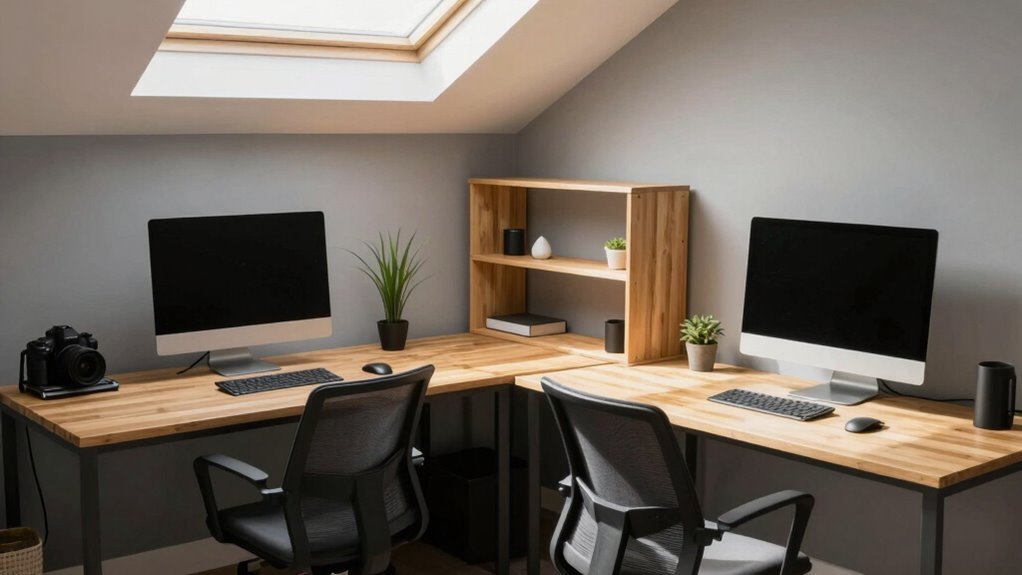
Try an L-shaped desk tucked in a corner, giving both of you room without eating up square footage.
Love natural light? Set up a long desk under a window, or go perpendicular to it for shared sidelight and face-to-face vibes.
If privacy’s key, place desks on opposing walls—add gallery art and backlit shelves to keep things cozy, not cramped.
Got a narrow spot? Slide a white utilitarian table into a hallway or loft.
Need flexibility? A central table with dividers lets you collaborate without invading personal zones.
With smart layouts, your dual workspace won’t feel like a battle for elbow room—it’ll feel like teamwork.
And hey, fewer awkward eye-rolls during Zoom calls? That’s a win.
A T-shaped desk promotes distinct zones within a shared room, enhancing focus without sacrificing togetherness.
Selecting Ergonomic Furniture for Comfort and Flexibility
Getting comfortable never felt so smart—or so doable.
You want chairs that adjust—lumbar support, seat height, depth, and armrests—so both of you can ditch the slouch and keep your shoulders relaxed.
Look for breathable fabric and cushioning that won’t leave you feeling like a baked potato after hours seated.
A tilt or recline feature? Yes, please—it’s like a mini-nap for your spine.
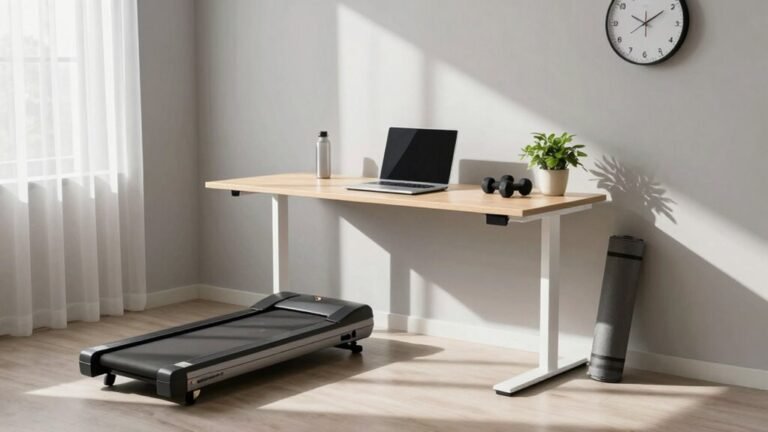
Go for sit-stand desks; they’re the MVPs of home offices, letting you switch things up and avoid that stiff, “I’ve been here since breakfast” feeling.
Make sure there’s plenty of legroom and cable management so you’re not tripping over cords or squeezing in like you’re on a plane.
Add monitor arms, adjustable keyboard trays, and an ergonomic mouse—your wrists and neck will thank you.
Flexibility isn’t just nice; it’s necessary.
And with over 230 million ergonomic chairs in active use worldwide, it’s clear this is comfort backed by global demand.
Creating Personal and Shared Storage Solutions

When two people share a home office, keeping things organized doesn’t have to mean sacrificing style or sanity—far from it.
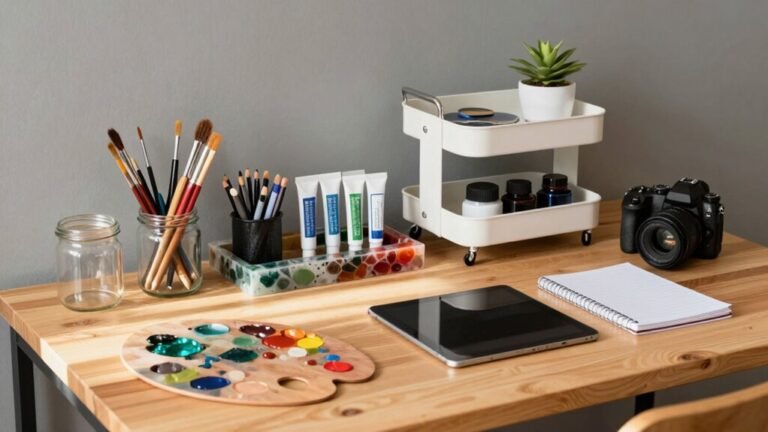
You can create smart storage that works for both of you by mixing personal and shared zones that reduce clutter and confusion.
Map out what you use daily, weekly, or rarely, then stash items accordingly—easy reach for the everyday, out of the way for the “I’ll-use-this-someday” stuff.
Use color-coded labels, lockable drawers, and vertical space to keep things clear and secure.
A shared staging spot helps paper and packages flow smoothly without landing on your desk.
Go modular so you can adapt as needs change—because, let’s be real, today’s printer setup might be tomorrow’s yoga corner.
The market for solutions like these is growing fast, with the US$4.1 billion office storage industry projected to double by 2034.
- Your favorite pen isn’t “missing”—it has its own home
- No more “Who took my charger?” at 8 a.m.
- Finally, a place for that weird cable you knowyou’ll need
- Shared supplies don’t mean shared stress
- You both get to feel “seen” in your shared space
Managing Noise and Enhancing Acoustic Privacy
You’ve nailed the storage game—color-coded bins, personal drawers, and a shared staging zone mean no more daily scrambles for chargers or sticky notes. Now, let’s quiet things down. Slap up freestanding acoustic panels between desks—they block sound and look sleek, especially if they’re fabric-wrapped. Angle them slightly so voices don’t zip straight across the room. Toss in a rug, hang some ceiling baffles, and yeah, your echo problem shrinks fast. Got a chatty coworker? Pop desktop dividers on your desks—they’re like mute buttons for real life. Bookshelves packed with books? Perfect, they scatter sound *and* show off your taste. For private calls, slide into a cozy acoustic pod—no more shushing each other mid-Zoom. Seal door gaps and windows too, so sound doesn’t sneak out like a spy. With smart surfaces and savvy furniture, you’ll both hear less chaos and more clarity—game changer.
Balancing Natural and Task Lighting Needs

Ever wonder why your eyes feel tired by 3 p.m., or why video calls sometimes make you look like a shadowy figure in a noir film?
It’s all about lighting.
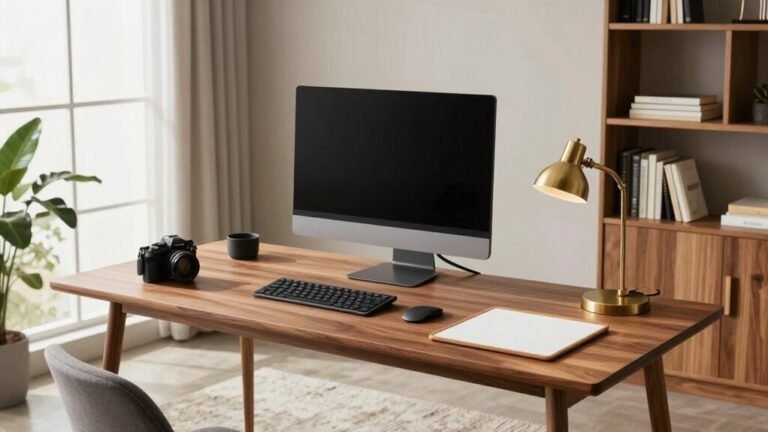
You want daylight near you, not blasting at you—place desks beside windows to catch soft, bright light without glare.
North-facing windows are goldilocks zones: just right.
Use adjustable blinds and sheer curtains to tame harsh sun and keep things cozy.
Layer in dimmable overhead lights, then add swing-arm lamps for focused task lighting.
Aim for light that’s stronger on your desk than around it—it helps you see details and stay sharp.
And don’t forget warm evenings: shift to softer tones to wind down naturally.
- Waking up to bright, energizing light feels like sunshine for your brain
- Crisp, glare-free screens make work a joy, not a squint-fest
- Looking lit (literally) your best on Zoom boosts confidence
- Smooth light transitions keep your mood steady all day
- A space that glows just right? Pure comfort magic
Equipping the Space With Reliable Technology and Power
Lighting sets the mood, but let’s be real—your home office won’t run on good vibes and sunshine alone.
You need solid tech and power, or you’ll be yelling “Can you hear me now?” more than actually working.
Get fiber internet if you can—fast, stable, and perfect for back-to-back Zoom marathons.
No fiber? Cable or 5G backup will do.
Toss in a Wi-Fi 6 router with a mesh system so your signals stay strong and your patience doesn’t break.
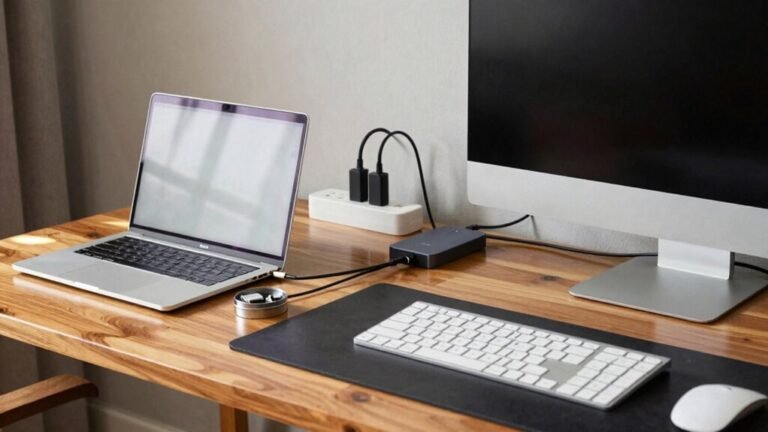
Protect your gear with a real surge protector (not that dollar-store spaghetti monster) and add a UPS so you can save your work when the lights flicker.
Use a dock to keep your laptop connections clean, and grab an extra webcam—because tech always acts up mid-call.
Back up everything, keep software fresh, and breathe easy knowing your setup’s got your back.
Establishing Clear Usage Guidelines and Work Norms

How do you keep peace when two work styles collide in one room?
You set clear rules that respect both people’s needs—without the drama of a scheduling disaster or headphone tug-of-war.
- You both get your own “desk territory”—like roommates, but with better Wi-Fi and fewer dirty dishes.
- Shared calendars and “do not disturb” lights keep surprise interruptions rarer than a quiet toddler.
- Headphones on, voices down—because no one wants to hear your third Zoom call about spreadsheet formatting.
- Focus blocks mean blissful quiet, so deep work doesn’t vanish like coffee in a shared pot.
- Fair rules for shared gear stop fights over who “borrows” the webcam *again*.
With smart norms, your dual-desk dream becomes a calm, productive paradise.
Supporting Workflow Transitions With Adaptable Design
You’ve nailed the ground rules—no more accidental Zoom cameos or passive-aggressive sticky notes over charger theft—so now let’s talk about making your shared space as flexible as your ever-changing to-do list.
Swap desks like LEGO blocks: fold-downs vanish after work, sit-stand stations keep energy up, and nesting tables morph from coffee nooks to collaboration zones.
Slide partitions to switch from team mode to solo focus, or flip a convertible table for dinner in minutes.
Test changes in phases—tweak one corner, laugh at the learning curve, then expand.
Plug in smart tech early so lights dim, reminders buzz, and calendars chime like helpful robots.
Use color-coded zones so your brain knows: work here, unwind there.
Turn a cozy corner into a lounge for in-person huddles or a quick nap (we won’t judge).
With modular magic, your office evolves as fast as your plans—no scowling over mismatched schedules.
Flexibility isn’t just smart—it’s your new favorite office perk.
Frequently Asked Questions
How Do We Split Utility and Internet Costs Fairly?
You split utility and internet costs fairly by using the same method—either square footage or time spent working—so it’s consistent and honest.
If you go by space, divide bills based on room size; if by time, tally work hours.
Agree on percentages upfront, stick to them, and boom—you’ve got a hassle-free system.
It’s like splitting pizza, but with receipts.
Can We Claim Part of the Room for Taxes?
Yes, you can claim part of the room for taxes—you don’t need a dedicated office, just a defined space.
Split the square footage fairly, and boom: you’re in.
Use the simplified method at $6 per foot, up to 300 feet, for an easy $1,800 max deduction.
No extra rooms? No problem.
A corner with a partition counts—efficiency meets creativity, like a cozy business nook in a closet.
What if One Person Works Nights and the Other Days?
You’ve got this—just split the space like night and day!
Use soundproofing panels to mute noise when one’s asleep, and blackout curtains to keep things dark for the night owl.
Motion-activated lights help you move without waking each other.
Sync your schedules with a shared calendar, and pick staggered hours so focus stays high and peace stays higher.
It’s like tag-team productivity—with better snacks.
How Do We Handle Guests or Kids Entering the Space?
You just set up fun little “do not disturb” signs with magnets or lights so kids or guests know when it’s work time.
You also stash toys and distractions in lockable bins they can’t raid.
You use room dividers or foldable screens to block off zones, and teach your crew with a silly song that “when the curtain’s closed, it’s grown-up time!”
You’ll laugh, they’ll learn.
Is House Insurance Needed for Business Equipment?
Yes, you do need house insurance for your business equipment—but your standard policy might leave you high and dry.
It typically covers only $500 to $2,500, and let’s be real, your gear’s probably worth way more.
You’d hate to lose laptops, printers, or tablets and get pennies back.
Add an endorsement, grab a BOP, or get commercial coverage—don’t gamble with your grind!
Conclusion
Think of your home office like a dance floor—two people, one rhythm, no stepping on toes. You’ve set the stage with smart layouts, comfy chairs, and just enough tech to keep the beat. Shared space? It sings when balance leads. So, waltz through workday chaos, laugh at the occasional tangled cords, and shine bright—your duet’s finally in sync, and the music’s on your side.