Using Refurbished Tech Safely in Your Home Office
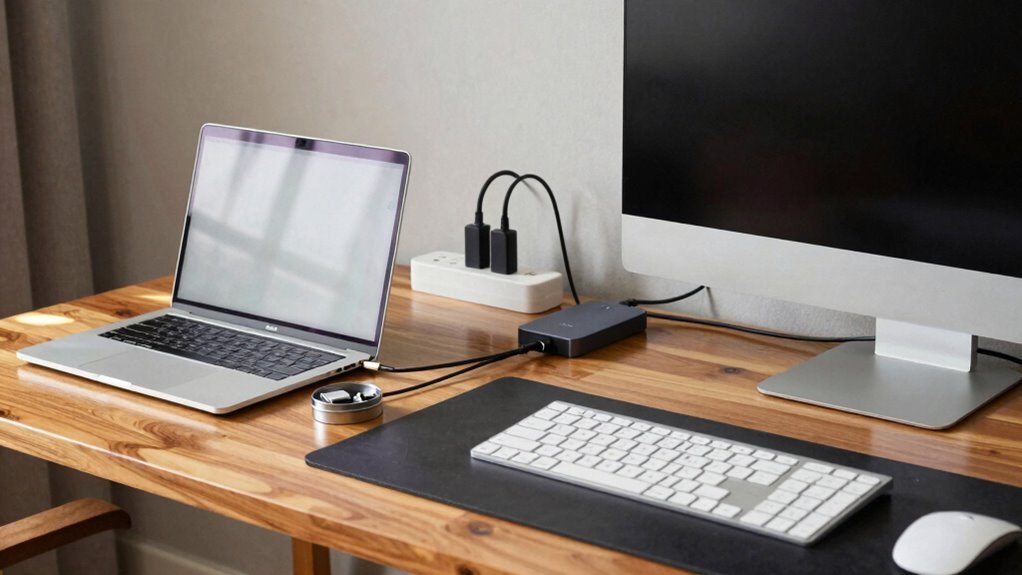
You’re smart to grab a refurbished laptop—save cash *and* the planet while scoring solid gear from trusted sellers like REFURB.io or Best Buy. Just wipe it clean, lock down your Wi-Fi, and slap on encryption like digital armor. Toss in a cable lock, fire up antivirus, and use strong, unique passwords—because hackers hate effort. You’re already winning; imagine what else you could nail with a few more pro tips up your sleeve.
Selecting Reputable Sellers for Refurbished Equipment
Where can you find refurbished tech that won’t leave you scratching your head or stuck with a paperweight?
You’ve got options—great ones.
Hit up Discount Electronics for no-nonsense business-grade Dell, HP, or Lenovo rigs that laugh at heavy workloads.
They’re rebuilt better than new, and with warranties that’ve got your back.
Love HP’s tough security?
Lenovo’s bulletproof ThinkPads?
Yep, they’re there.
Or try REFURB.io, a Microsoft-approved pro with eco-smart laptops like the space-saving Dell OptiPlex.
You’ll get tested, trusted gear that won’t conk out mid-Zoom.
Prefer big names?
Best Buy’s Geek Squad Certified or Micro Center’s restored picks come vetted and vibrant, complete with solid warranties.
Back Market even offers free returns—because who doesn’t love a safety net?
Skip the gamble and go where the pros shop.
Your home office deserves gear that works, not weird tech ghosts.
Each system undergoes a 47-point inspection and testing process to ensure peak performance and reliability.
Prioritizing Data Security in Refurbished Devices
Ever wonder how to make sure your shiny, bargain-priced refurbished laptop isn’t secretly harboring someone else’s digital dirt?
Don’t panic—you’ve got options!
Regular deletion won’t cut it; use NIST-approved methods to wipe data clean or, better yet, replace old drives entirely.
If it’s got a self-encrypting drive, nuke the key the right way and keep proof.
When in doubt, trust certified pros with destruction services—they’ll hand you a certificate so solid it could pass a background check.
Once you’ve got it, boot from a trusted source to sniff out hidden junk, then install a fresh OS like it’s brand new (because it should be).
Patch everything, enable encryption, lock down USBs, and log all the good stuff—because peace of mind? Priceless.
Think of it as a spa day for your device: detox, refresh, and secure.
You’re not just saving money—you’re upgrading smart.
Many resold devices still contain personal data, with 45% of devices resold with no precautions to erase information.
Mitigating Theft and Physical Security Risks

You’ve wiped the digital slate clean and locked down your data like a pro—now let’s make sure no one walks off with your refurbished tech in the first place.
Use cable locks to anchor your laptop to your desk—yes, even at home—because thieves don’t care if it’s “just your office.”
Keep it locked in a cabinet when you’re out, and never leave it unattended in public spots like coffee shops or airport lines.
Go incognito with plain bags—no flashy “laptop inside!” labels.
Engrave your name or ID right on the device so it screams “not for resale.”
Toss on a permanent marker streak or funky paint for extra flair (and tracking).
If it moves without you, a motion alarm can shout louder than your neighbor’s dog.
Report theft fast, with serial numbers ready, and rest easy knowing your data’s encrypted and backed up.
refurbished devices reduce e-waste by extending the life of electronics, making your security efforts part of a larger sustainability win.
Stay sharp, stay safe—and maybe don’t hide your laptop in the sock drawer.
Strengthening Home Office Cyber Defenses
While your refurbished gadgets may look like they’ve seen a few miles, you can still build a digital fortress around them with the right cyber defenses.
Start by locking down your Wi-Fi with WPA3 encryption and turning off sketchy router extras like UPnP and remote access—yes, hackers really do sneak in that way.
Create a separate guest network for smart bulbs, visitors, and your nephew’s gaming console so they can’t hop onto your work laptop.
Install antivirus software, enable full disk encryption, and crank on automatic updates—your future self will thank you.
Use strong, unique passwords (a password manager helps!) and add multi-factor authentication everywhere.
And hey, if your laptop goes missing, remote wipe features might just save your bacon.
With a few smart tweaks, your tech runs tight, fast, and safe—no wizardry needed, just good habits.
Understanding Warranty and Return Policies

So, what happens if your shiny refurbished laptop suddenly decides to take an unscheduled vacation? Don’t panic—knowing the warranty and return rules gives you peace of mind. Always check coverage type, duration, and what’s excluded before hitting “buy.” Accidents happen, but spills or drops usually aren’t covered. Software glitches? That’s on you. But a failing battery? Yep, that’s their problem.
Here’s a quick peek at what to expect:
| Seller | Warranty Length | Return Window |
|---|---|---|
| Amazon Renewed | 90 days | 90 days |
| Apple | 1 year | 14 days |
| Dell | 1 year | 21–30 days |
Smart prep now saves headaches later—especially when your cat knocks your laptop off the desk mid-Zoom call.
Maximizing Value and Sustainability With Refurbished Tech
Saving money while saving the planet? Absolutely!
When you choose refurbished tech, you’re slashing costs by 30–70% compared to shiny new models—cash stays in your pocket.
But it’s not just about savings; you’re also dodging 86%+ of the carbon emissions that come with new devices.
That laptop? It might’ve saved 82 kg of raw materials and hundreds of liters of water.
Plus, with rigorous testing, replaced batteries, and clear condition reports, these devices aren’t just eco-friendly—they’re built to last.
And let’s be real: paying less while helping the planet kinda makes you a superhero, right?
Every recycled phone or remanufactured laptop you buy keeps e-waste out of landfills and cuts CO2 like a pro.
Protecting Against Phishing and Remote Work Threats

You’re cruising through your home office day, sipping coffee and knocking out tasks like a champ—until an email pops up claiming you’ve won a free vacation or need to “verify your account now.” Sound familiar?
Yeah, that’s phishing, and it’s behind 36% of all data breaches.
With 3.4 billion scam emails flying daily and AI cranking out 80% of them, you’re not just dodging spam—you’re dodging digital con artists.
Remote work makes it worse: less IT support, weaker filters, and more pressure equals a hacker’s dream.
Over 60% of security pros say phishing is the top threat since we went remote.
Scammers hit you on email, Slack, even texts (smishing rose 19%) and fake login pages for Microsoft 365.
But don’t sweat—stay sharp, double-check links, and treat every “urgent” message like a suspicious free-yacht offer.
You’ve got this!
Frequently Asked Questions
Can I Upgrade Components in a Refurbished Device Later?
Yeah, you can upgrade parts in a refurbished device—just don’t assume everything’s swappable.
Check if the RAM’s soldered or the SSD bay’s empty before buying.
Pop open the back or peek at the manual, use free tools like CPU-Z or the manufacturer’s site to verify compatibility.
Swapping in more RAM or a snappier SSD often works like a charm, giving your rig a real pep talk!
Are Refurbished Devices Compatible With the Latest Software Updates?
Yeah, refurbished devices can run the latest updates—if they’re recent models!
You’ll want to check the manufacturer’s site to confirm your exact model gets those sweet, sweet security patches and OS upgrades.
Just because it’s refurbished doesn’t mean it’s left behind.
Think of it like adopting a slightly used superhero: same powers, cleaner cape.
Stay sharp, and you’ll stay updated!
Do Refurbished Laptops Include Original Accessories Like Chargers?
Yes, you do get the original accessories, including chargers—no sneaky missing plugs here!
Apple packs everything in a shiny new box, Lenovo reuses its packaging but includes all essentials, and Microsoft sends over manuals and cords too.
HP and Dell? They’ve got your back with OEM-approved parts and full kits.
How Can I Verify the Age of a Refurbished Device?
You can verify a refurbished device’s age by checking its serial number or IMEI—just plug it into the maker’s site or a trusted tool like IMEI.info.
You’ll see the original release date, warranty status, and sometimes a refurb flag.
Don’t forget to peek at the box, compare IMEIs, and scan for screw marks or mismatched parts.
Think of it like detective work, minus the trench coat.
Is It Safe to Buy Refurbished Tech From Online Marketplaces?
Yes, it’s safe to buy refurbished tech from online marketplaces—if you’re smart about it.
Think of it like treasure hunting: the gold’s out there, but you’ve gotta skip the junk.
Stick to sellers with solid reviews, clear warranties, and return policies.
Avoid sketchy deals that scream “too good to be true.”
You’ve got the power to grab savings, slash e-waste, and score solid gear—without the new price tag.
Win-win!
Conclusion
You’ve powered up your home office with smart, eco-friendly tech—pat yourself on the back! That sleek, recharged laptop hums like a happy cat, guarding your data like a digital watchdog. You’ve dodged scams, locked down networks, and scored big without breaking a sweat. Think of it as tech thrift-shopping, minus the dusty sweaters. You’re saving bucks, the planet, and still ruling your remote world. Nice work, tech-savvy champ!