Safely Powering Multiple Devices in Your Home Office
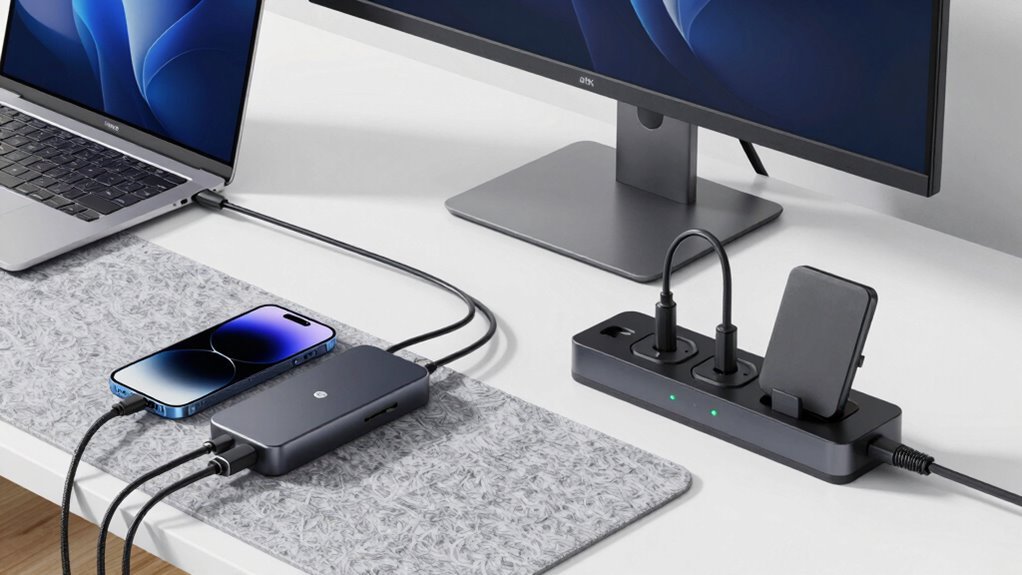
You’ve got your laptop, monitor, router, and phone all plugged in daily—don’t let a surprise surge zap them! Grab a surge protector with at least 1,000 joules (2,000+ if you’ve got more gear). Plug in, power up, and feel good knowing your setup’s protected and tidy. Add a sleek cable tray or some snazzy sleeves, and boom—your desk goes from chaotic to *chef’s kiss*. You’re not just safe, you’re stylish. And wait—there’s a smarter way to keep things even cleaner.
Choosing the Right Power Strip for Your Workspace
Ever wonder why your home office gadgets keep tripping the breaker?
Chances are, you’re daisy-chaining cheap power strips or overloading a basic outlet.
Don’t sweat it—picking the right power strip makes all the difference.
For starters, go for one with at least 1000 joules of surge protection to keep your laptop and monitor safe from spikes.
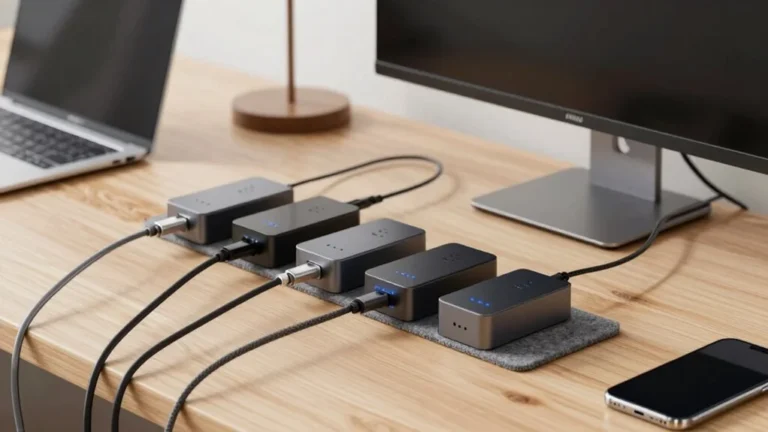
Need to charge phones or tablets? Grab a USB power strip with USB-C ports—so handy!
If you love control, smart strips let you turn devices off remotely and even track energy use.
Got heavy equipment? A 20-amp, heavy-duty strip’s got your back.
And always check for that UL or ETL label—safety first!
Many top models also include ground fault detection for added safety.
With the right strip, you’ll dodge overloads, cut clutter, and power up like a pro.
Your gadgets will thank you—no more mid-Zoom blackouts!
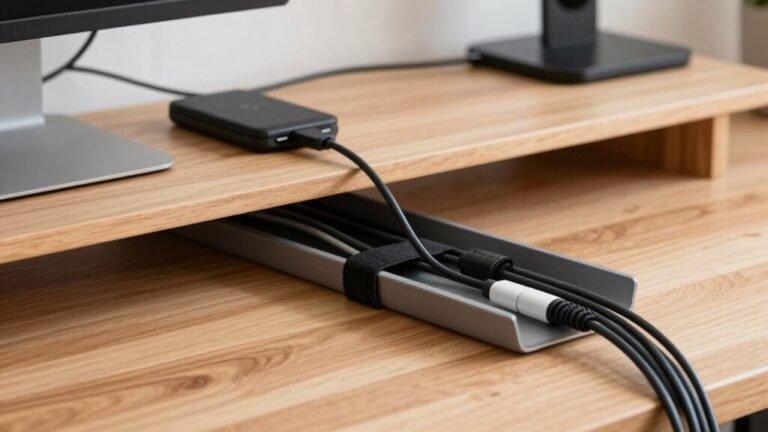
Mounting Cable Management Trays for a Tidy Desk
Taming the tangle of cords under your desk feels like winning a battle most people don’t even know is raging—good news, victory is totally within reach.
Mounting a cable management tray isn’t just smart, it’s surprisingly simple. Just follow these steps and say goodbye to “cord spaghetti” for good:
- Flip your desk upside down (carefully!) and check that the tray fits between the legs; use painter’s tape to mark the spot.
- Attach the mounting brackets using screws or strong adhesive—either works, but why not use both?
- Snap the tray onto the brackets or screw it directly into the desk’s underside for a snug fit.
- Feed your power cords through the tray and secure them with included straps—boom, neatness achieved!
For a 60-in desk, you’ll typically need to cut the Cable Tray to fit properly before installation. It takes minutes, looks awesome, and keeps your workspace as tidy as your inbox *wishes* it could be.
Integrating Surge Protection Into Your Setup

When the power blinks during a storm, your heart probably drops faster than your laptop battery—so don’t leave your gear exposed. You’ve got options, and picking the right surge protection is easier than you think. Use a layered setup: start at the source and protect individual devices too. Surge protector choice depends on location and protection needs, so consider where you’re installing it and what devices you’re safeguarding. Here’s how the pieces fit together:
| Type | Use Case |
|---|---|
| Type 1 | At main panel, stops lightning strikes |
| Type 2 | In sub-panels, handles everyday surges |
| Type 3 | Right by your gear, shields computers |
| 2,000+ joules | Perfect for routers, printers, PCs |
| Wall-mount or strip | Plug in and breathe easy |
Pair high joule ratings with UL 1449-certified models, and don’t forget ports for Ethernet or USB. Trust me, your router will thank you when the next storm rolls through—and you’ll still have Wi-Fi to stream the drama.
Organizing Cables With Affordable Solutions
Why does it feel like your desk cables throw a spaghetti party every time you look away? You’re not alone—untangled cords are a myth for most of us.
But here’s the good news: with a few smart, budget-friendly tricks, you can wrangle that jungle and keep things neat, safe, and even kind of fun.
Check this out:
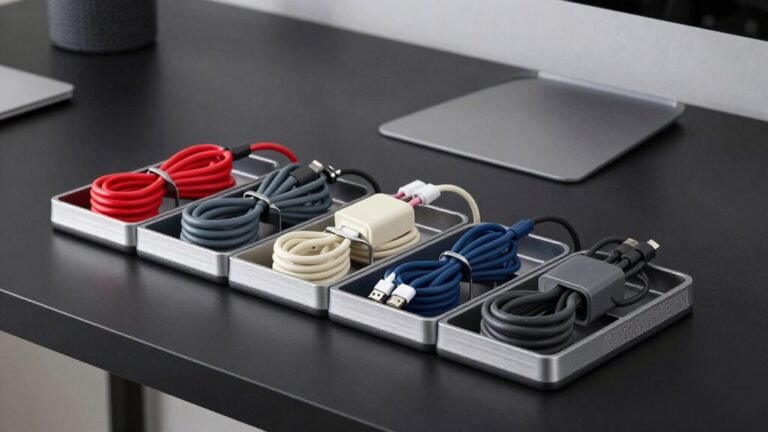
- Grab an under-desk tray—screw it or clamp it—to hide power strips and ugly adapters safely out of sight.
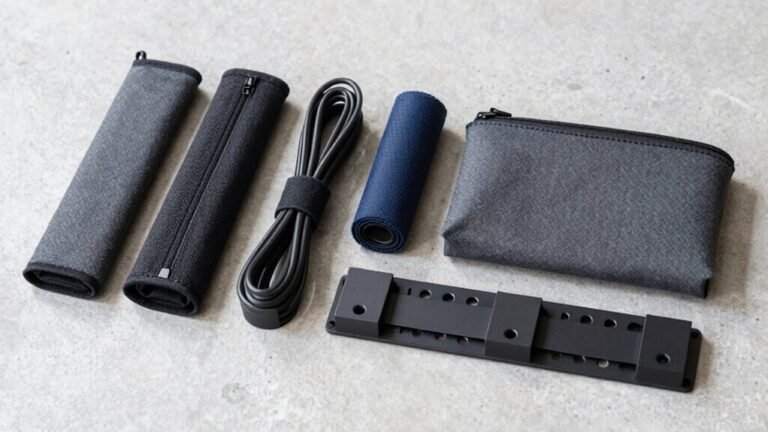
- Wrap messy bundles in a stretchy neoprene sleeve or reusable spiral wrap, so cords stay tidy without the tangle.
- Stick adhesive or magnetic clips along your desk edges to guide cables neatly and stop them from dangling.
- Slide everything into a ventilated cable box—just leave breathing room so heat doesn’t build up.
Boom! Your cables behave, your space looks clean, and your inner neat freak will thank you.
Utilizing Desk-Specific Power Accessories

Now that your cables are corralled and playing nice, let’s talk about the real desk game-changers—power accessories made just for your workspace.
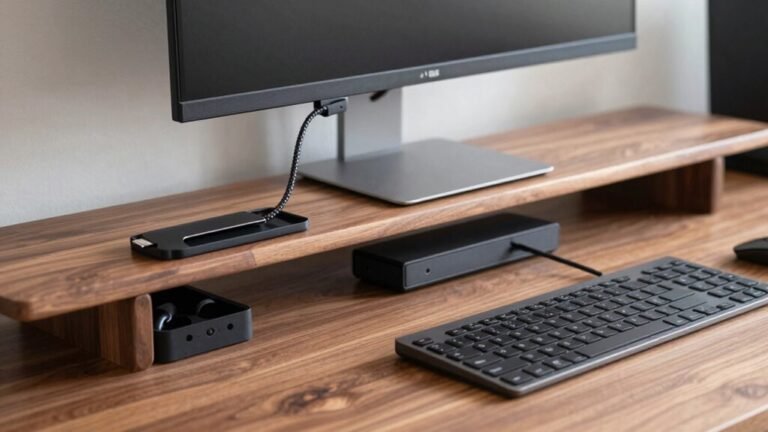
You’ve got gadgets galore, and wireless charging stations like the Nomad Stand One Max keep them juiced up without the spaghetti of cords—smart, sleek, and clutter-free.
Need more ports?
A DEZCTOP 7-in-1 hub’s got your back with USB, Ethernet, even monitor support, all in one tidy package.
Stick a Vari® Power Hub on the edge for extra outlets that won’t eat your desk real estate.
Love a good lamp?
BenQ’s ScreenBar or Lume Cube’s edge light brings glow and USB power without glare.
And those multi-device strips with USB ports?
They’re like power snacks for your tech.
With adjustable arms, smart shutoffs, and sleek designs, these accessories don’t just work hard—they look cool doing it.
Your desk’s not just powered now; it’s upgraded.
Managing Cords With Magnetic and Adhesive Tools
If your desk looks like a cable octopus exploded, you’re not alone—but magnetic and adhesive tools are here to save your setup with style and a little sass.
These tiny heroes keep your cords tidy, within reach, and out of your hair.
Here’s how to use them like a pro:
- Stick magnetic clips to clean, flat surfaces—wipe with alcohol first, let dry, and *voilà*: strong hold for months (or use replacement pads when needed).
- Snap cables into dual-magnet clips; they stay put even when you yank your phone free mid-Zoom call.
- Mount them under desks, on edges, or vertical surfaces to route cords up, out, and out of sight.
- Use multi-slot versions to bundle USB, charging, and headphone cords like a sleek tech superhero.
They’re light, low-profile, and won’t wreck your desk.
Cables finally met their match.
Upgrading to Premium Cable Management Systems

Taming the jungle of wires under your desk just got way more satisfying—upgrading to a premium cable management system is like giving your home office a superhero makeover, one sleek cord at a time.
You’ve got power strips with 9 or even 12 outlets, PDUs that handle up to 14 devices, and built-in surge protectors that keep everything safe.
Slide your gear into under-desk trays with zip ties or heavy metal boxes that look as tough as they work.
Systems like Hexcal Studio pack in clever tunnels, 12-direction channels, and even wireless charging for two devices—no tangles, no drama.
Premium materials like nylon sleeves and silicon pads add durability, while clamp-on protectors and adhesive ties keep things neat and green.
These aren’t just organizers—they’re wire whisperers, quietly banning chaos and bringing calm to your daily grind.
Who knew cords could look this cool?
Routing and Concealing Cables Along Walls and Surfaces
How do you make a tangled web of cables vanish like magic?
You take charge with smart routing and slick concealment tricks that keep things neat, safe, and oh-so-satisfying. Follow these steps to master your walls and surfaces like a pro:
- Map a single path from devices to outlet, sticking to edges like baseboards or desk undersides for a clean, invisible trail.
- Grab a surface-mount raceway—snap it on, feed your cables through, and paint it to match your wall so it disappears faster than snacks at a movie night.
- Use the right fasteners: adhesive clips for quick fixes, screws for heavy-duty holds, and Velcro for easy swaps.
- Bundle and label, keeping power and data lines separate to dodge interference and make future fixes a breeze.
Voilà—your cables behave now, and your home office looks seriously put together!
Frequently Asked Questions
How Do I Safely Daisy-Chain Multiple Power Strips?
You don’t—seriously, don’t daisy-chain power strips.
It’s a fire hazard waiting to happen and breaks safety rules.
Instead, plug one high-quality surge protector directly into the wall and spread out your devices.
Think of it like LEGO: one solid base beats a wobbly tower.
Keep things safe, tidy, and spark-free—your gadgets (and your home insurance) will thank you!
Can I Use an Extension Cord With My Surge Protector?
No, you can’t use an extension cord with your surge protector—it’s a no-go.
Plugging one into the other invites trouble, like overheating or even fire.
Think of it like stacking too many hats on your head: it just doesn’t work safely.
Instead, plug your surge protector directly into the wall.
It’s safer, smarter, and keeps your gadgets—and your space—running smoothly.
Skip the cord combo, stay safe, and high-five safety every time!
What’s the Maximum Wattage a Home Office Circuit Can Handle?
Here’s a fun fact: most home office circuits max out at 1,440 watts if you’re running gear for hours.
Yep, your 15-amp circuit can only safely handle 80% of its total power long-term—so that’s 1,440 watts, not 1,800.
You’re powering laptops, lights, and Wi-Fi? Great!
But add a space heater and boom—trip city.
Keep things under that 1,440-watt sweet spot and you’ll stay bright, safe, and online!
Are Smart Power Strips Safe for Sensitive Electronics?
Yeah, smart power strips are totally safe for your gear—you’re not frying your laptop by accident, promise!
They’ve got built-in surge protection, auto-shutoff, and even guard against overheating.
Think of them as bouncers for your electronics, kicking out power spikes before they crash the party.
Plus, with ETL certification and a fire-resistant shell, your devices sleep soundly—and so can you.
How Often Should I Replace Old Power Strips and Outlets?
You should replace surge protectors every 2 to 3 years, even if they look fine—out of sight, out of mind, right?
But toss them immediately after a big surge or if the light’s dead.
Regular power strips can last 10+ years unless they’re frayed, cracked, or acting like a wobbly table leg.
Check outlets too—if plugs feel loose or warm, upgrade them.
Stay safe, smarty!
Conclusion
Remember that one time your coffee knocked over a tower of tangled cords and took down your whole setup? Yeah, we’ve all been there. But now, with your sleek power strip humming safely and cables zipped away like ninjas, your desk’s more reliable than a golden retriever. You’ve turned chaos into calm—and hey, even your charger’s finally happy. Job well done, power pro!