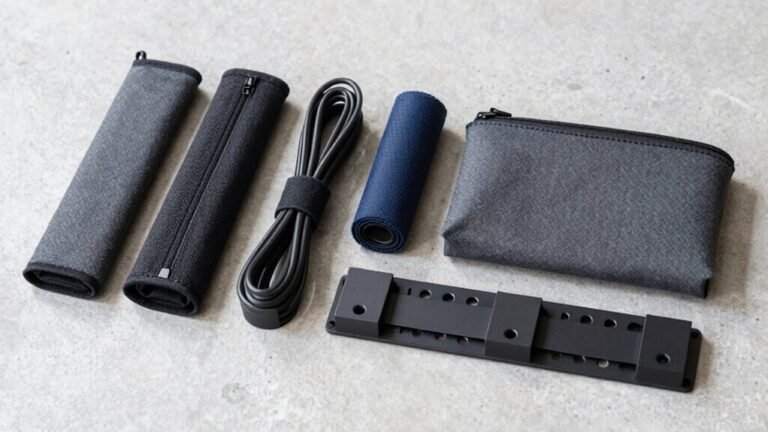
How to Organize Cables Under Your Desk
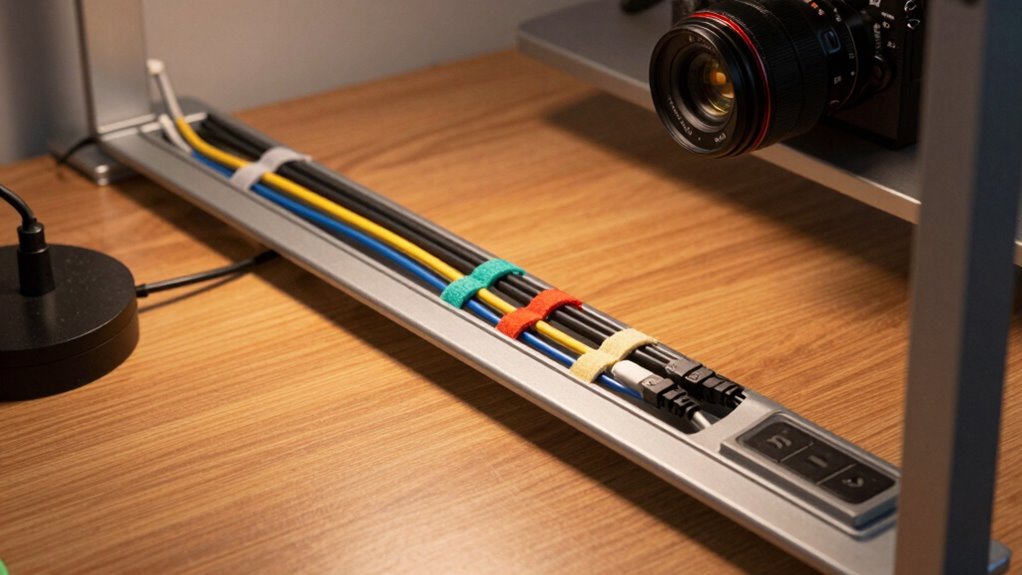
Tame that wild mess under your desk by matching your cable setup to your desk type—clamp-on trays for wood, magnetic channels for metal, and skip the drill. Use brush grommets to bundle cords neatly through the desktop, secure with zip ties or Velcro, and tuck power strips near strong mounting spots. Add a sleek oak tray or steel organizer to hide clutter and look good doing it—because your desk deserves a glow-up, not just a quick fix. You’re just getting started.
Choose the Right Cable Management Product for Your Desk Setup
Getting your cables under control starts with picking the perfect management product—and trust me, it’s way easier than herding stray charger cords after a power outage.
First, check your desk type: is it wood, metal, or delicate glass?
That’ll decide if you need screws, clamps, or sticky adhesives.
Measure the space underneath—don’t let legs or moving parts ruin your setup.
Got a standing desk?
Make sure your mount won’t bind when you raise or lower it.
Now match the product to your cable load: clips for light duty, trays or boxes for thick power bricks and tangles.
Pick something modular if you’re adding gear later.
Opt for dividers to keep power and data cables from bickering (okay, interfering).
Choose sturdy materials, a finish that blends in, and easy access—because no one wants to play detective just to unplug a charger.
For standing desks, consider a cable chain to maintain a tidy and safe setup during height adjustments.
Install Under-Desk Trays for Maximum Cable Coverage
A little tray magic under your desk can turn chaos into calm—and it’s not as tricky as trying to untangle earbuds for the hundredth time. Just pick the right spot, slap in a tray, and say goodbye to cable spaghetti. Here’s how to nail it:
| Pro Tip | Why It Rules |
|---|---|
| Mount toward the back-center | Keeps legs free and hides mess from view |
| Pick ventilated trays for power bricks | Lets heat escape, so things don’t overheat |
| Use separate sides for power and data cables | Stops buzzing interference in your tech |
| Add slack for sit-stand desks | Keeps cables safe when your desk moves up or down |
Place heavy gear near strong spots, route smart, and secure everything snug. Before you know it, your under-desk zone will be as tidy as your desktop—and way more satisfying to look at. Installation is simple—start by positioning the desk upside down and aligning the CustomFit Cable Tray along the crossbar rails for a perfect fit.
Use Brush Grommets to Route Multiple Cables Efficiently

You’ve got your under-desk trays neatly holding all the heavy hitters—power strips, adapters, that chunky monitor hub—but what about those sneaky cables poking through the desktop?
Time to tame them with brush grommets!
These nifty inserts slip right into a drilled hole and use flexible bristles to let you route multiple cables cleanly and safely.
They’re tough, made from long-lasting nylon or polycarbonate, and they seal out dust like bouncers at a club.
The bristles cushion your cords, protect against sharp edges, and even reduce vibrations—no more angry buzzing at 3 a.m.
You can pop cables in or out anytime without unthreading the whole mess, which is a lifesaver when you’re adding a new webcam or headset.
Plus, they tidy up clutter, boost airflow, and keep your setup looking sleek.
It’s like giving your desk a secret cable spa—organized, protected, and totally chill.
Strain relief helps prevent cable damage by reducing stress on cords where they enter the desk surface.
Secure Cables With Budget-Friendly Zip Ties and Clips
Cable chaos got you doing the daily desk dance—tripping over cords and untangling nests like it’s your morning workout?
Skip the circus act and grab some budget-friendly zip ties and clips! These superheroes of cable control are cheap, strong, and dead simple to use. Whether you want a permanent hold or easy changes, there’s a fix that won’t break the bank. Just stick, clip, and zip your way to a clean setup in minutes.
- Nylon zip ties lock cables tight and handle heavy loads
- Releasable ties let you adjust without cutting
- Velcro strips make swaps a snap—no tools needed
- Self-adhesive clips stick under desks and hold cables neatly
- Adjustable clips open quickly and work again and again
Tame that tangle with stuff you can grab for under $20—because nobody’s got time for cord jiu-jitsu before coffee.
Optimize Cable Organization With Magnetic Channels and Holders

Taming the tech tangle just got a whole lot smarter—magnetic channels and holders are here to rescue your desk from cable chaos. You snap them onto your steel desk frame with zero damage, no sticky mess, just strong magnets holding everything tight.
They’re perfect for corners or under your monitor, keeping cords off the floor and out of your way. No more tripping over wires or untangling spaghetti at 9 a.m.
You’ll save time, spot chargers fast, and switch devices without frustration. Plus, they come in sleek colors like black, white, or gray so they match your vibe.
Got a non-metal desk? Just stick on the included metal plate. They’re reusable, flexible for sit-stand desks, and expandable with add-ons.
Most kits cost under $20—tiny price for a tidy, calm, chaos-free zone. Honestly, it’s like magic, minus the wand.
Upgrade to Premium Solutions for Complete Wire Enclosure
Now that you’ve got your cords playing nice with magnetic helpers, why not go one step further and give your entire wiring setup the VIP treatment?
Premium enclosures don’t just hide mess—they keep everything safe, cool, and tangle-free.
Whether you’ve got a sit-stand desk or a power strip sprouting cables like a tech octopus, these sleek upgrades have your back.
Check out what makes them worth the splurge:
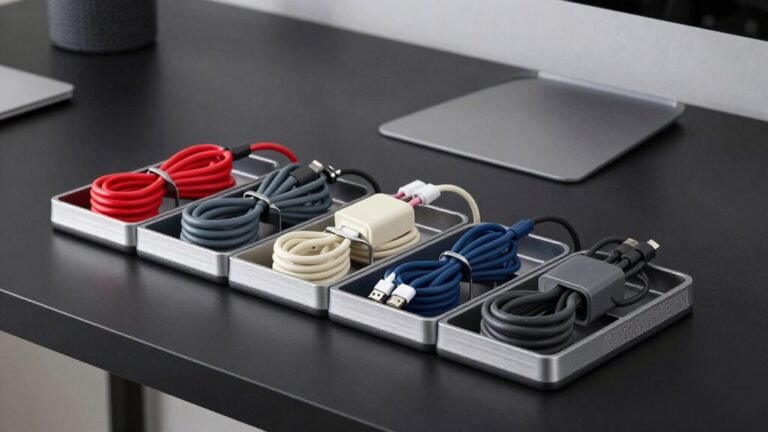
- Fully enclosed trays hide clutter and prevent accidental tugs
- Removable lids make changes easy without exposing everything
- Ventilated designs let heat escape so your gear doesn’t overheat
- Modular raceways snap together for custom, clean cable highways
- Sliding drawers keep outlets handy but fully tucked away
It’s like a spa day for your cables—organized, protected, and looking sharp.
Your desk (and your inner neat freak) will thank you.
Mount Power Strips Strategically for Easy Access and Safety

While you’re dreaming of a sleek, clutter-free desk, don’t let your power strip turn into a hidden hazard or an awkward reach every time you need to unplug.
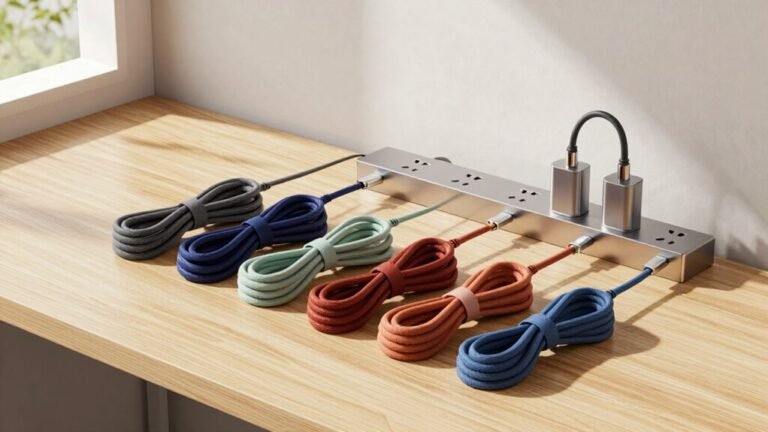
Mount it smartly—centered under fixed desks for easy access, or along the rear edge to hide cords and prevent tripping.
If you’ve got a standing desk, leave slack for full movement and measure before drilling.
Keep outlets near your go-to gadgets to shorten cord runs and cut the cable jungle.
Use screws in solid wood, or strong Velcro on smooth surfaces—no drilling needed.
Avoid flammable stuff nearby, guarantee airflow to prevent overheating, and never overload it.
Pick UL-certified strips, face outlets down for quick access, and secure cords with clips or ties.
Mount it right, and you’ll zap clutter, boost safety, and still laugh when your cat attacks the power cord—again.
Combine Clamp-On and Adhesive Options for Drill-Free Installation
Here’s how to nail it:
- Use clamp trays for heavy-duty grouping and snap in adhesive clips for extras.
- Stick adhesive labels on vertebrae clamps to name your cable “characters.”
- Boost clamp stability with adhesive-backed metal anchors.
- Pair retractable organizers with sticky wire holders for stretchy control.
- Place adhesive clips along desk edges where clamps can’t reach.
Boom—clean, secure, and totally tool-free.
Your desk will look so good, you might want to show it off (but maybe skip the selfies).
Integrate Wood and Metal Accessories for Sleek Desk Integration

You’ve nailed the drill-free setup with clamp-on and adhesive helpers, so why stop there?
Level up with wood and metal accessories that blend style and smarts.
Slide a sleek oak or walnut tray under your desk—sustainably sourced, durable, and uniquely yours—and pair it with a powder-coated steel organizer in charcoal or sage.
These bad boys hold cords tight, support power strips, and even let you magnetize cables down legs like a pro.
Close the tray, and poof—no more spaghetti mess.
At just 1 cm under the tabletop, it’s like magic, not clutter.
Mix wood pen pots with steel clips for a workspace that’s warm *and* wired.
Found on Etsy or in kits starting at $10, these combos are built to last (hello, 10-year warranty!).
Your desk doesn’t just get organized—it gets a glow-up.
Frequently Asked Questions
Can I Paint Cable Management Trays to Match My Desk?
Yes, you can paint cable management trays to match your desk—go for it!
Clean the tray, lightly sand it, then use the right primer for the material.
Spray paint works best for smooth, even coverage.
Pick a durable finish like enamel or add a clear topcoat so it lasts.
Match the sheen to your desk for that “meant to be” look.
Just don’t paint over screws—unless you enjoy frustration later!
Do Under-Desk Trays Affect Desk Warranty if Drilled Into?
Yeah, drilling under-desk trays into your desktop can void the warranty—about 70% of desk makers flat-out reject claims if you’ve drilled holes outside their specs.
You think you’re taming the cable monster, but bam, they blame you for any cracks or wobbles.
Skip the DIY disaster: use clamps or adhesive mounts instead.
Your desk stays safe, your warranty’s intact, and hey, no jury-rigged holes pretending to be “interior design.”
Are Magnetic Channels Safe Near SSD or HDD Storage Devices?
Yep, magnetic channels are totally safe near your SSDs and HDDs!
Those little powerhouses in your cables won’t mess with your data—SSDs don’t care about magnets, and HDDs need crazy-strong fields to even notice.
The magnets in channels are strong for holding, but way too weak to cause trouble.
So go ahead, snap them on, organize like a pro, and keep your tech happy.
You’re good to go—no gremlins here!
How Do I Clean Dust From Enclosed Cable Management Boxes?
You just unplug everything and gently pull out the cables—nobody likes a tangled mess, right?
Grab your trusty compressed air and blast the nooks in short sprays, then sweep with a soft brush like you’re dusting a tiny cave.
Wipe it down with a damp microfiber cloth, give it a little shake, and voilà—sparkling clean!
Don’t forget to check for gunk in the vents and polish those plastic bits.
Can I Reuse Adhesive Mounts After Removing Them Once?
You can reuse adhesive mounts, but don’t expect them to stick like new—think of it as giving an old buddy a second chance.
Heat helps remove them cleanly, and cleaning residue with alcohol gives you a fresh start.
For a stronger hold, slap on new double-sided tape or grab some mounting putty.
Just keep heavy cables off reused mounts—they’re better suited for light-duty jobs, not superhero feats.
Conclusion
You’ve tamed the tangled jungle beneath your desk, and now things hum along nicely—neat, safe, and oh-so-sleek. No more tripping over tech tantrums or playing cable detective. With smart setups and a few clever tricks, your workspace isn’t just organized, it’s quietly impressive. Give yourself a wink in the mirror, you slick operator—you’ve transformed chaos into calm, one zip tie, tray, or magnetic glide at a time. Mission accomplished.