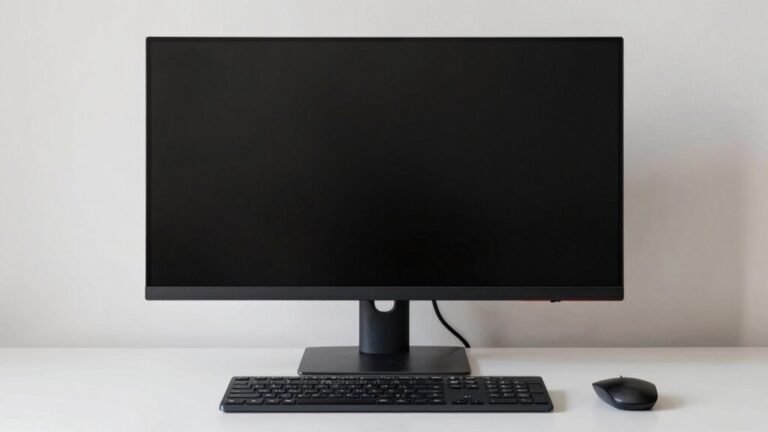
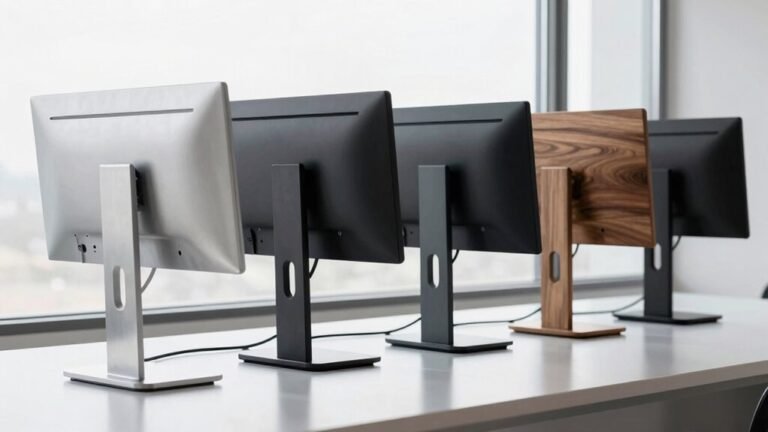
Monitor Stand vs. Adjustable Arm: Which Is Better?
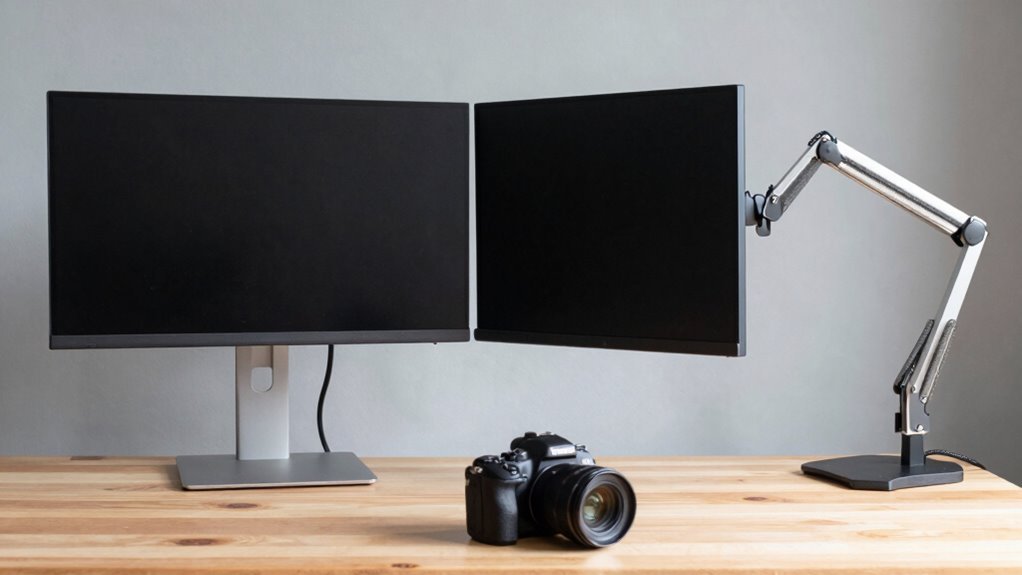
You want comfort, space, and moves like a yoga master? Adjustable arms win with smooth height, tilt, swivel, and reach—hello, perfect screen position! They free up desk space, reduce neck strain, and ace multi-monitor setups. Sure, stands are steady and cheap, but arms adapt like magic. If posture, flexibility, and clean vibes matter, you’re already leaning the right way… and there’s even more to love waiting for you.
Range of Motion and Adjustability
Ever wonder how some people effortlessly glide their screens into perfect viewing position—like their monitors are on a personal mission to please their eyes? With adjustable arms, you get smooth, continuous height changes—no tools, no hassle—thanks to gas-spring magic that lets you lift or lower your monitor with a light push.
Most arms offer140–411 mm of vertical travel, so whether you’re sitting, standing, or somewhere in between, eye-level alignment is easy.
Need to pull your screen closer? Arms often extend up to468 mm forward, giving you lap-level viewing or freeing up desk space with a simple tug.
Swivel, tilt, and rotate all day—±90° swivel and ±45° tilt mean you can dodge glare, share your screen like a pro, or flip to portrait mode for coding marathons.
It’s like giving your monitor dance lessons.This full-motion capability ensures precise ergonomic positioning, thanks to the arm’s full-motion capability.
Impact on Posture and Comfort
How’s your neck feeling after a long day at the screen? If it’s stiff or sore, your monitor setup might be the culprit. When your screen’s too low, you’re hunching forward, adding serious strain to your neck and shoulders—every tilt multiplies the weight your spine supports. Yikes!
But with an adjustable arm, you can easily set the top of your screen at eye level, keeping your head neutral and comfy. You’ll reduce that nagging forward-head posture and keep muscle strain in check.
Plus, arms let you pull the screen closer or angle it just right, so you’re not reaching or squinting. This means less shoulder tension, fewer “ow” moments, and way more comfort during marathon work sessions.
Even better? Swivel and tilt features help you dodge glare and shift positions, keeping your body happy.
Comfort isn’t just nice—it’s essential. And hey, your spine will actually thank you.
This level of extensive adjustability supports healthier posture throughout the workday.
Maximizing Available Desk Area

Think your desk is too small to fit everything you need?
You’re not alone—but好消息: a monitor arm might just be your desk’s best friend.
By lifting your screen off the surface, arms free up serious real estate—about 9 by 11 inches—perfect for notebooks, coffee mugs, or that succulent you keep forgetting to water.
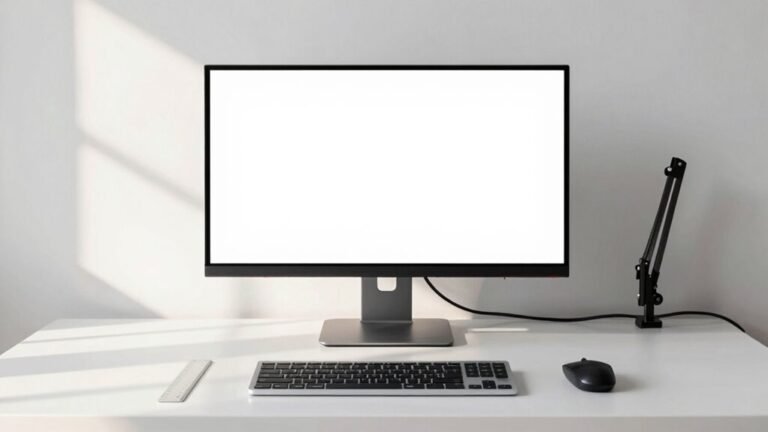
Stands plant themselves firmly in place, hogging space you could be using.
Arms let you tuck monitors aside, making room for creativity (or snacks—no judgment).
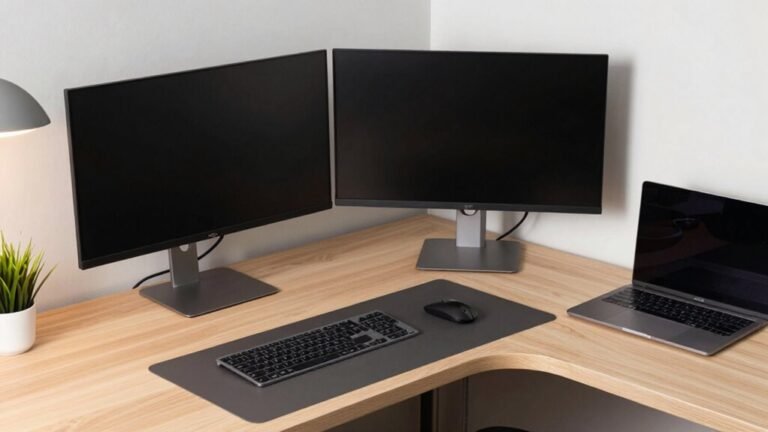
They’re awesome for tiny desks, L-shaped corners, or multi-monitor chaos, keeping everything neat without sprawl.
Plus, built-in cable management means fewer wires playing hide-and-seek.
Sure, you’ll need a solid desk edge to clamp it on, but once it’s up, you’ll wonder how you ever worked without it.
More space, less clutter—yes, your dream desk is possible.
This space-saving benefit is especially valuable in enhances desk aesthetics by eliminating bulk.
Ensuring Consistent Monitor Stability
While a sleek monitor arm gives you superhero-level flexibility to swoop your screen into place, don’t overlook the rock-solid reliability of a good old stand—especially when things get typing-heavy or your coffee sloshes a little too dramatically.
You want your screen to stay put, not dance with every keystroke.
Stands offer wide bases and solid builds that laugh in the face of wobble, making them perfect for shaky desks or clumsy mornings.
Sure, arms let you pivot and stretch like a screen-surfing yogi, but cheap ones sag, bounce, or lean like they’re tired.
Even the best arms need fiddling with tension, and if your desk jiggles, so does your monitor.
A stand just sits there, doing its job, no drama.
With no moving parts to fail, it’s the low-maintenance buddy you didn’t know you needed.
Stability? The stand’s got it on lockdown.
Upfront and Long-Term Value

You’ve got your monitor sitting pretty, rock-solid on its stand, not flinching when you slam that spacebar like you mean it—great. Starting out, basic stands cost just $20–$40, and many monitors come with one, saving you cash right away. Arms can run $80–$300+, especially if you want smooth, wobble-free motion. But don’t write them off yet—arms free up desk space, cutting the need for extra organizers (cha-ching!).
Over time, stands last longer with zero fuss, while arms may lose tension or need part swaps. Yet, a good arm encourages better posture, possibly dodging neck pain and boosting focus—worth its weight in comfort. Cheap arms wear out fast, but premium ones? They’re built to last, especially with solid warranties. Think long-term: a sturdy arm can actually save money and hassle, especially if you’re serious about your setup. It’s not just gear—it’s an investment in your workspace groove.
Supporting Multiple Screens and Workflows
Ever wonder how the pros keep multiple screens dancing in perfect harmony without turning their desk into a cluttered maze? You’re about to find out.
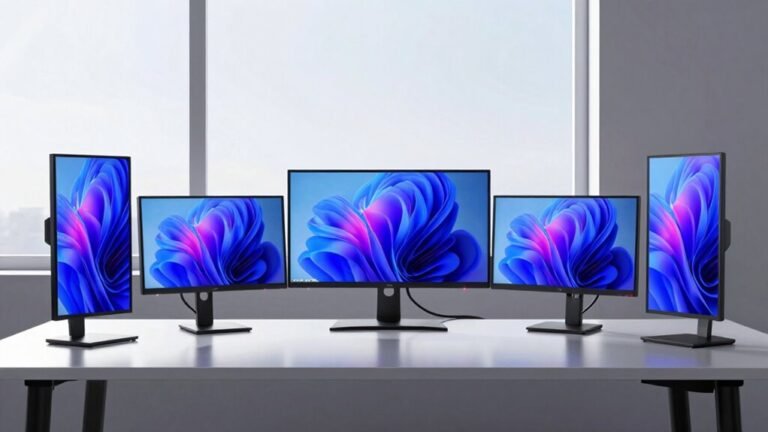
Adjustable arms let you mount two or even three monitors side by side, floating above your desk like tech magic.
You can tilt, swivel, or rotate each screen independently—perfect for coding in portrait or editing video across panoramas.
Unlike bulky stands that hog space and limit movement, arms free up your surface for coffee, notes, or that stress ball you chuck during tough meetings.
They’re a dream for shared workspaces, too—just tweak the height and angle, and it’s like the setup reads your mind.
Cable management keeps things tidy, and pairing with sit-stand desks? Chef’s kiss.
Sure, heavy-duty stands exist, but they’re the desk version of clunky boots—not exactly agile.
For dynamic workflows, arms don’t just support your screens—they *get* your hustle.
Frequently Asked Questions
Can Monitor Arms Damage Desks Over Time?
Yeah, monitor arms can totally damage your desk over time if you’re not careful.
That clamp squeezes down hard, especially on cheaper or softer desks, and the longer you extend the arm, the more leverage it uses—like a tiny robot trying to karate-chop your tabletop.
Wood dents, particleboard crushes, and flimsy desks might crack.
But hey, toss in a mounting plate or rubber pad, and you’re basically throwing your desk a protective party!
Do Stands Work With Curved or Ultra-Wide Monitors?
Yes, stands work with curved and ultrawide monitors—no surprise there!
Just check the VESA pattern (75×75 or 100×100 is standard) and make sure the stand supports your monitor’s weight.
Since curved screens shift the center of gravity, pick a stand with a solid grip and low risk of tipping.
Think sturdy, not wobbly—nobody wants a face-full of pixels!
Most quality stands handle the curve ball just fine, especially if you’re not trying to mount a small TV by accident.
Are Arms Worth It for Single-Monitor Setups?
Yeah, arms are totally worth it for one monitor—68% of users report less back pain after switching, which says a lot.
You get slick, one-finger height tweaks, and swivel action that makes nodding “yep, I’m listening” during calls way more satisfying.
They save desk real estate, tidy up cables, and make your setup look legit pro, even if your office is your kitchen table.
Who knew ergonomics could feel this fun?
Can I Install an Arm on a Glass Desk?
Yeah, you can install an arm on a glass desk, but you’ve gotta be smart about it.
Skip the basic clamp—it might crack the surface.
Instead, use a grommet mount with an under-desk plate or grab a floor stand.
Check your desk’s thickness and the arm’s weight limit, and never skip rubber pads.
When in doubt, go wall-mounted or floor-based.
Your fancy desk will thank you—no surprise shattering during a big Zoom call!
Do All Stands Fit Under Monitor Bezels?
Nope, not all stands fit snugly under monitor bezels—some big, bulky bases clash with thick edges.
But most modern stands slide right under sleek, slim-bezel screens like butter on hot toast.
Just check your monitor’s bezel thickness and stand clearance.
Too thick? You’ll bump into trouble.
Remove the original base, align the VESA, and you’re golden.
Smooth, simple, and seriously satisfying—like puzzle pieces clicking into place.
Who knew stands could be so snappy?
Conclusion
So, you’ve seen how both stands and arms lift your view—and your comfort—higher. Need rock-steady simplicity or a full range of motion with panache? One’s sleek and steady, the other swings into action with flair. Both save space and support your screen, but which truly dances to your daily rhythm? Could the right pick actually make work feel a little less like… well, work? Game on.