Setting Up a Home Studio Office for Creators
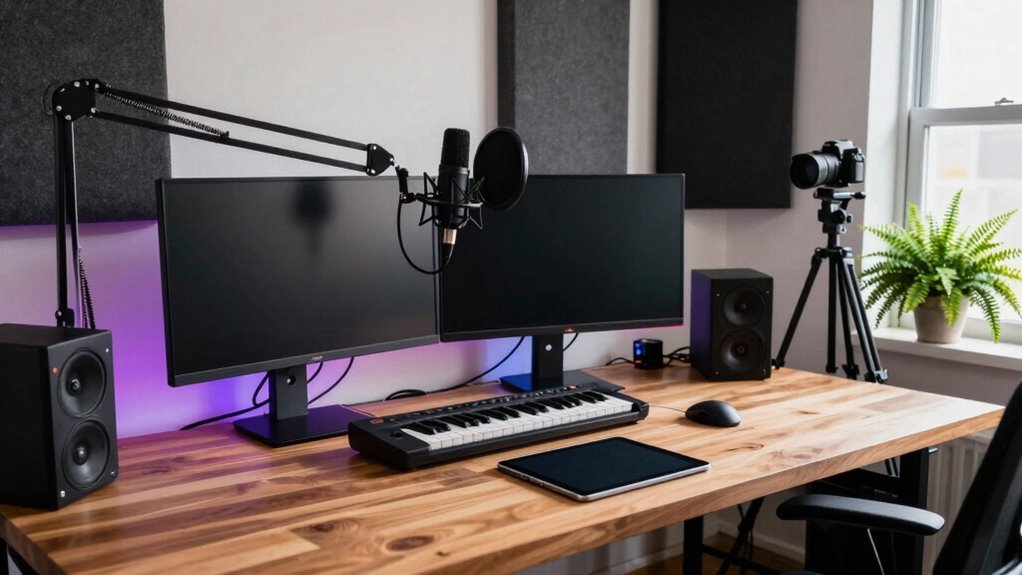
You’re building your dream studio, so start with a roomy, height-adjustable desk that fits your monitors, sketchpad, and maybe even a sneaky coffee stash. Swap that worn-out chair for an ergonomic one—your back will thank you mid-stream. Layer soft ambient, task, and accent lighting to keep things bright but cozy. Trap sound with panels or a fluffy curtain, and hide messy cables with clever clips or raceways. Wirelessly charge your phone, sync your gear, and voilà—your creativity’s got a new favorite spot. You’re just getting started…
Optimize Your Desk for Creative Workflow
Ever wonder how a simple swap of your desk could spark your next big idea?
You bet it can!
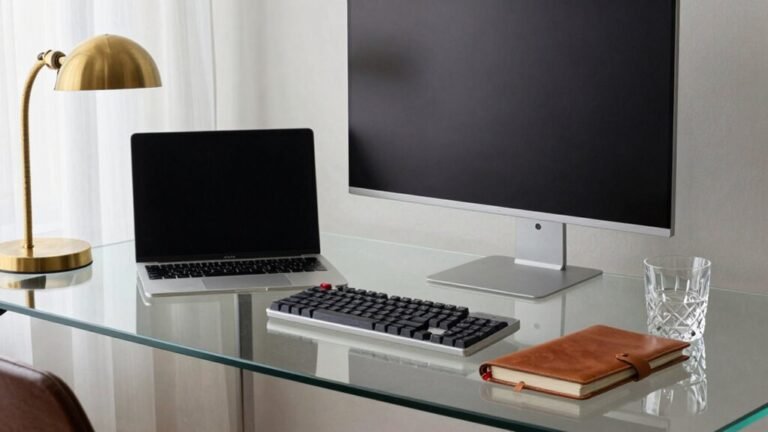
Ditch that wobbly old table and grab a desk that actually fits you—height-adjustable, spacious, and built for comfort.
You’ll stay sharp through long sessions because your body won’t be begging for a break.
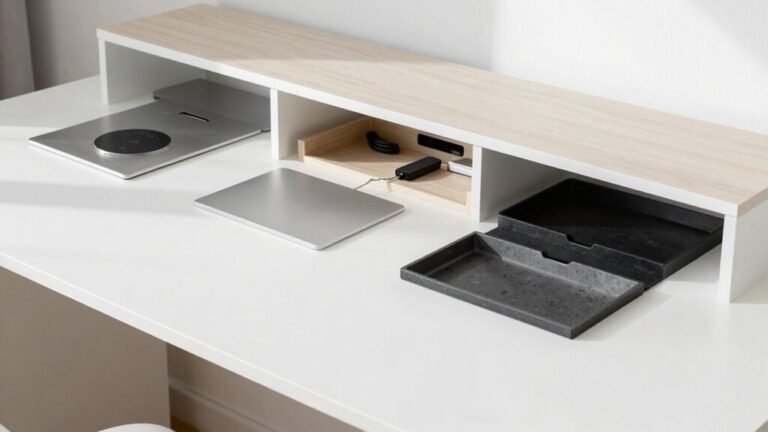
With room for your gear, plus smart storage for cables, headphones, and dongles (yes, all those mysterious ones), you’ll glide between tasks like a creative ninja.
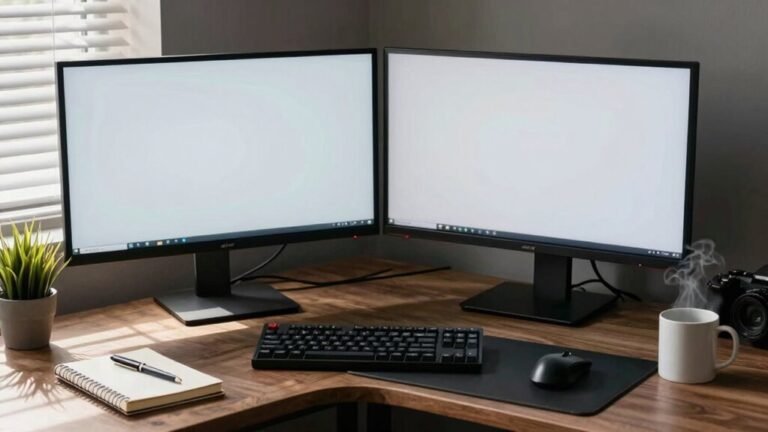
Arrange your monitors, controllers, and sketchpads just right, and boom—workflow magic.
Tuck cords out of sight, free up space, and maybe even add a second desk for your wilder experiments.
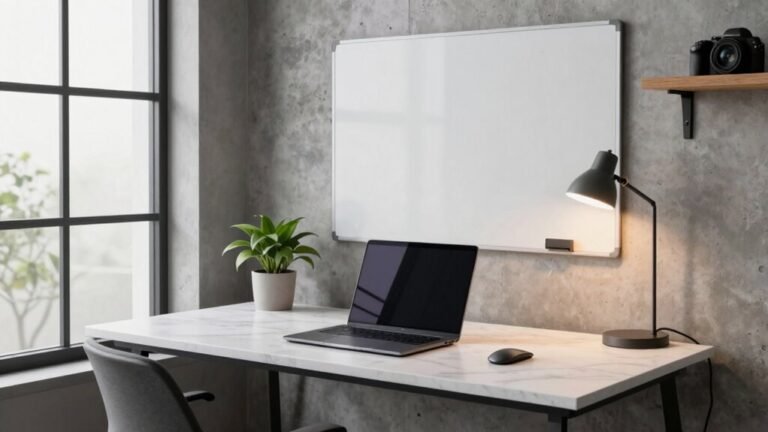
Personalize it with some cool lights or a plant that *you* can’t kill.
Suddenly, your desk isn’t just furniture—it’s your idea-launching pad.
Who knew four legs and a flat surface could feel this game-changing?
A desk tailored to your needs can significantly boost both focus and ergonomic support.
Invest in Ergonomic Seating and Support
Sitting like a human pretzel? You’re not alone—most home creators use chairs that scream “retirement” after just an hour.
Ditch the dining chair, the saggy couch, or the floor cushion; your back will thank you.
Upgrading to an ergonomic seat isn’t just comfy, it’s a productivity power move.
Consider this:
- Pain Patrol: Ergonomic chairs slash back, neck, and shoulder strain—no more “ouch” every time you stand.
- Focus Booster: Proper support means fewer breaks, better posture, and up to 15% more productivity.
- Smart Investment: For every dollar spent, you gain up to $10 back in performance and fewer sick days.
With 41% of chairs sitting too low and 64% perched on rock-hard surfaces, now’s the time to rise—literally. Your spine, sanity, and creative flow will stay sharp, supported, and happily unpretzled.
Many creators are working on hard surfaces, worsening discomfort and long-term strain.
Design a Balanced Lighting Environment

How’s your workspace lighting treating you—like a cozy reading nook or a fluorescent interrogation room?
Let’s fix that.
Layer your light: use ambient for overall glow, task lighting for your desk, and accent lights for warmth.
It’s like music for your eyes—no single instrument should hog the spotlight.
Aim for 4000K–5000K; it’s bright enough to keep you alert but won’t feel like a hospital hallway.
Place your desk lamp opposite your writing hand to dodge shadows, and keep lights off-screen to avoid glare.
Skip the overhead-only trap—it’s harsh and boring.
Instead, mix dimmers, window blinds, and LED strips for total control.
Your eyes will thank you, and your creativity? It’ll practically glow.
Proper lighting reduces eye strain and supports sustained focus during long work sessions.
Light smart, stay sharp, and make your studio shine—literally.
Enhance Acoustics for Clear Sound Quality
You’ve got the lighting dialed in so your space feels warm and inviting, not like a dentist’s office—but what about what you’re hearing? Crisp, clear audio starts with smart acoustic treatment.
Don’t worry, you don’t need a physics degree—just a few key moves:
- Trap the bass in corners with thick panels or DIY SuperChunks—those low-end rumbles vanish fast.
- Install absorption panels at your first reflection points (use the mirror trick!) to kill echoes and tighten sound.
- Hang a ceiling cloud above your desk to stop overhead pings and expand your sweet spot—no more “talking in a tin can” effect.
Even on a budget, thick blankets, curtains, or affordable kits can make a huge difference. Your voice and music will sound pro, not like you’re recording in a closet. Now *that’s* something to get excited about—say hello to studio-quality sound without the studio price tag.
Streamline Cables for a Clutter-Free Space

While your mic might pick up every whisper, it’s the mess behind the desk that could be screaming chaos.
Tame that jungle!
Start by trashing old, damaged cables—you don’t need them haunting your setup.
Use testers to check what’s still good, then swap in fresh Ethernet, USB, or audio cables as needed.
Go wireless where you can: wireless chargers, Qi-certified pads (hello, 20W for two devices!), and USB hubs cut the cord—literally.
Tuck power strips under your desk and route cords through grommets or raceways to keep things slick.
Snap on adhesive clips or VELCRO® wraps to corral slack, and group cables with Velcro or nylon ties—no zip-tie prisons here!
Need storage? The Hexcal Studio’s got your back with 12 channels and 3D organizers.
A clean cable game means a calm, creative mind—plus, your cat won’t stage a sneaky takedown.
Win-win!
Equip Your Studio With Performance-Driven Technology
When your workflow hits full throttle, having the right tech on your side makes all the difference.
You’re not just working—you’re creating like a pro, and your gear should keep up without turning into a juggling act.
Skip the squinting, the echoey calls, and the “can you hear me now?” nonsense.
Instead, build a setup that’s as sharp as your ideas.
Here’s what you need:
- High-performance monitors – Crisp visuals, true colors, and plenty of space so you’re not lost in tabs.
- Pro webcams and mics – Look and sound like *you*, just more polished (and no more shouting “I’M ON SPEAKER!”).
- Noise-canceling headphones – Shut out the chaos, even if your dog’s barking mid-presentation.
Pair these with clean power via docking stations and lighting that won’t fry your eyes, and boom—you’re not just equipped, you’re unstoppable.
Arrange Monitors and Gear for Maximum Efficiency

Now that your high-performance tech is in place, it’s time to set it up the smart way—because even the best monitors won’t sound their best if they’re parked in the wrong spot.
| Setup Goal | Pro Tip |
|---|---|
| Near-field triangle | Match monitor-to-monitor and monitor-to-ears distance (30° inward angle) |
| Tweeter alignment | Keep tweeters at ear level—use stands, not wobbly books |
| Wall spacing | Stay 8–12 inches from walls to dodge sound-sucking nulls |
| Decoupling | Slide in isolation pads—no desk vibrations, please! |
Aim your speakers like lasers at your ears, avoid room corners like awkward chats, and calibrate volume with pink noise. Even your sub deserves love—crawl around and find that bass sweet spot. Get it right, and your mixes won’t just sound good—they’ll sound *real*.
Frequently Asked Questions
How Often Should I Update My Studio Equipment?
You don’t need to upgrade often—good gear lasts years, so you’re not stuck buying new stuff every season.
Swap things out only when tech fails, limits your creativity, or can’t keep up with your growth.
Fix or replace noisy interfaces, upgrade if you’re outgrowing inputs, and toss gear that crashes constantly.
Think “invest once, win forever,” not “chase shiny new toys.”
Save upgrades for when your workflow screams, “Help!”
Can I Use a Gaming Chair Instead of an Ergonomic One?
You can, but it’s like bringing a race car to a marathon—it looks cool but mightn’t last the distance.
Gaming chairs often hug your sides too tight, lack proper support, and overheat fast.
You’ll slump, sweat, and end up sore.
An ergonomic chair adjusts *with* your body, keeps you comfy longer, and actually backs your back.
Skip the flair, save your spine—your grind deserves better than a fancy-looking throne that quits mid-stream.
Is a Standing Desk Necessary for a Home Studio?
No, a standing desk isn’t *necessary*, but wow, does it help.
You’ll slash back pain, boost energy, and stay sharp longer—great when you’re editing or brainstorming.
Think of it like leveling up your workspace.
You don’t need one, but once you try standing during a marathon session, your body’ll thank you.
Just don’t stand all day—mix it up, stay comfy, and maybe ditch those sweatpants.
Kidding.
(Well, mostly.)
Should I Calibrate Monitors in a Dimly Lit Room?
Yes, you should calibrate your monitors in a dimly lit room—think mood lighting for your screen, not a dance floor.
Too much light tricks your eyes and messes with color accuracy.
Turn off overheads and desk lamps, aim for under 5 nits ambient light, and let your monitor shine (literally).
It’s not being dramatic; it’s how pros keep colors true.
Your eyes will thank you, and hey, less squinting means more snack time!
Do I Need Acoustic Treatment for Voiceover Work Only?
Yep, you absolutely need acoustic treatment for voiceover work—no shortcuts!
It kills nasty echoes and reverb that make your voice sound like it’s yelling in a bathroom.
You want your recordings crisp, clear, and “in your face,” not swimming in space.
Think of it like putting on headphones to hear music clearly—treatment helps your mic hear *you*.
Skip the foam noodles; go for thick panels and bass traps.
Your voice deserves better than a clothes-closet vibe!
Conclusion
You’ve built your creative launchpad—now let the magic begin! Your desk is a command center, your chair a trusty sidekick, and your lights? Pure inspiration beams. Cables behave, sound sings, and every gadget stands ready like a ninja in the shadows. This isn’t just a room—it’s your imagination’s playground. So grab your coffee, fire up the screen, and create something awesome. The world’s waiting, superstar.