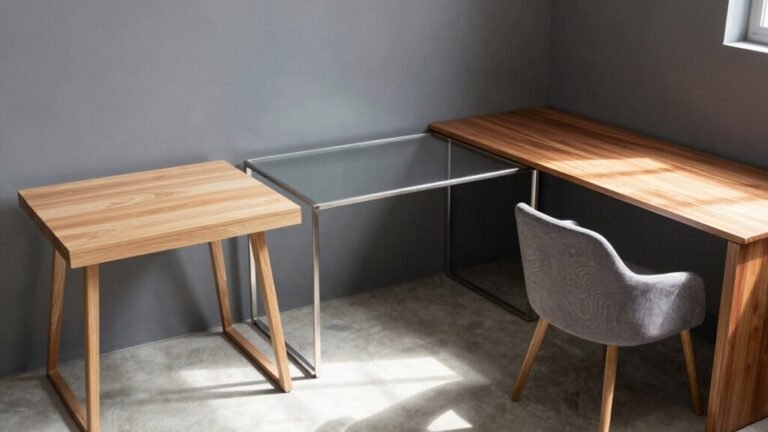
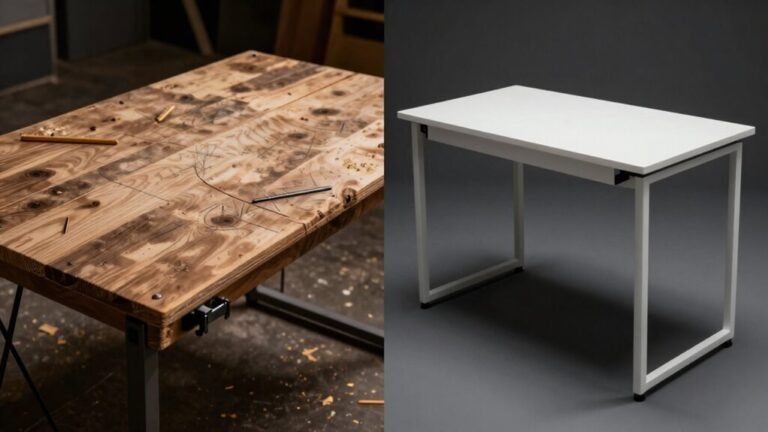
Corner Desk Setup Ideas for Maximum Productivity
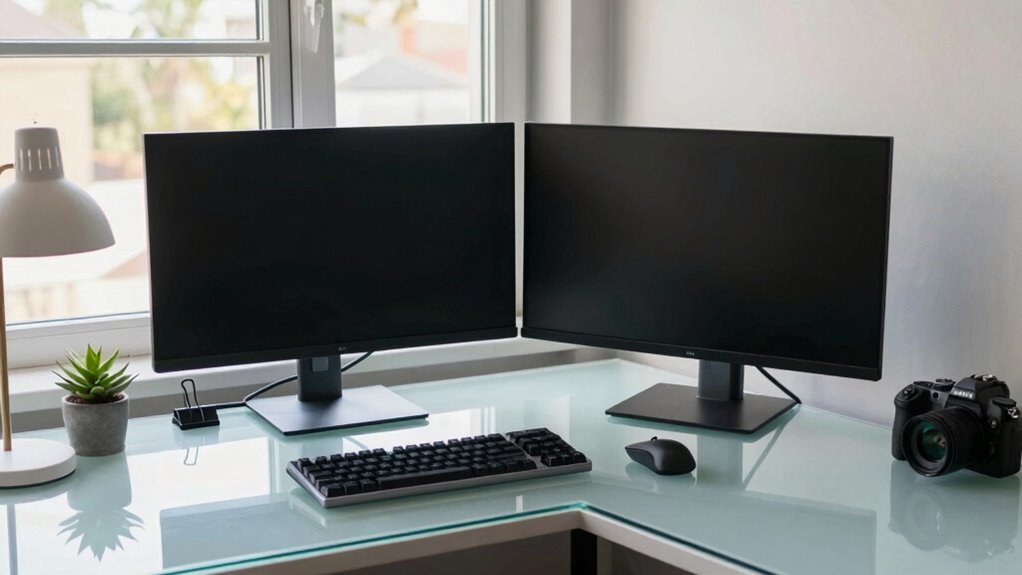
Turn your corner desk into a productivity powerhouse by splitting it into two zones—one for typing marathons, the other for sketching ideas or sipping coffee without spills. Position your monitor at eye level, sit back with feet flat, and keep your wrists happy. Tame cords with trays and clips, toss on a privacy screen to dodge distractions, and upgrade later with smart add-ons that grow with you. You’re not just working smarter—you’re winning the day, one clever tweak at a time. There’s a smarter way to build your zone, and it’s closer than you think.
Optimize Your Layout With Dual-Work Zones
Ever feel like your desk is working against you instead of with you?
Flip the script by splitting your corner desk into dual work zones—you’ve got this!
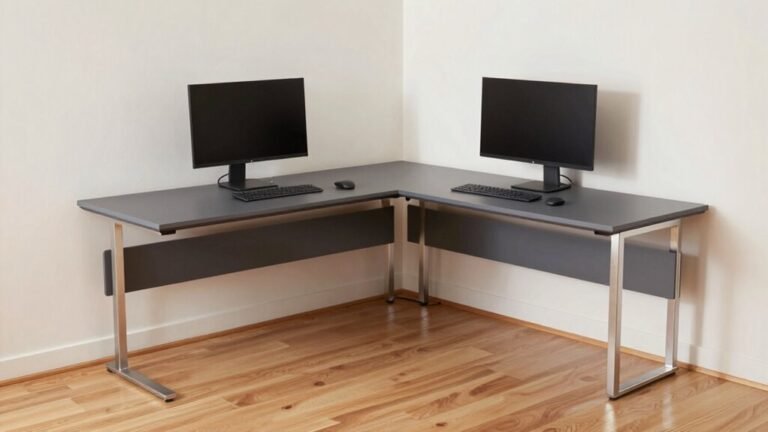
Use the longer wing for your main gig: monitor, keyboard, and mouse sit perfectly in line with your body, so no more hunching or twisting like a pretzel.
Tuck reference books, notebooks, or that doodling pad on the shorter side—out of the way but still handy.
This setup keeps everything within arm’s reach, so you’re not doing the desk yoga every five minutes.
One side tackles digital focus, the other handles writing or meetings, so your brain doesn’t have to multitask chaos.
It’s like giving your workflow a well-deserved upgrade—organized, smooth, and actually kind of fun.
Create zones within the desk to enhance task clarity and efficiency.
Win-win!
Enhance Comfort With Ergonomic Positioning
You’ve nailed the layout with dual work zones giving your tasks the space they deserve—now let’s make sure your body thanks you for it.
Grab a chair with adjustable height, lumbar support, and armrests, then dial it in so your feet are flat and knees bent at 90°—no tiptoes allowed!
Position your monitor just below eye level and about an arm’s length away to avoid neck craning or squinting.
Center it (or your main screen) so you’re not twisting like a confused owl.
Keep your keyboard close and at elbow height, wrists neutral—think flat, not bent.
Use a negative tilt if you can.
Grab a mouse that fits your hand like a handshake, not a wrestling match.
Your future self will high-five you every morning.
The L-shaped design enables seamless separation of work zones while maintaining ergonomic flow across the workspace.
Streamline Cables and Keep Devices Within Reach

Tame the tangle before it turns into a tech monster under your desk.
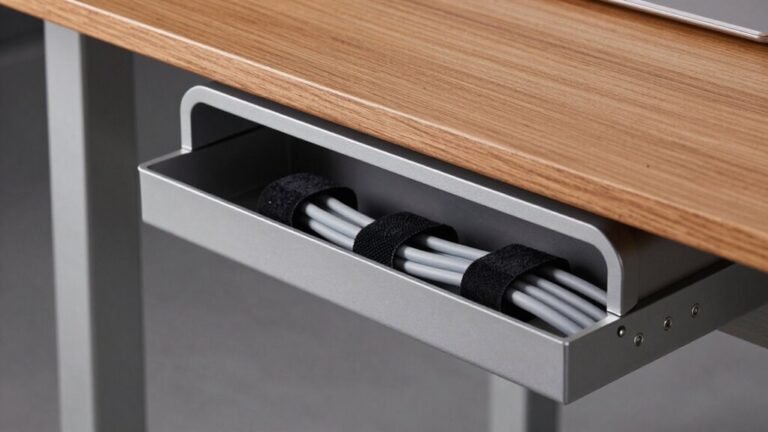
Mount an under-desk cable tray to stash power strips and coils out of sight—just pick one deep enough to handle all your gear without sagging.
Screw it on or use heavy-duty adhesive, no drill needed.
Pop your power strip inside for quick shutdowns and cleaner lines.
Run vertical raceways along the corner leg to hide cables where surfaces meet, using snap-open channels so you can tweak things fast.
Color-match them to disappear into your setup.
Keep daily drivers like your phone dock or charger in the inner corner—close, comfy, and cable-friendly.
Use Velcro ties to bundle cords by function (power, data, etc.), label both ends, and leave a little slack to avoid stress.
It’s like giving your cables a cozy, organized home—and your workspace the clarity it deserves.
This setup also protects electronics from dust and accidental damage.
Create a Focused Environment Using Privacy Screens
When your eyes aren’t darting around catching every little motion in the room, focus doesn’t just happen—it thrives.
Slap on a privacy screen and boom: you’ve built a mini fortress for focus.
These nifty filters block side glances, so coworkers can’t sneak peeks at your spreadsheets—or your lunch-break memes.
They cut glare, reduce eye strain, and keep your screen safe from scratches, which your future self will thank you for.
In shared spaces, they’re like a “do not disturb” sign for your eyes, helping you stay in the zone without constant interruptions.
Plus, they’re a total steal compared to the cost of a data mishap—especially if you’re handling sensitive info.
Pick one with anti-glare or blue-light perks, and your eyes will feel like rock stars after a long gig.
It’s small, simple, and seriously smart.
Who knew privacy could be this productive—and this easy?
Scale Smartly With Modular Add-Ons

How’s this for smart?
You’re not just setting up a desk—you’re building a system that grows with you.
Swap out pieces, add on modules, and adapt your corner setup without trashing the whole thing.
Modular desks cut refit costs by 40%, so your wallet stays happy.
Need solo focus? Toss in a privacy panel.
Team huddle time? Link into an L-shape or bench setup.
With height-adjustable frames, monitor arms, and smart storage, your ergonomics stay on point.
Logitech tech keeps things slick, and sensors even learn your habits—fancy, right?
The global market’s booming to $8.2 billion by 2032, and hey, 32% more productivity isn’t just noise.
You’re future-proofing, one plug-and-play piece at a time.
Frequently Asked Questions
Can Corner Desks Fit in Small Apartments?
Yeah, corner desks totally fit in small apartments!
They’re like space-saving ninjas, tucking neatly into corners so you’ve got room to dance (or at least walk) freely.
Most are compact—around 31.5 inches deep—and some are under 4 feet wide.
They give you a solid workspace without eating up your floor space.
Plus, they’re great for gaming, working, or crafting.
Who knew corners could be this cool?
Are Corner Desks Suitable for Gaming Setups?
Yes, corner desks are great for gaming—unless you’re trying to squeeze one into a closet or host a dance party behind your chair.
You’ll love the spacious L-shape, perfect for three monitors, a headset, snacks, and still room for victory dances.
They keep your gear tidy and in place, plus, let’s be real, you’ll feel like a command center boss.
Just watch the legroom—don’t squish your knees into the keyboard no matter how intense the boss fight gets.
Do Corner Desks Work With Standing Desk Converters?
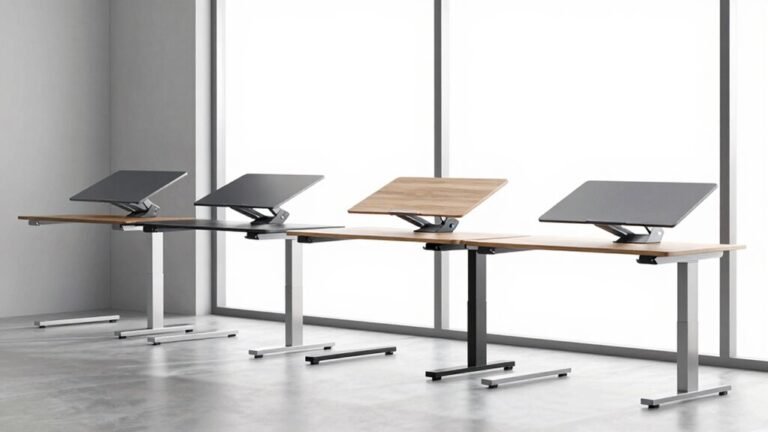
Yes, you can totally use standing desk converters on corner desks—they’re like puzzle pieces that just snap into place.
Just check the converter’s base fits your desk’s nook, especially in that snug 90-degree corner.
Most adjustable units, like gas-spring or electric lift models, work slickly without tipping.
Just make sure your corner desk stays steady when you crank it up—nobody wants their coffee doing a swan dive!
How Do I Choose the Right Corner Desk Size?
You pick the right corner desk size by measuring your space first—tape it out, so you don’t guess.
Match the L-shape to your wall limits, leave room behind the chair, and mind that corner angle.
Go wider if you’ve got monitors galore or big ideas.
Pick depth for comfort, not just looks.
And hey, your legs deserve space too—don’t squish ’em!
Can I Assemble a Corner Desk Without Help?
Yeah, you can totally assemble a corner desk solo—no extra hands needed!
You’ll slot dowels, tighten cams, align bars, and screw corners just like the IkeaMicke, Ulikit, or Vasagle pros.
Flip pieces, use included tools, follow video guides, and bam—you’re building like a DIY boss.
It’s like furniture Tetris, but way more rewarding.
Pop in some tunes, grab a snack, and knock it out.
You’ve got this!
Conclusion
You’ve got this! A smart corner desk setup turns tiny spaces into productivity powerhouses—like a superhero’s hideout, but with better Wi-Fi. Dual zones keep work and fun separate, ergonomic comfort saves your back, and tidy cables mean no more tangled chaos. Add privacy and modular perks? Boom! You’re not just working smarter, you’re thriving. Now go conquer your to-do list like the desk boss you are.