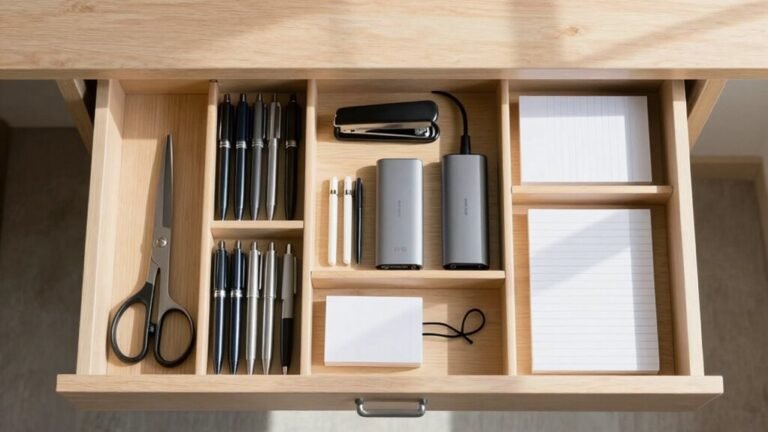
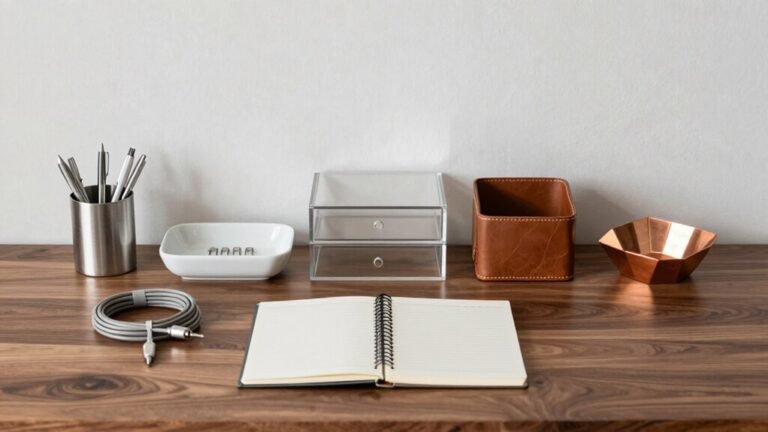
Why Use a Desk Pad? Benefits for Style and Protection
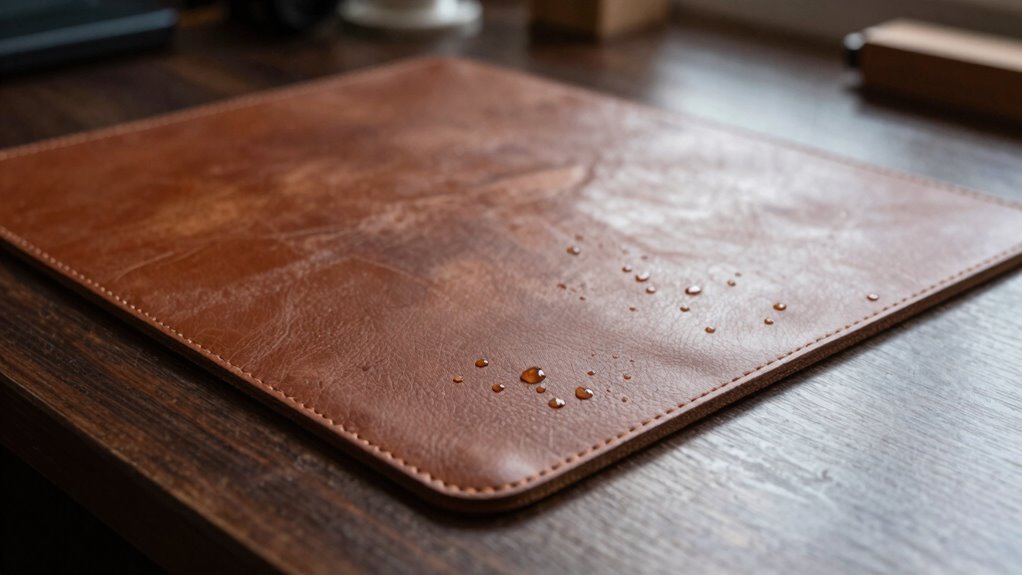
You’re not just guarding your desk—you’re giving it a sleek upgrade with a pad that shrugs off spills, scratches, and coffee ring confessions. It cradles your wrists like a pro, keeps your gear from sliding into the abyss, and hushes noisy typing so you stay in the zone. Pick bold designs or chill vibes, eco-fabrics or built-in charging, because your desk’s finally got personality—and there’s even more cool stuff where that came from.
Shield Your Desk From Daily Wear and Spills
Ever spilled coffee while rushing to start your workday? Don’t panic—your desk pad’s got your back.
With a waterproof coating, it shrugs off spills like a pro, keeping liquids from seeping into wood or sensitive surfaces.
Whether it’s PVC, PU leather, or another durable material, your mat wipes clean in seconds—no stains, no stress.
It’s not just about spills, though.
Every scratch from pens, chargers, or clumsy moments? Blocked.
Materials like tempered glass, cork, or high-density polyethylene stand guard, while anti-fray edges and non-slip backs keep everything stable and protected.
You move, it stays—no sliding on glass or frantic repositioning.
Think of it as a bodyguard for your desk: tough, reliable, and always on duty.
With heat resistance and antimicrobial perks too, your workspace stays sleek, safe, and spill-ready—because let’s face it, accidents happen.
Anti-slip backing ensures your mat stays firmly in place, even during fast-paced tasks.
Lucky for you, protection never looked so good.
Cushion Your Wrists for All-Day Comfort
Slip your hands onto a desk pad that’s more than just a surface saver—it’s your personal comfort coach. You’ll type easier, rest better, and keep your wrists happy all day long.
A good pad supports your palm or hand heel, never the wrist itself, helping you stay in a comfy, neutral position without straining.
Here’s how to get it right:
- Choose a soft, cushioned pad at least 1.5 inches thick to ease pressure on your wrists and forearms.
- Match it to your keyboard’s height and slope so your hands stay flat and natural.
- Use it only for light resting—never lean hard or type directly into it.
Avoid grinding your wrists all day—unless you’re grinding out a masterpiece, not tendons!
A smart setup means less ache, more flow.
Proper ergonomic coordination reduces strain, so ensure your desk pad is part of a wrist rest setup.
Streamline Your Workspace for Maximum Focus

Taming the chaos on your desk isn’t just satisfying—it’s your secret weapon for crushing the day with laser focus.
You’re not just sprucing things up; you’re fighting off distractions like a productivity superhero.
Open-plan offices? Yeah, they’re noisy and stressful—so keep your space tight and tidy.
A clean desk means fewer interruptions and more “flow” moments.
Booking your desk wisely or using smart tech helps you own your time, especially with activity-based setups.
And hey, when you protect focus blocks, you’re basically getting free time—like finding money in old jeans.
Remote workers snag nearly 30 extra minutes of focus daily—why not you?
Nearly 90% of working Americans get distracted at least once daily, but a desk pad can help minimize disruptions by creating a dedicated, organized workspace that supports sustained attention and reduces almost 1 in 4 interrupted more than six times per workday.
A desk pad isn’t just stylish or wrist-friendly; it’s your command center’s anchor.
Less clutter, more clout.
Organize it, own it, crush it.
Simple.
Keep Noise Levels Down During Intense Work
When you’re deep in the zone, the last thing you need is your keyboard sounding like a hailstorm on a tin roof—luckily, your desk pad isn’t just a pretty face. It quietly quiets the clack, cushioning each keystroke and damping vibrations before they echo across your desk.
Whether you’re typing hard or slamming a coffee mug down, your pad softens the chaos without you lifting a finger.
Here’s how it transforms noise into zen:
- Absorbs impact – Soft materials eat up the sharp “click” of keys and taps.
- Blocks vibration transfer – Keeps device hum from turning your desk into a speaker.
- Stops resonance – Covers large areas to prevent that annoying tabletop rattle.
Say goodbye to noise pollution and hello to peaceful productivity—your focus (and your roommate) will thank you.
Elevate Your Desk With Customizable Designs

You don’t need a full office overhaul to make your workspace feel like *you*—just a custom desk pad that turns your desk into a personal design zone. Pick bold colors, your favorite photo, or even a company logo—your pad, your rules. Whether you’re into sleek leather or vibrant gaming themes, there’s a style that screams *you*. It’s not just cool looks; it ties your whole setup together, boosting mood and productivity with every glance.
| Design Type | Perfect For | Vibe Check |
|---|---|---|
| Personal Photos | Memory lovers | Warm & nostalgic |
| Branded Logos | Entrepreneurs | Sharp & pro |
| Neon Gaming Mats | E-sports fans | Loud & proud |
Custom sizes? Check. Eco-friendly materials? Got ‘em. Your dream desk isn’t a fantasy—it’s a click away.
Prevent Slips and Slides With Secure Surfaces
Steady your setup and say goodbye to the midnight desk dance—no more chasing a sliding mousepad at 2 a.m. A quality desk pad keeps everything locked in place, so you can type, click, and swipe without surprises. Whether you’re gaming, working, or scrolling late into the night, secure surfaces mean fewer distractions and way less frustration. You’ll love how stable your gear feels, even during intense typing marathons or sudden coffee spills.
Here’s what makes your pad stay put:
- Rubberized or micro-suction backing grips tight without leaving gunk.
- Textured tops and weighted layers stop slips before they start.
- Clean, smooth surfaces keep grip strong—dust and oil are the real party crashers.
No more accidental shoves or wobbly wrist landings. Your desk’s got your back—literally!
Enjoy Added Features Like Charging and Storage

Who knew your desk could do more than just hold your coffee mug and laptop?
Now, it can charge your phone, stash your notes, and even keep your earbuds powered—all while looking sharp.
With a desk pad that’s got built-in 15W wireless charging, you’re not fumbling for cords; just plop down your Qi or MagSafe phone and go.
Need to juice up your AirPods? There’s a 5W spot for that.
And thanks to detachable magnetic panels, you can position charging on the left, right, or even use it standalone.
Hidden pockets? Yes!
Slide in sticky notes or documents to banish clutter.
Fold it up, toss it in your bag, and take the power with you.
With grooves for pens and rugged vegan leather that repels spills, this isn’t just a pad—it’s your desk’s new superpower.
Choose Sustainable Materials for Eco-Friendly Workspaces
Here’s how to go green without going overboard:
- Pick bamboo, cork, or hemp—they grow fast and beat plastic in the sustainability race.
- Hunt for certifications like FSC or GRS; they’re your proof the product’s truly eco-safe.
- Opt for biodegradable or recyclable materials so your pad doesn’t haunt landfills longer than your high school memories.
Your desk, your values—match them!
Frequently Asked Questions
Can Desk Pads Be Used on Glass Surfaces Safely?
Yes, you can totally use desk pads on glass surfaces—no worries!
They stay put thanks to slick silicone pads that won’t slide around, even on slick glass.
Your pad won’t scratch or damage the surface, and it flattens perfectly without bubbles or warping.
Plus, it protects against spills, heat, and daily wear while letting your cool desk art shine through.
Smooth, safe, and super practical—you’ve got this!
Do Desk Pads Yellow Over Time With Sunlight Exposure?
Yeah, desk pads can yellow over time if they’re sitting in direct sunlight, especially clear or light-colored ones.
UV rays and heat team up like sneaky little troublemakers, breaking down materials and leaving a yellowish tint.
Think of it like your plastic phone case turning amber after a summer.
But don’t sweat it—grab a UV-resistant pad, keep it shaded, or rotate it now and then, and you’ll keep it looking fresh and crisp for way longer!
Are Desk Pads Compatible With Standing Desk Setups?
Yes, you can totally use desk pads with standing desks—they’re made for it!
They slip right under your Vari or Hexcal desk like they belong there, because they do.
You’ll stay comfy, keep your floor safe, and actually enjoy standing more.
Bonus? They’re tough enough to handle daily chaos but soft enough that your feet won’t stage a rebellion.
Just don’t jump on it in heels—this ain’t a trampoline!
How Do I Remove Air Bubbles When Applying a Desk Pad?
You crush air bubbles by gently smoothing them out with a credit card or squeegee, pushing toward the edge—don’t panic, it’s way easier than popping a pimple!
If one stubborn bubble won’t budge, lift the corner slightly, wipe out any fuzz, then re-lay it.
For tiny holdouts, prick it with a pin and press the air out.
Presto—flawless finish, no drama!
Can I Customize the Size of My Desk Pad?
Yes, you can totally customize your desk pad’s size—over 60% of small-batch makers on Etsy happily craft odd dimensions just for you.
Need a 37-inch wide beast for your gaming setup?
They’ve got you.
Want a perfect fit for that quirky corner desk?
No sweat.
Just measure twice, order once, and skip the awkward overhang.
It’s like a tailored suit, but for your desk—classy, snug, and way less likely to trip you when you walk by.
Conclusion
Your desk pad’s not just a shield, it’s your workspace’s heartbeat—softly cradling wrists, silencing clatters, and cradling your coffee ring souvenirs like battle scars. It’s the stage where focus dances and style winks back at you. With every tap, swipe, and sneaky snack, it’s got your back—like a loyal sidekick in a world of chaos. Go ahead, deck it out, plug in, and make it yours. Work shouldn’t just feel good—it should feel like *you*.