Setting up Smart Lights With Voice Control for Work
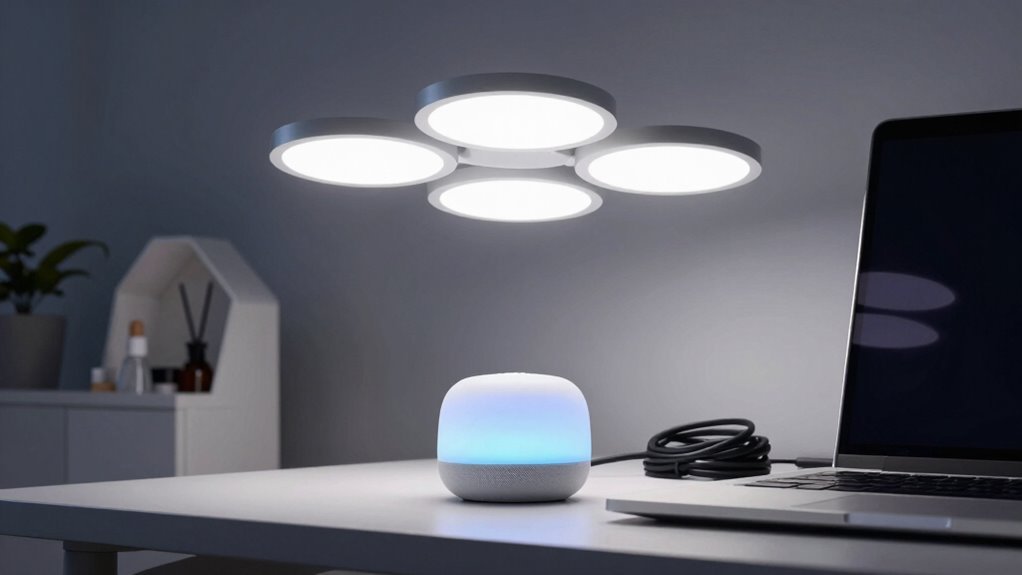
You’ve got work lights that turn on with a word, dim with daylight, and adapt to your moves—no fumbling for switches. Set zones, pick voice-friendly bulbs, and automate with motion and schedules. Say “focus mode” for bright light or “wind down” to relax the glow. It’s smart, it’s slick, and it just got even better. There’s a little trick to make it all run smoother you’ll want to hear.
Planning Your Smart Lighting Zones
Ever wonder how to make your office lighting as smart as your playlist?
Start by mapping your space into functional zones—think workstations, private offices, meeting rooms, and hallways—each with its own lighting personality.
Size them right (under 5,000 ft²) to keep things code-compliant and control-savvy.
Line up lights with desks to dodge glare and shadows—nobody likes a sun-squinting coworker.
Tag daylight zones near windows for automatic dimming; it’s like a fade-out on natural sunlight.
Tuck storage and restrooms into their own little “off” zones—sensors will handle those.
Spot where people linger or dash through, then pick sensors that match their rhythm—no one wants lights snapping off mid-sneeze.
And hey, keep stairwells safely lit; safety first, drama second.
Smart lighting can reduce energy usage by up to 60%, so consider this potential energy savings when designing each zone.
Zone smart, work bright!
Choosing the Right Devices and Control Protocols
How do you turn a ho-hum office into a lighting powerhouse that listens—actually listens—to your every word?
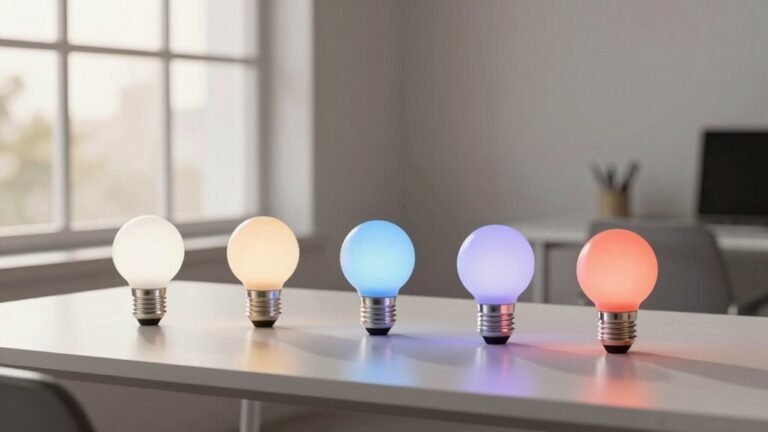
Start by picking smart lights that play nice with your voice assistant—whether Alexa, Google, or Siri—so everything just works.
Go for devices that support multiple platforms or open standards like Matter and Thread; they’ll future-proof your setup and avoid annoying lock-ins.
Check if you need a hub (looking at you, Philips Hue), and make sure the brand updates firmware regularly—nobody wants spooky security gaps.
Wi-Fi bulbs are easy, but Zigbee or Thread mesh networks are more reliable for larger spaces, especially when you daisy-chain powered devices to boost range.
Choose bulbs with high color accuracy and local control, so your lights stay smart even when the internet dips.
And hey, if your lamp could crack a joke, we’d all be impressed—but for now, flawless voice response is the real punchline.
Strong privacy focus can be achieved by selecting systems like Apple’s HomeKit-enabled devices that prioritize on-device processing.
Automating Light Behavior With Sensors and Schedules

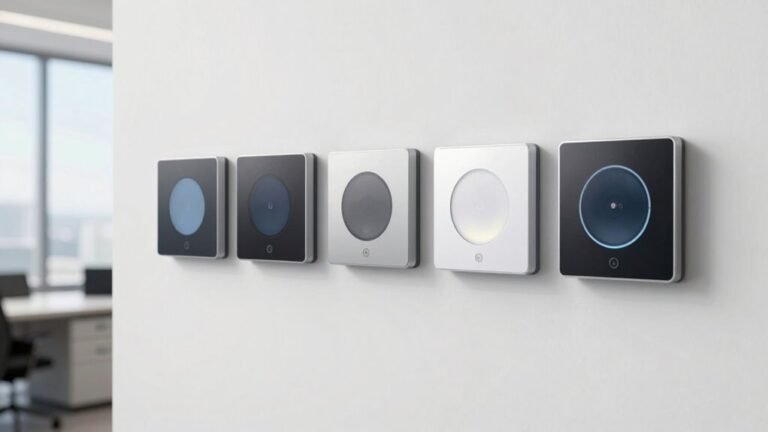
When you’re busy focusing on getting things done, the last thing you want is to fumble for a light switch in the dark—so why not let your lights run themselves? With sensors and schedules, your smart lights turn on when you walk in, dim when the sun’s bright, and shut off when you’re done. Set a schedule to wake up to soft blues or wind down with warm glows—it’s like your lights know your vibe. Smart switches can also be wired to control non-lighting circuits, such as fans, offering broader automation possibilities with fan control.
| Feature | What It Does | Perk |
|---|---|---|
| Motion Sensors | Lights on with movement | No more midnight stumbles |
| Photo Sensors | Adjusts to natural light | Saves energy, cuts bills |
| Timers | Runs lights on a clock | Your lights, your daily rhythm |
You’re not just saving energy—you’re adding ease and a touch of magic to every room.
Integrating Voice Commands for Hands-Free Control
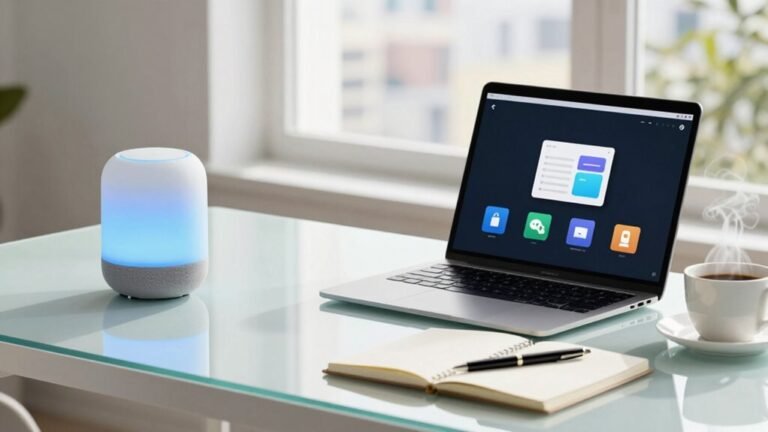
While you’re juggling calls, emails, and back-to-back meetings, your smart lights can quietly take one more thing off your plate—responding to your voice like a helpful coworker who never interrupts.
Just say the word and your office transforms instantly, no fumbling for switches or squinting at apps.
- “Meeting mode on!” and the room dims to a calm, professional glow while your desk lamp stays bright
- “Lights up, I need energy!” and crisp white light floods in like sunshine after a coffee refill
- “Presentation ready” and the ceiling fades to black while accent lights highlight your screen like a spotlight
- “Goodnight” and every bulb powers down, leaving only the hallway nightlight like a lullaby
With Alexa, Google, or Siri, you’re in command—hands-free, hassle-free, and finally ahead of the chaos.
Fine-Tuning and Maintaining System Performance

Now that your lights are dancing to your voice like a well-rehearsed band, it’s time to keep them sounding sharp—because even the best performers need a little tune-up now and then. Stay on top of performance with smart checkups and smooth tweaks. Here’s how to keep your system running like a charm:
| Maintenance Task | Pro Tip |
|---|---|
| Monitor system health | Catch dimming bulbs or dropouts fast—no guessing games! |
| Predict failures | Swap fixtures *before* they quit on you mid-presentation. |
| Save energy | Let daylight and motion do the dimming—your wallet will smile. |
| Update firmware | Fresh software keeps things fast, safe, and glitch-free. |
| Optimize schedules | Group fixes and updates like a pro—less hustle, better results. |
A little care keeps your smart lights bright, efficient, and always ready to respond.
Frequently Asked Questions
Can I Use Smart Lights in Areas With No Wi-Fi?
Yeah, you can totally use smart lights without Wi-Fi!
Just grab Bluetooth, Zigbee, or Z-Wave bulbs—they run on their own networks.
Pair them with a local hub like Home Assistant or Hubitat, and bam, they work offline.
Use voice commands through a local assistant, and you’re golden.
No internet?
No problem.
Your lights stay smart, snappy, and ready to party—even if your router’s taking a nap.
Are There Health Risks From Prolonged Exposure to Tunable White Lighting?
Yeah, there are some health risks if you’re not careful with tunable white lighting.
You’re pumping out blue-heavy light at night, and that messes with your sleep and eye health.
But hey, no need to panic—just dial down the blue tones after sunset.
Use warmer tones in the evening, and your body (and eyeballs) will thank you.
It’s like throwing a cozy blanket over your brain.
Sweet dreams!
How Do I Reset a Smart Light That’s Not Responding to Voice?
Did you know over 60% of smart home glitches are fixed with a simple reset?
If your smart light’s ignoring you, start by turning it off at the switch for 10 seconds, then flip it back on—many bulbs blink or flash to say “I’m back!”
Check your Wi-Fi, restart the app, and give it a cheerful command like, “Hey light, behave!”
It’s like a mini tech time-out—works like magic!
Will Voice Control Work During a Power Outage With Backup Power?
Yes, you’ll keep voice control during a power outage if you’ve got backup power running.
Your smart lights, hub, and router stay powered, so Alexa or Google doesn’t miss a beat.
Just imagine yelling, “Turn on the lights!” while the world’s dark—total superhero vibe.
The backup keeps everything chatting smoothly, so your voice commands work like magic, no blackouts allowed.
Can I Share Voice Control Access With Guests Without Giving Full System Control?
Yes, you can share voice control with guests without giving full access—just set up guest accounts with limited permissions.
Use guest mode in Home Assistant or Apple Home to restrict controls to lights only.
Guests can say, “Hey Siri, turn on the lamp,” but won’t touch locks or cameras.
It’s like giving a friend a key to your patio, not the whole house.
Easy, safe, and kinda fun!
Conclusion
You’ve lit the path to a brighter workspace, one voice command at a time. No more fumbling for switches or playing guesswork with glare. Your lights now dance to your rhythm, waking with you, winding down when you do—effortless, intuitive, almost *thoughtful*. Sure, they don’t fetch coffee (yet), but hey, they do more than glow. You’re not just working smarter, you’re living brighter—with a little magic, a dash of tech, and zero drama.