Preventing Wrist Strain: Mouse Ergonomics Tips
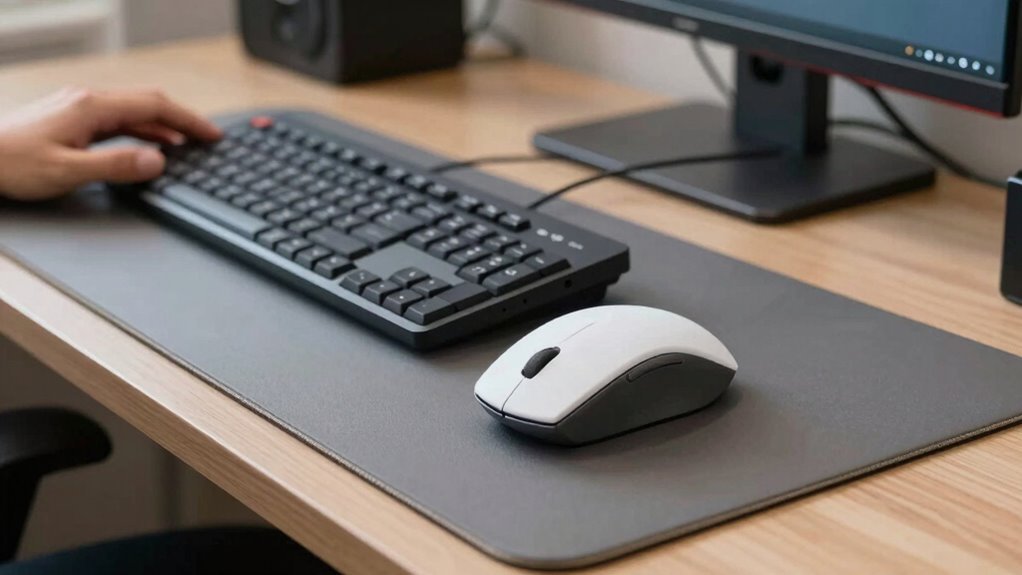
Keep your mouse close and at elbow height, so you’re not reaching or hunching. Use smooth arm moves, not tiny wrist flicks—think big, relaxed motions. Grab a comfy ergonomic mouse that fits your hand like a glove, maybe even go vertical for extra wrist love. Take quick breaks every half hour to shake it out and stretch. Your future self will thank you—especially when you discover the coolest accessories and moves you didn’t know you needed.
Optimize Your Mouse and Workstation Position

You’ll actually feel better—and yes, maybe even a little happier—just by tweaking a few things about how you sit and where you place your gear.
Adjust your chair so your knees bend at 90 degrees and feet stay flat—no tiptoes allowed!
Set your desk just below elbow height so your arms stay relaxed, like you’re casually gesturing during a chat.
Keep your mouse snug beside the keyboard, at the same level, so you’re not stretching like you’re reaching for snacks across the table.
Position it close—immediate reach, please—no marathon arm sprints.
Align everything so wrists stay straight and shoulders stay chill, not hunched like you’re dodging rain.
Use a flat tray, center your gear, and keep elbows cozy at your sides.
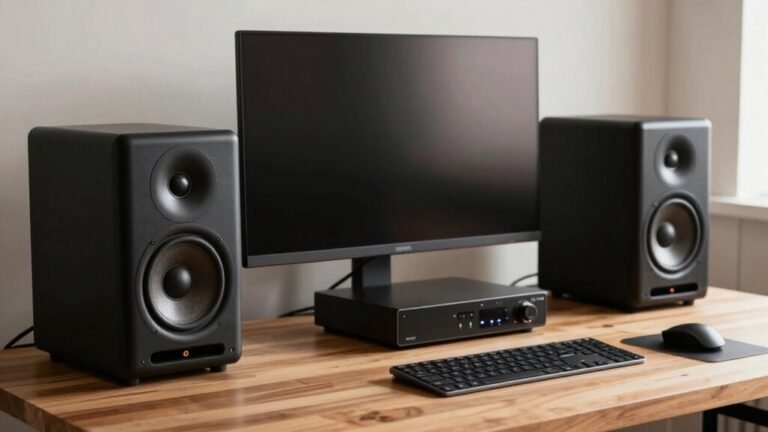
Oh, and your screen? Arm’s length, top at eye level—no neck-crane contests needed.
An ergonomic mouse helps maintain a natural hand position and reduces strain on your wrist.
Adopt Safe Mouse Movement Habits
Now that your chair, desk, and gear are set up just right, it’s time to rethink how you actually use the mouse—because even the best setup can’t save you from “the claw” if you’re flailing around with your wrist like you’re conducting an invisible orchestra.
Instead, drive the mouse with your elbow and shoulder—think big, smooth arm movements—so your wrist stays relaxed and safe.
Keep your hand flat, lift your wrist slightly, and save tiny wrist flicks only for precision moves.
Grip the mouse lightly, like you’re holding a bird: firm enough not to drop it, gentle enough not to squish it.
Click softly, adjust your pointer speed so you’re not swiping across the desk, and take quick hand-off breaks to shake it out.
Use shortcuts to cut down clicks, group mousing tasks, and let your whole body move—not just your poor, overworked wrist.
Your mouse should be positioned at elbow height to support a neutral arm and wrist posture.
Your future self will thank you—no drama, just smooth, strain-free scrolling.
Choose an Ergonomic Mouse and Accessories

A great ergonomic mouse isn’t just a gadget—it’s your hand’s new best friend, especially if you’ve been clinging to a clunky old mouse like it’s a security blanket from 1998.
You’ll boost comfort, slash strain, and maybe even work faster—without flipping your wrist into odd angles.
Research shows that switching to an ergonomic mouse can lead to a 12% productivity increase, making your work sessions not only more comfortable but also more efficient.
- Go vertical: It mimics a handshake, cutting nerve pressure and forearm tension.
- Hug the curve: Contoured shapes support your palm and ease finger fatigue.
- Size it right: Match your hand size for a glove-like fit—no more clawing.
- Go wireless: Ditch the cord clutter with Bluetooth or rechargeable options.
- Customize it: Pick programmable buttons and left-hand models if needed.
You’re not just upgrading your gear—you’re giving your wrists a timeout they’ll love.
Take Strategic Breaks and Perform Targeted Exercises
You’ve picked the perfect ergonomic mouse, one that fits your hand like a high-five from a really thoughtful robot, but don’t stop there—your body’s craving movement, not just tech upgrades. Give it what it wants: quick breaks and fun little stretches. Every 30 minutes, take just 5 seconds to reach your arms overhead like you’re trying to grab a cookie from a high shelf—your spine will say thanks.
Here’s how to mix it up without slowing down:
| Break Action | Quick Move Example |
|---|---|
| Micro-Break | Sway in your seat, twist side to side |
| Prayer Stretch | Press palms together, lower slowly |
| Arm Extension | Pull fingers back, feel forearm stretch |
| Wrist Circles | Rotate wrists in small figure-eights |
Move a little, laugh a little—your wrists will stay happy all day long.
Adjust Furniture and Environment for Support

Finding your sweet spot at the desk isn’t just about comfort—it’s like building a tiny throne for productivity, one that supports every inch of you.
Get this right, and your wrists, back, and mood will thank you later.
You don’t need a fancy office—just smart tweaks:
- Set your chair so feet are flat, knees at 90 degrees, and a couple fingers fit behind your knees.
- Adjust your desk just below elbow height—you shouldn’t hunch or stretch to reach it.
- Position armrests so elbows nuzzle close, shoulders stay relaxed, and arms aren’t floating like a T-rex’s.
- Place your monitor an arm’s length away, top at eye level—no peering down like a grumpy owl.
- Clear space under your desk—let your legs dance (well, wiggle) freely, unblocked by junk.
Boom—your workspace just became your wellness zone.
Frequently Asked Questions
Can Wrist Pain Be Caused by Mouse Sensitivity Settings?
Yeah, your mouse sensitivity can totally cause wrist pain.
Crank it too high, and you’re snapping your wrist like a tiny whip—ouch.
Set it too low, and you’re arm-sailing across the desk, which ain’t great either.
Either way, your muscles and tendons feel the burn.
Find that sweet spot where moves feel smooth, not frantic.
Your wrist will thank you with fewer aches and way more high-fives.
Keep it comfy, keep it fun!
How Often Should I Replace My Ergonomic Mouse?
Think of your mouse like a trusty pair of sneakers—it won’t last forever and wears out faster if you’re clocking serious miles.
You should replace your ergonomic mouse every 2–5 years, or sooner if buttons feel mushy, the cursor jitters like it’s cold, or your hand aches.
Don’t wait for it to give up entirely; swap it before it drags your groove down!
Does Mousing Speed Affect Injury Risk?
Yeah, mousing too fast can mess with your wrists over time.
You’re forcing your wrist to twist and flick more, which strains muscles and tendons.
Fast moves mean more tiny adjustments—like micro-jabs your wrist didn’t sign up for.
Do that all day, and you’re basically giving your tendons a marathon they didn’t train for.
Slow down a sec, let your body catch up, and your wrists’ll thank you—no drama, just smooth sailing.
Can Voice Commands Reduce Mouse-Related Strain?
Yes, you can cut mouse strain with voice commands—swap clicks for speak-ups, trade repetitive motions for vocal shortcuts, and turn tedious tasks into talk.
You’ll give your wrist a break while speeding up common actions like copying, pasting, or opening apps.
Just mind the occasional “whoops, not that window!” moment.
With a little practice, you’ll command your computer like a pro, no mouse marathons needed.
Talk, don’t type—your wrists will thank you!
Is a Trackball Better Than a Traditional Mouse?
Yeah, a trackball’s often better than a traditional mouse—you skip the constant arm sliding and keep your wrist happy.
You’ll tap into precision with just your thumb or fingers, which rocks for editing or design.
Sure, it’s a tiny bit weird at first—like learning to hula hoop with your hand—but stick with it.
Less desk clutter, less fatigue, and way more control once you’re rolling (literally).
Conclusion
You’ve got this! Picture your wrists gliding like a dancer, light and free, not stuck in a tug-of-war with your mouse. Swap that old rollerball for a comfy ergonomic one, tweak your chair, stretch quick like you’re sneaking in a dance break, and move with care. Your future self high-fives you every time you click without a twinge. Keep it smooth, stay light, and let your hands work happy.