How to Deal With Screen Glare in a Sunny Office
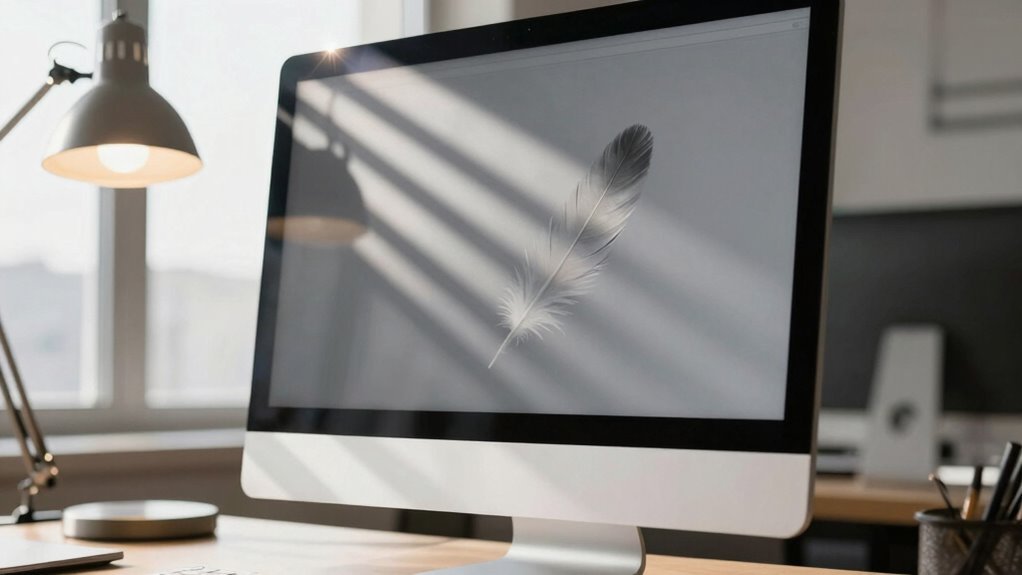
You’ve got sunlight streaming in, and your screen’s playing hide-and-seek—annoying, right? First, shift your desk to a 90-degree angle from windows to dodge direct sun. Try matte screen protectors—they fight glare like tiny shields. Toss up some roller shades or tinted window film to tone down the beam. Angle your monitor slightly back and keep it an arm’s length away. Your eyes will thank you, and hey, there’s even more sunshine-smart tricks where that came from.
Assess Sunlight Patterns in Your Office Space
Ever wonder why your screen turns into a glaring mess at certain times of day?
That’s your office’s sunlight patterns catching up with you.
You can actually map when and where direct sun spills in—especially between11:30 a.m. and4 p.m., like in that Boise office study.
East and west windows? Tricky—they get low-angle sun that zips right across your desk.
South-facing spots are easier to manage with simple overhangs.
You don’t need a weather station to figure this out; just note when light floods in during work hours.
Use free tools or even a phone app to track sun paths based on your latitude.
Spot the hot zones, then shift desks or plan buffers like private offices or partitions.
And hey, if your break room’s getting roasted in the afternoon, maybe that’s why no one’s ever in there.
Smart planning now saves squinting later.
This pattern of direct sunlight exposure can be quantified using Direct Sun metrics to predict glare risk.
Use Anti-Glare Screen Technology
Taming screen glare starts with upgrading your display’s defense—anti-glare technology isn’t just fancy jargon, it’s your screen’s superhero cape against harsh office sunlight.
You’ve got options: matte finishes scatter light like a disco ball deflecting spotlights, anti-reflective coatings cancel glare like noise-canceling headphones for your eyes, and removable films let you upgrade without tossing your monitor.
They cut eye strain, keep colors clear, and help you stay focused without squinting or constantly repositioning.
- Imagine working without wincing at your glowing screen—peaceful, right?
- Picture fewer headaches and less fatigue, even on sun-drenched afternoons.
- Envision smoother workflow, uninterrupted by glare-induced breaks.
With anti-glare tech, you’re not just reducing reflections—you’re reclaiming comfort, clarity, and control. It’s a small change that makes your sunny office feel like a cockpit, not a showdown.
Improved visual clarity through glare reduction enhances focus and productivity across environments.
Install Effective Window Coverings

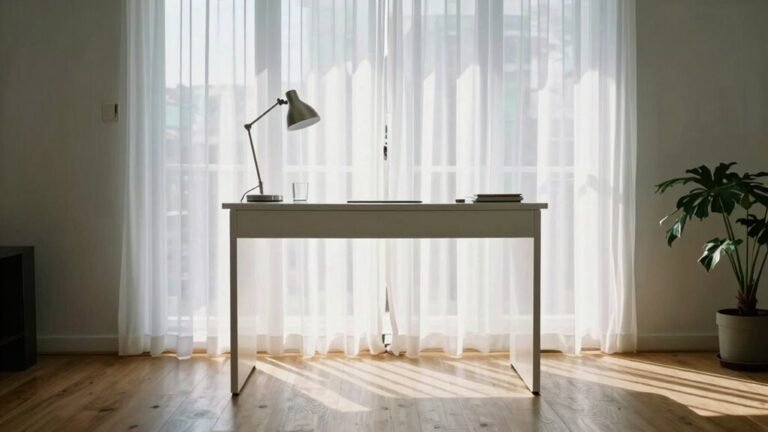
Sunlight streaming through your office windows might feel cheerful, but when it turns your screen into a mirror, it’s less “golden hour” and more “glare nightmare.” You don’t need to crank up the AC or vanish behind blackout curtains to fight it—smart window coverings have your back. Reflected glare can significantly contribute to eye strain and discomfort, especially when sunlight bounces off screens or glossy surfaces.| Type | Best For | Pro Tip |
| —— | ——– | ——– |
|---|---|---|
| Window Films | Glare + heat control | Pick high VLT for light without the burn |
| Exterior Shades | Blocking sun early | Great for south/west windows |
| Interior Blinds | Custom daily control | Go motorized for ease and style |
| Automated Systems | Set-it-forget-it comfort | Sync with lights for max efficiency |
Roller shades glide like a boss, films work invisibly, and awnings play defense like goalies. You’ve got options—no more squinting, just smart, sunny sense.
Optimize Screen Positioning for Glare Reduction
If you’ve ever battled a sunlit screen that turns your workday into a game of squint-and-guess, you’ll love this simple fix—just tweak how your monitor sits in relation to the light.
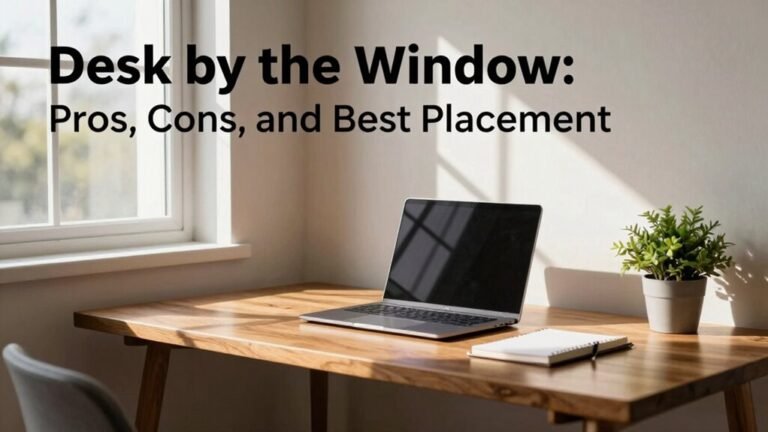
Position your desk at a 90-degree angle to windows, so sunlight doesn’t blast your screen head-on.
Keep your monitor an arm’s length away (about 20–28 inches), and tilt it slightly back to deflect overhead glare.
Place it so the top is at eye level, reducing neck strain and bright reflections.
You’ll instantly feel:
- Relief—no more squinting like you’re spotting UFOs in broad daylight.
- Pride—your workspace finally looks like those sleek office photos.
- Joy—you can actually *see* your screen, no more wild guessing at pixels!
Simple changes, big wins.
Improve Health and Productivity With Glare Control

Ever wonder why your eyes feel like they’re working overtime by noon?
You’re not alone—up to 94% of heavy screen users report pain, dryness, or headaches, and glare’s likely to blame.
Staring at a shiny screen isn’t just annoying; it strains your eyes, zaps focus, and can even trigger migraines.
But here’s the good news: controlling glare helps *you* feel better and work smarter.
Simple fixes cut dry eyes, headaches, and fatigue—boosting comfort and concentration.
In fact, smart glare control could save billions in lost productivity.
Think of your eyes like batteries: reduce the strain, and you stay charged longer.
With less squinting and more seeing, you’ll breeze through tasks, stay in a better mood, and maybe even dodge those 3 p.m. meltdowns.
Protect your vision, protect your groove.
After all, nobody wins when your screen fights the sun for attention.
Frequently Asked Questions
Can Anti-Glare Films Be Removed Without Damaging Screens?
Yeah, you can totally remove anti-glare films without wrecking your screen!
Just soak it with wet paper towels for a few hours, then gently peel from the corner.
Use a fresh razorblade and take your time—it’s like opening a sticky snack bag without spilling crumbs.
Wipe residue with soapy water and a microfiber cloth, and boom: crisp, clear screen magic!
Do Solar Shades Block Visibility to the Outdoors?
No, solar shades don’t completely block visibility outside—they let you peek out while cutting glare.
The openness level decides how clear the view is: lower percentages (like 1%–3%) give a misty look but great glare control.
Higher ones (5%–10%) keep your view sharp.
Dark fabrics boost contrast, making outside look crisper, like upgrading your own living picture window—with style and shade!
How Often Should Anti-Glare Coatings Be Replaced?
You should replace anti-glare coatings every 3 to 5 years, give or take—think of them like sneakers for your screens and glasses, wearing out with every step you take.
Spot hazy spots, glare gremlins, or smudges that won’t budge? That’s your cue.
High-quality layers last longer, but grease, grit, and grimy cleaners speed up the fade.
Treat ‘em kindly, and they’ll keep your view crisp, clear, and sun-ready!
Are There Glare Solutions for Irregularly Shaped Screens?
Yeah, you’ve got options even if your screen’s got curves or odd edges!
Use a curved monitor light bar like the BenQ Halo—it hugs your screen and spills light just where you need it.
Toss on an anti-glare film like g.moth™ for crystal-clear views, or grab custom-cut tempered glass.
Pair it with smart window shades, and boom—glare doesn’t stand a chance!
Can Window Tints Affect Indoor Plant Growth?
Can your plants still party under tinted windows?
Yes, they can!
You’re not killing your green buddies—most window tints let in the good stuff: blue and red light for photosynthesis.
You’re blocking UV rays that fry leaves, not fun.
Some tints even mimic greenhouse vibes, keeping plants chill.
Sure, there’s a short adjustment phase, but your shade-lovers will thrive.
Just skip dark tints for sun-craving plants, and everyone stays happy!
Conclusion
You’ve got this! Did you know 68% of office workers report better focus when glare’s gone? That’s right—tackling screen glare isn’t just easy, it’s a game-changer. Swap in anti-glare tech, tweak your screen’s angle, or pull down a shade, and boom: clearer view, happier eyes. Plus, you’ll work faster without squinting like you’re spotting UFOs. Small fixes, big wins. Sun’s out, screens on—glare doesn’t stand a chance!